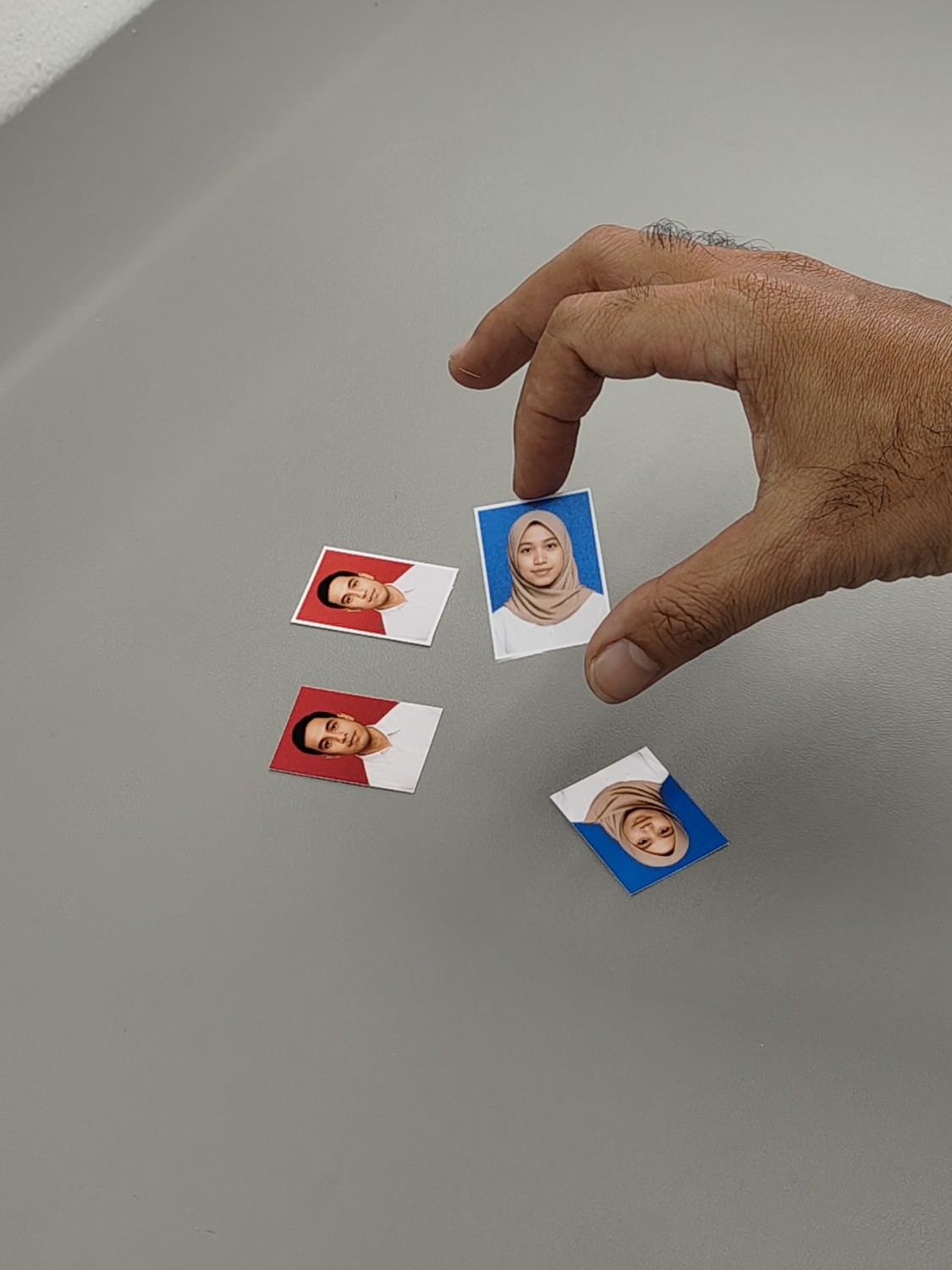
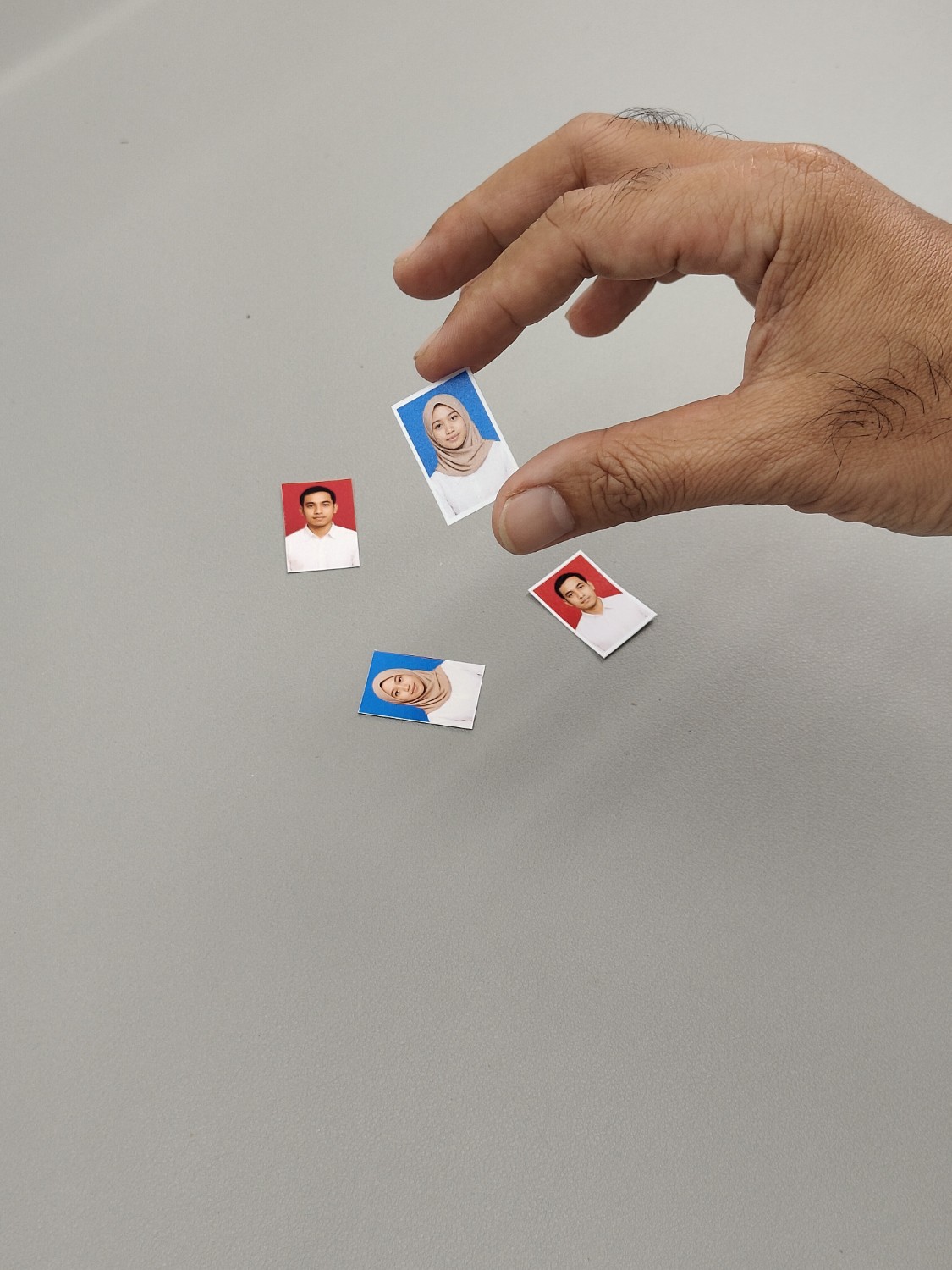
2R photo – 4345
Dimension :89 x 64mm or 3.5 x 2.52inPrintable layout for printing 2R size photos. You just open the editor, select the photo, then print it directly. Once printed, just cut it using a cutter following the cutting line.
Easily create perfectly sized photo cards at home using a standard printer, cutter, and ruler. With a wide range of layout dimensions available, you can choose the one that best suits your needs. Simply select the desired dimensions, pick your paper size, and enter the number of photos you want to print. Our system will automatically adjust the layout for maximum efficiency and minimal waste.
Printable layout for printing 2R size photos. You just open the editor, select the photo, then print it directly. Once printed, just cut it using a cutter following the cutting line.
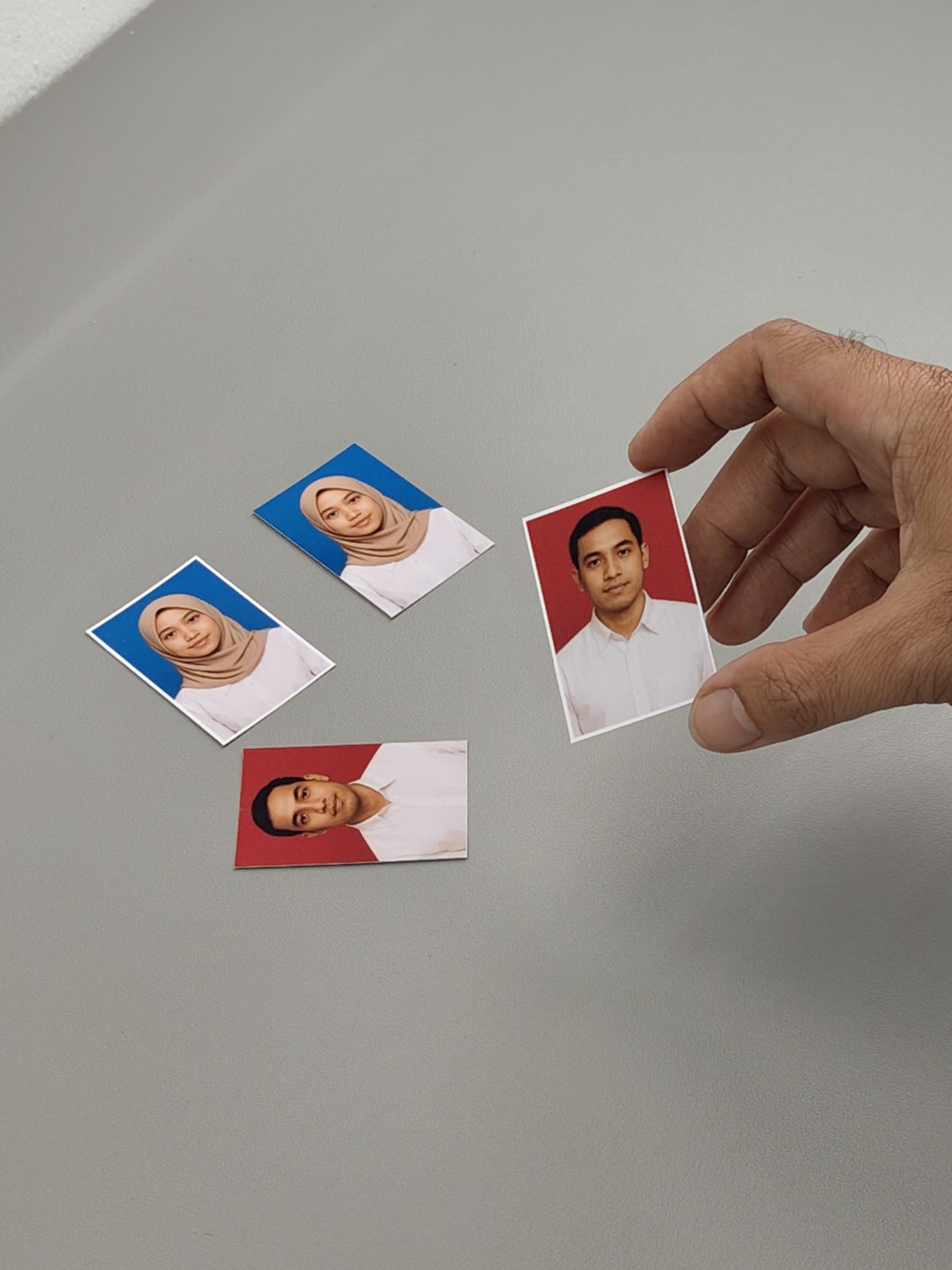
You can use this layout to print 1R size photos regardless of the paper size. Our layout automatically adjusts the 1R photo size to fit the paper and the number of photos you specify. Once the layout is displayed, simply insert your photos and click print to start printing. After that, you can cut them using a cutter.
With this layout, you can easily print multiple 4×6 cm ID photos using any paper size you choose. Just select your paper size and the number of 4×6 cm photos you want to print. The system will automatically generate an optimized layout based on your selection, complete with cutting guides. Then, simply add your photo to each frame or fill all frames at once with a single click. Finally, click the print button and cut along the provided lines.
You can easily print ID photos using this layout for 3×4 cm photo prints. First, select your paper size and enter how many photos you want to print. The system will then automatically generate an optimized, paper-efficient layout based on your selections. You can either insert photos into each frame manually or update all frames at once with a single click. Finally, just click the print button and cut along the provided cutting lines.
This layout is useful for printing 2×3 cm ID photos. Simply choose your desired paper size and the number of photos you want to print. After you click โGenerate Layout,โ the system will automatically create a print-ready layout where each photo is exactly 2×3 cm in size.
With this layout, you can print photos in the size of a playing card. Simply choose the paper and specify the number of cards you want. The system will automatically generate a print-ready layout optimized to save paper. After uploading your image, just click print, and once printed, cut along the trim lines.
With this layout, you can print mini Polaroid-sized photos at home using any paper size. Simply choose the paper size and the number of mini Polaroid photos you want, and the system will generate an optimal layout for printing with a regular printer. Once the layout is created, you can either add photos individually to each designated area or upload them all at once with a single click. After that, just print and cut them using a cutter.
This layout allows you to print Polaroid photos using your home printer. You can use any paper size. The system will automatically generate an optimal layout based on the number of photos and the chosen paper size. You can then add your photos, click print to start printing, and finally cut them using a cutter. Regardless of the paper size you choose, the Polaroid photo dimensions will remain accurate.
Landscape Desk calendar layout with bold month number