
You can print a wide range of standard photo sizes such as 1R, 2R, 3R, 4R, 6R, 8R, 10R, and more using the layouts below. This allows you to print accurately sized photos even when using common paper types like A4, Letter, and others. The process is simple — just select a layout, enter your paper size, and specify how many photos you want to print. The system will automatically generate an optimized layout for you to print and cut. Adding photos to the layout is also easy: simply click on the photo area, and your image will instantly appear, ready to print.

With this smart layout, you can print 10R-sized photos using any paper size available at home. Simply select the paper, choose the number of photos you want, and click “Generate Layout.” The system will automatically create a print-ready layout. Just insert the desired image or photo.

With this layout, you can create accurate 8R-sized photos using the available paper and printer at home.
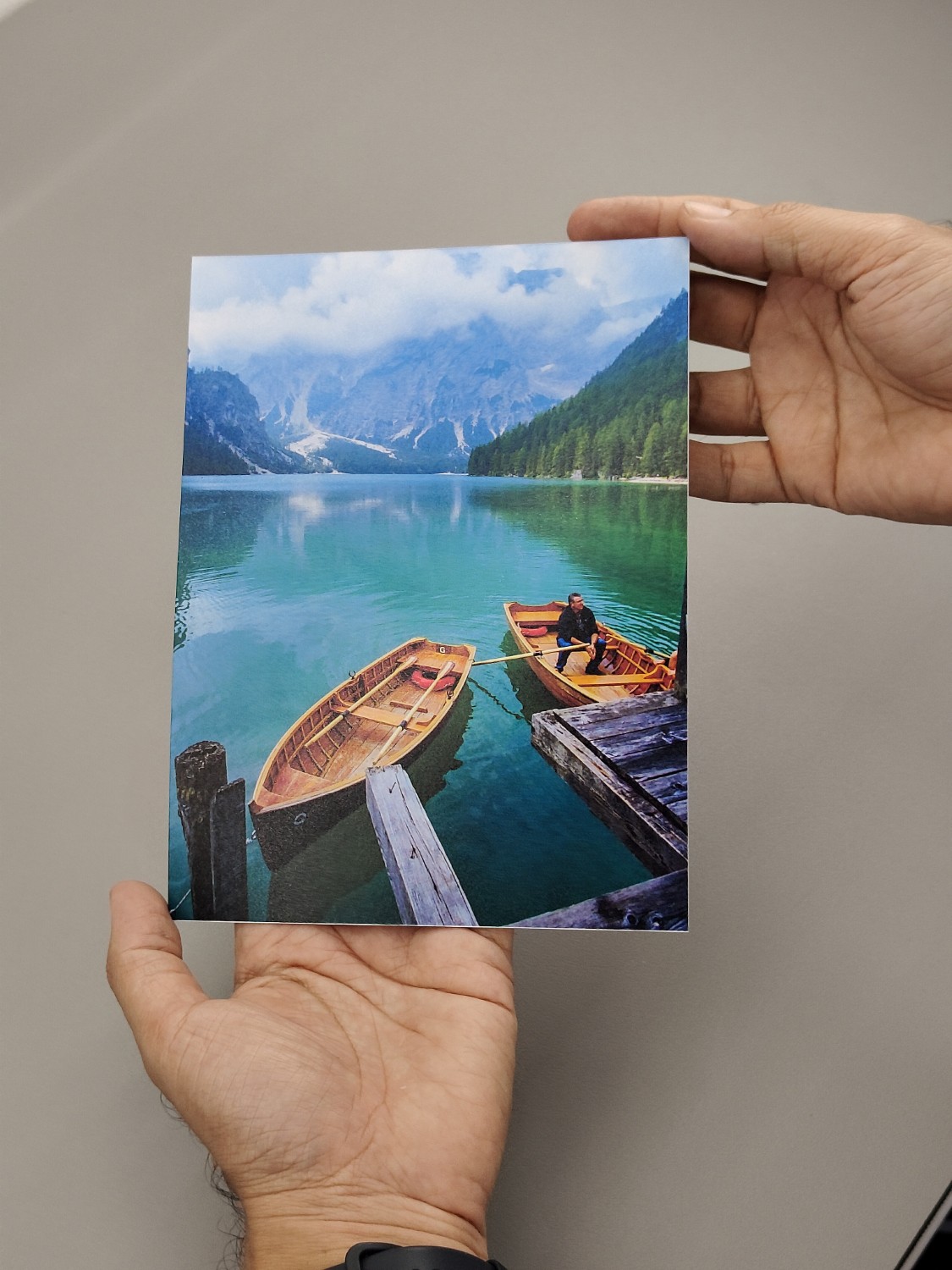
With this layout, you can print 6R photos from home. You just need to choose the paper and then decide how many photos you want to print. After that, our smart layout will automatically create an efficient arrangement based on your paper selection. You simply add the photos, then print them directly from your browser. Afterward, just cut them out.

With this online layout, you can print 5R photos accurately, even using any paper you have. Simply choose the paper size, select the number of photos you want to create, and our system will generate the most optimal layout for printing 5R photos using your chosen paper. After adding your photos, you can simply print them and cut them using a cutter (cutting guidelines are automatically included for reference).

The 4R photo size, or postcard size, is one of the most commonly needed formats. With this smart layout, you can print in this size without hassle. Simply select the paper, specify the number of photos you want to print, and our system will automatically generate an optimal layout for you to print at home. In this layout, you can easily add photos. After printing, you can cut them using a cutter. The cutting guide lines are automatically printed as well.
4o
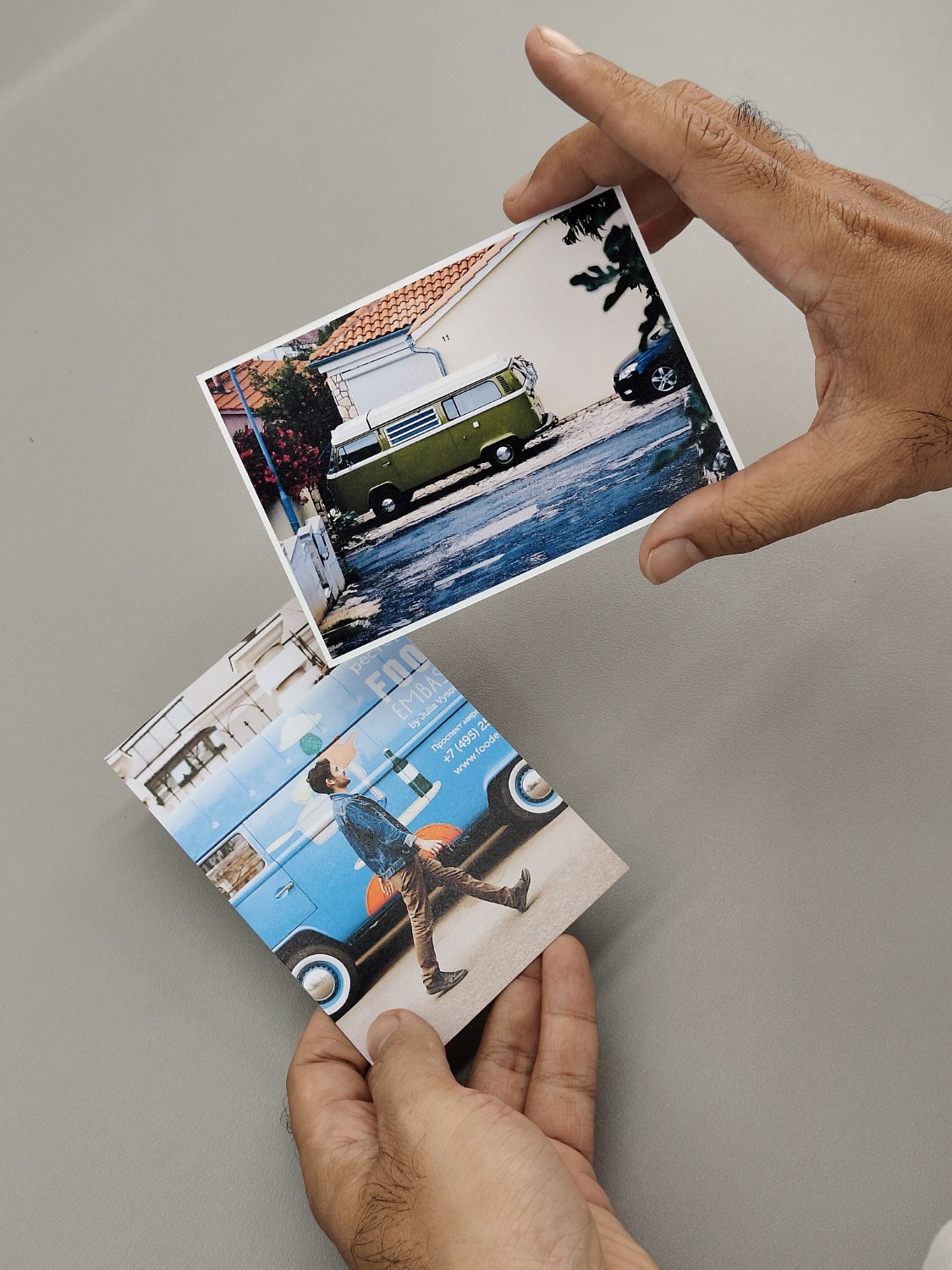
With this layout, you can accurately print 2R-sized photos even when using different paper sizes. Simply select the paper size, specify the number of photos you want, and our system will automatically generate an optimal print-ready layout. Just add your photos and click print.

Printable layout for printing 2R size photos. You just open the editor, select the photo, then print it directly. Once printed, just cut it using a cutter following the cutting line.

You can use this layout to print 1R size photos regardless of the paper size. Our layout automatically adjusts the 1R photo size to fit the paper and the number of photos you specify. Once the layout is displayed, simply insert your photos and click print to start printing. After that, you can cut them using a cutter.