
Easily create perfectly sized photo cards at home using a standard printer, cutter, and ruler. With a wide range of layout dimensions available, you can choose the one that best suits your needs. Simply select the desired dimensions, pick your paper size, and enter the number of photos you want to print. Our system will automatically adjust the layout for maximum efficiency and minimal waste.
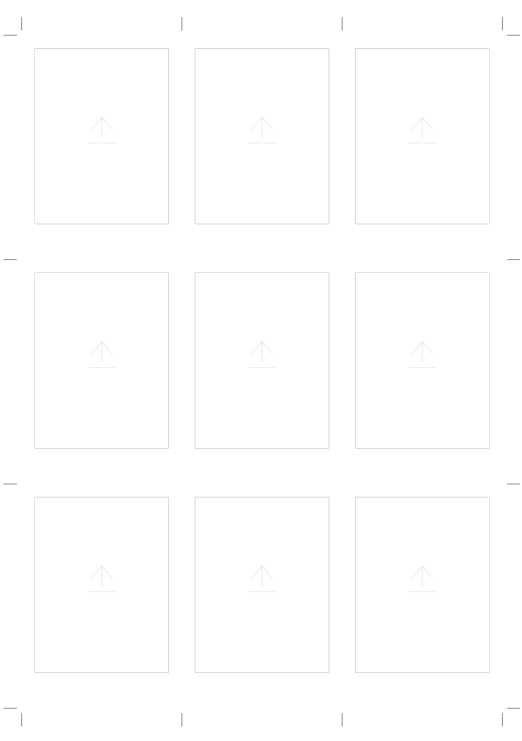
With this template, you can easily create or print 2R-sized photos in a classic Polaroid style, featuring the signature border with a thicker margin at the bottom. To add your images, simply drag and drop them into the desired frames or double-click on the designated area to select a file from your device.

A photo grid layout in 5R size with additional text at the bottom. Perfect for use as a photobooth layout, greeting card, or invitation.

With this layout, you can print Instax Wide-sized photos using commonly available photo paper (usually A4). Not only that, but you also have many paper options to choose from. To create an Instax Wide photo, simply select the paper, decide how many Instax Wide photos you want, add your photos, then print and cut them using a cutter.
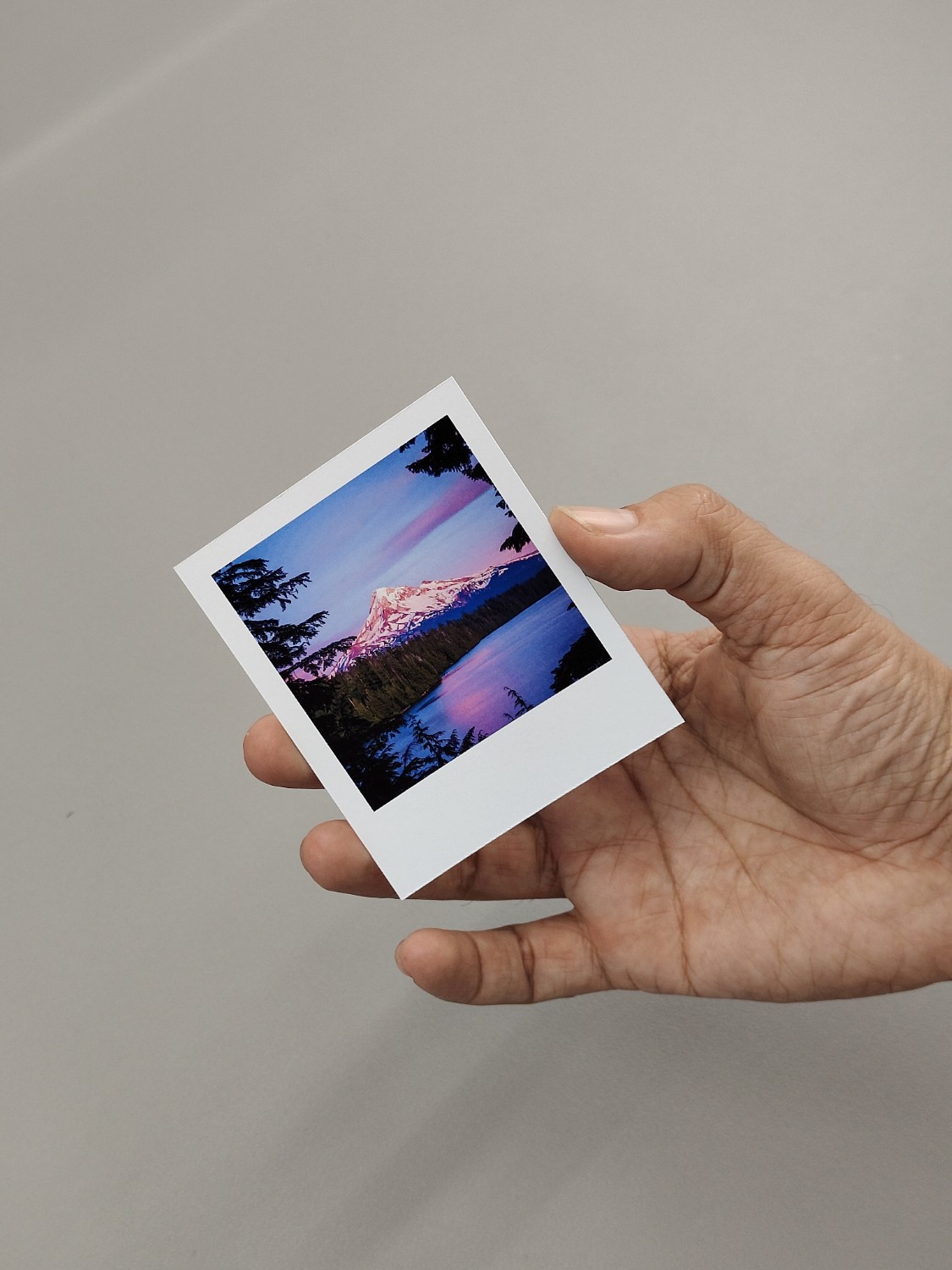
The following layout can be used to create photo prints that are exactly the same size as the Fuji Instax Square.
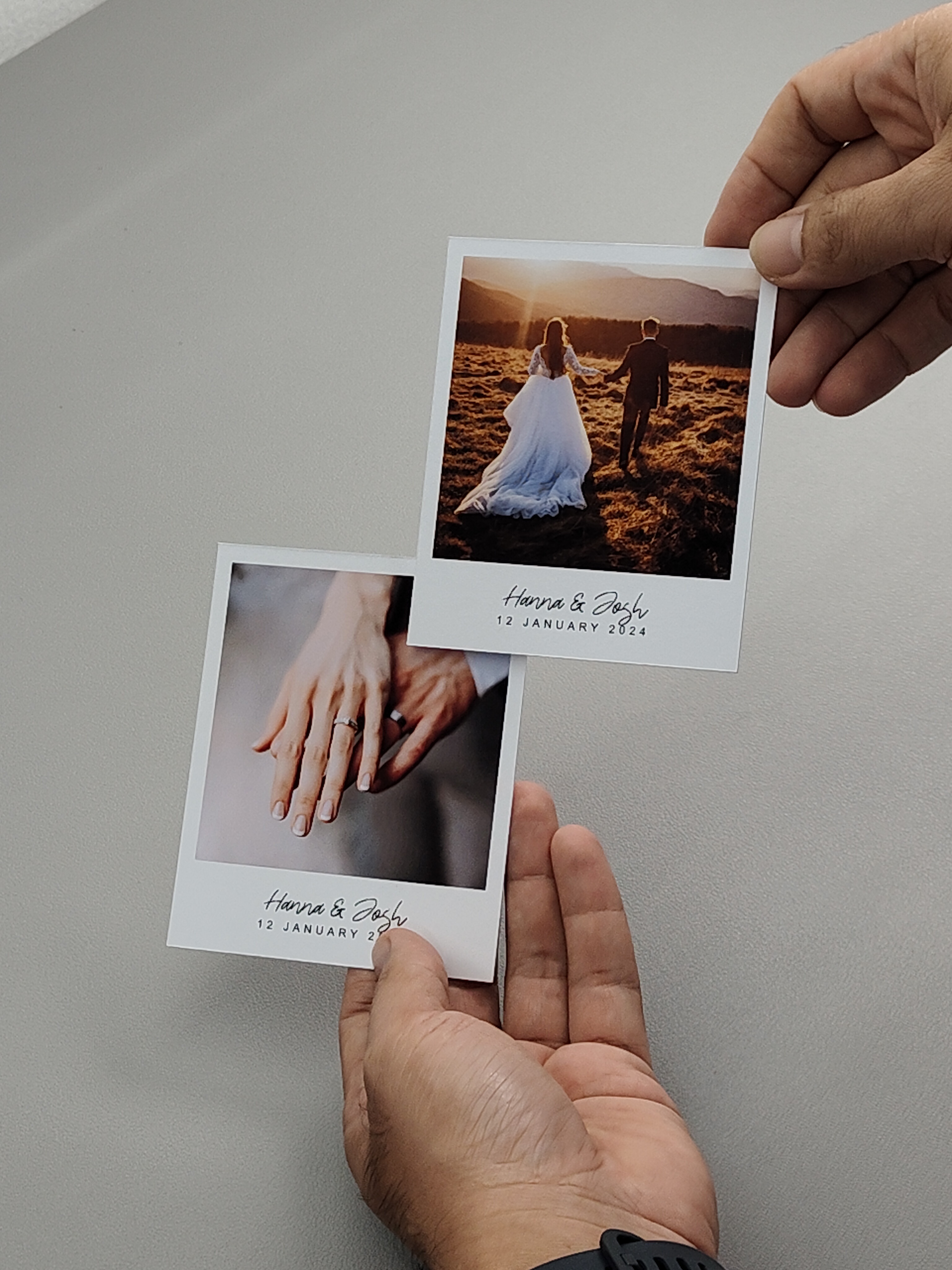
This layout allows you to print Polaroid photos using your home printer. The layout has text on the bottom so you can add your name or something there. You can use any paper size. The system will automatically generate an optimal layout based on the number of photos and the chosen paper size. You can then add your photos, click print to start printing, and finally cut them using a cutter. Regardless of the paper size you choose, the Polaroid photo dimensions will remain accurate.
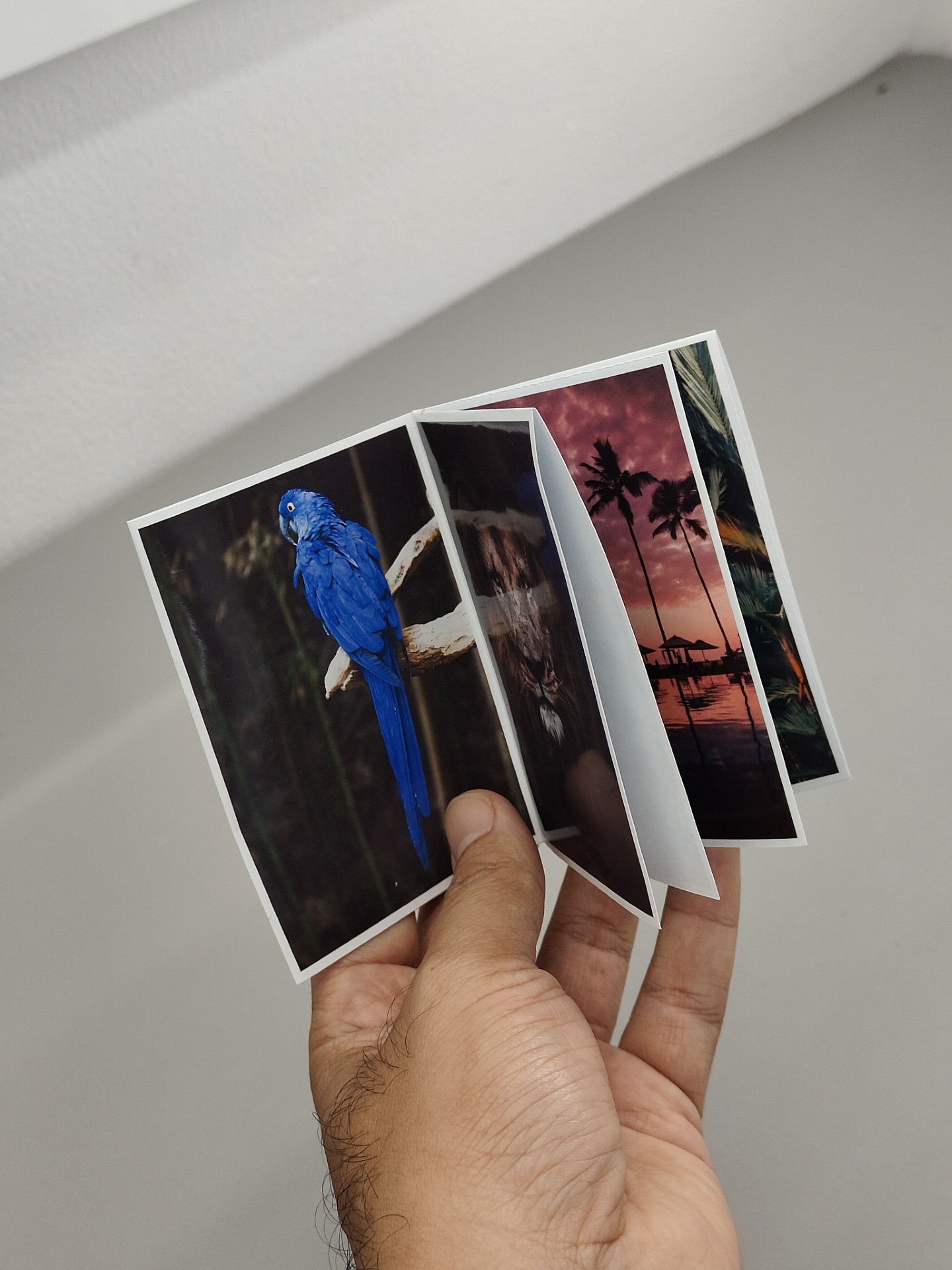
With this layout, you can create an 8-page photozine using just a single sheet of A4 paper. What is a zine? A zine is a small, unbound booklet made by folding a single sheet of paper. In this layout, the top part of the photos is intentionally upside down, so when the paper is folded and cut in a specific way, it transforms into a double-sided mini booklet.
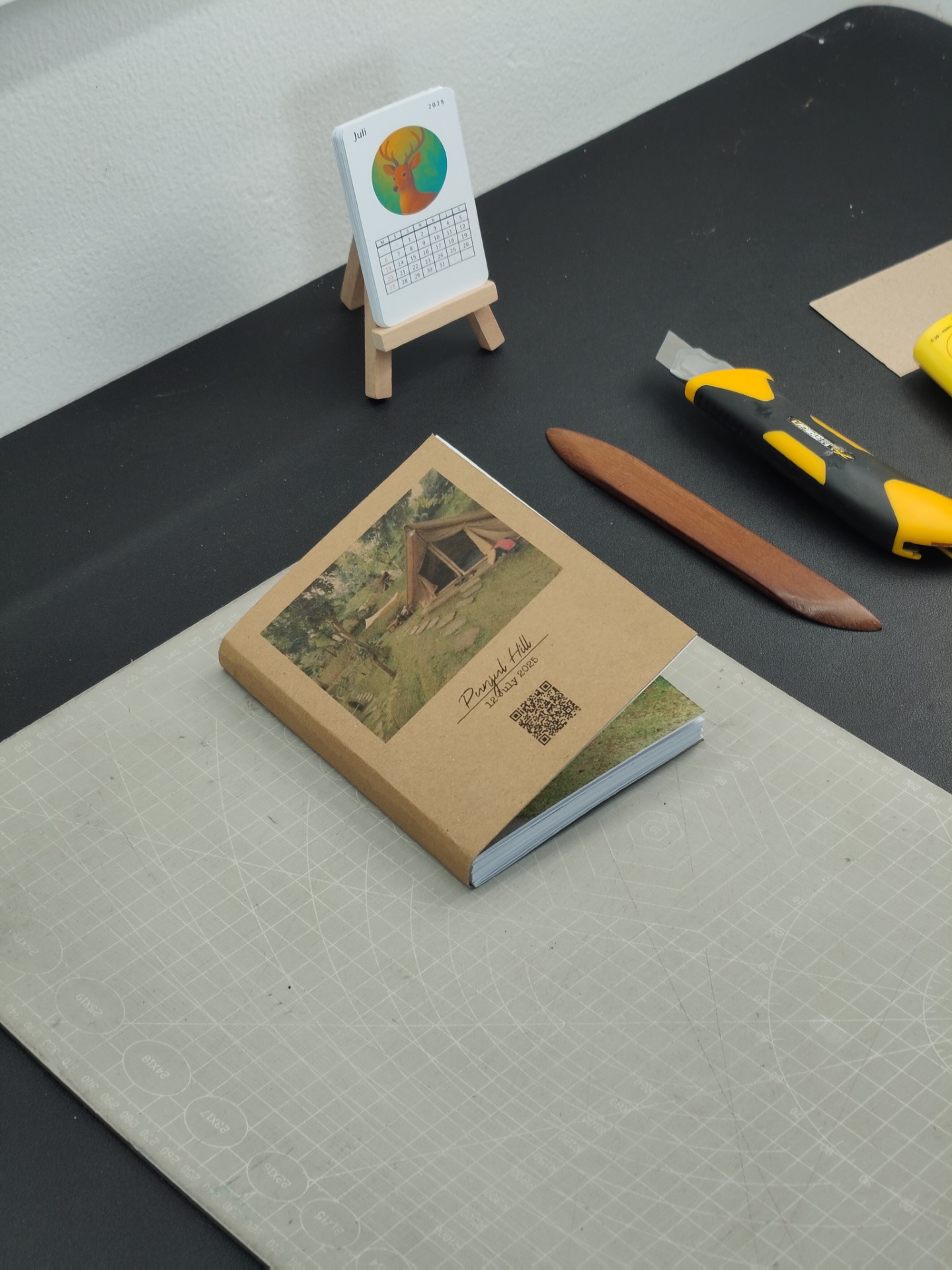
With this layout, you can create a photo album for photos sized 9 cm x 12 cm with a 1 cm border. When printed, the cutting size will be 22 cm x 14 cm, which—once bound into an album—will result in a final size of 11 x 14 cm. You can see how to bind the photo album on our YouTube channel.

With this layout, you can create a photo album for photos sized 9 cm x 12 cm with a 1 cm border. When printed, the cutting size will be 22 cm x 14 cm, which—once bound into an album—will result in a final size of 11 x 14 cm. You can see how to bind the photo album on our YouTube channel.
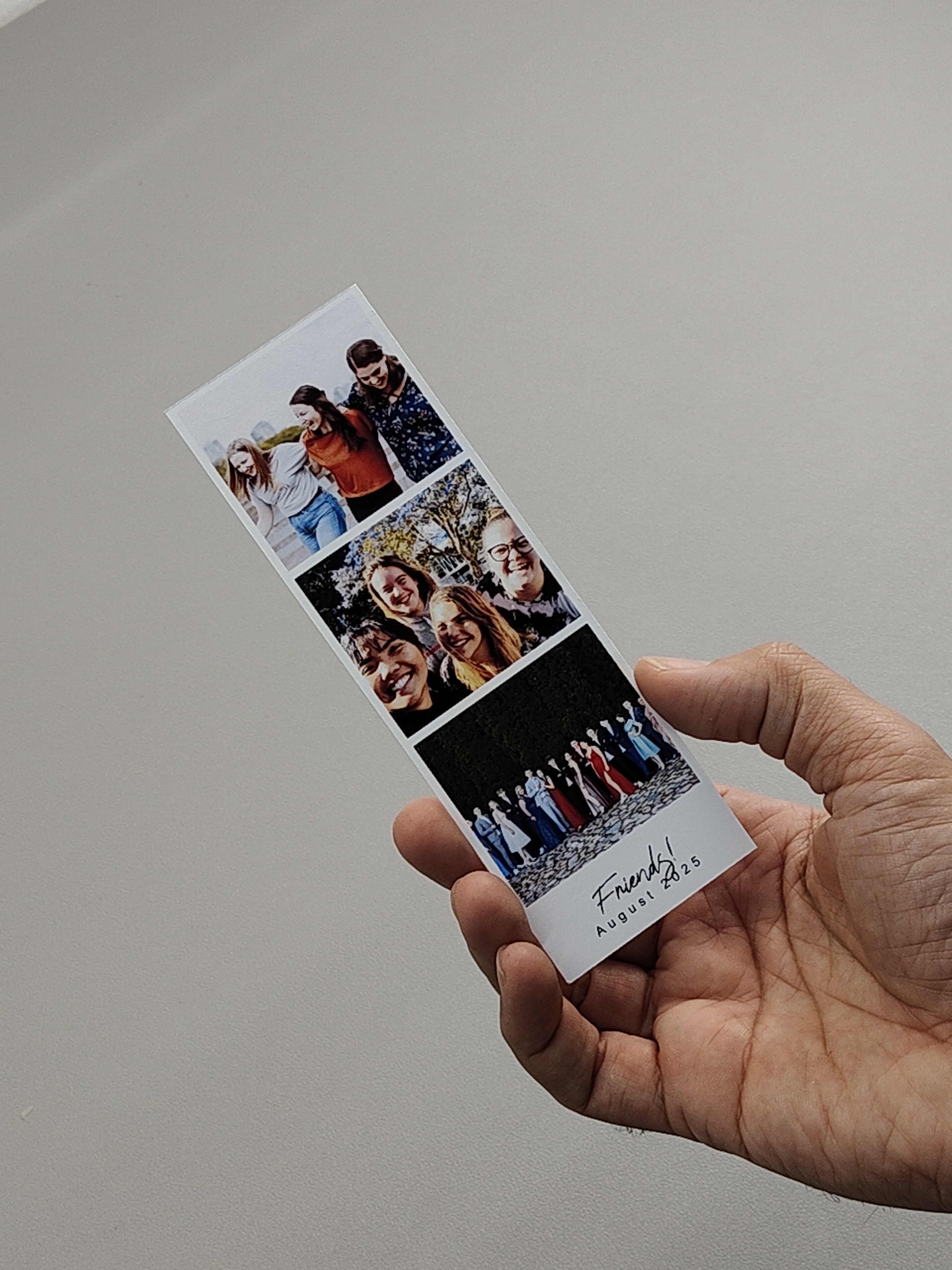
This is a three-stack photo strip layout featuring three vertically arranged photos and a text area at the bottom for captions, notes, or personalized messages. It’s perfect for commemorating events, showcasing memories, or creating printable keepsakes.

With this photo card layout, you can print your own small-sized Japan photocard (55x95mm) at home. Simply select the paper and the number of photos you want to print, and our system will automatically generate an optimal layout. After that, just add your photos and print. Once printed, you can cut along the cutting lines to achieve the exact size of 55x95mm.
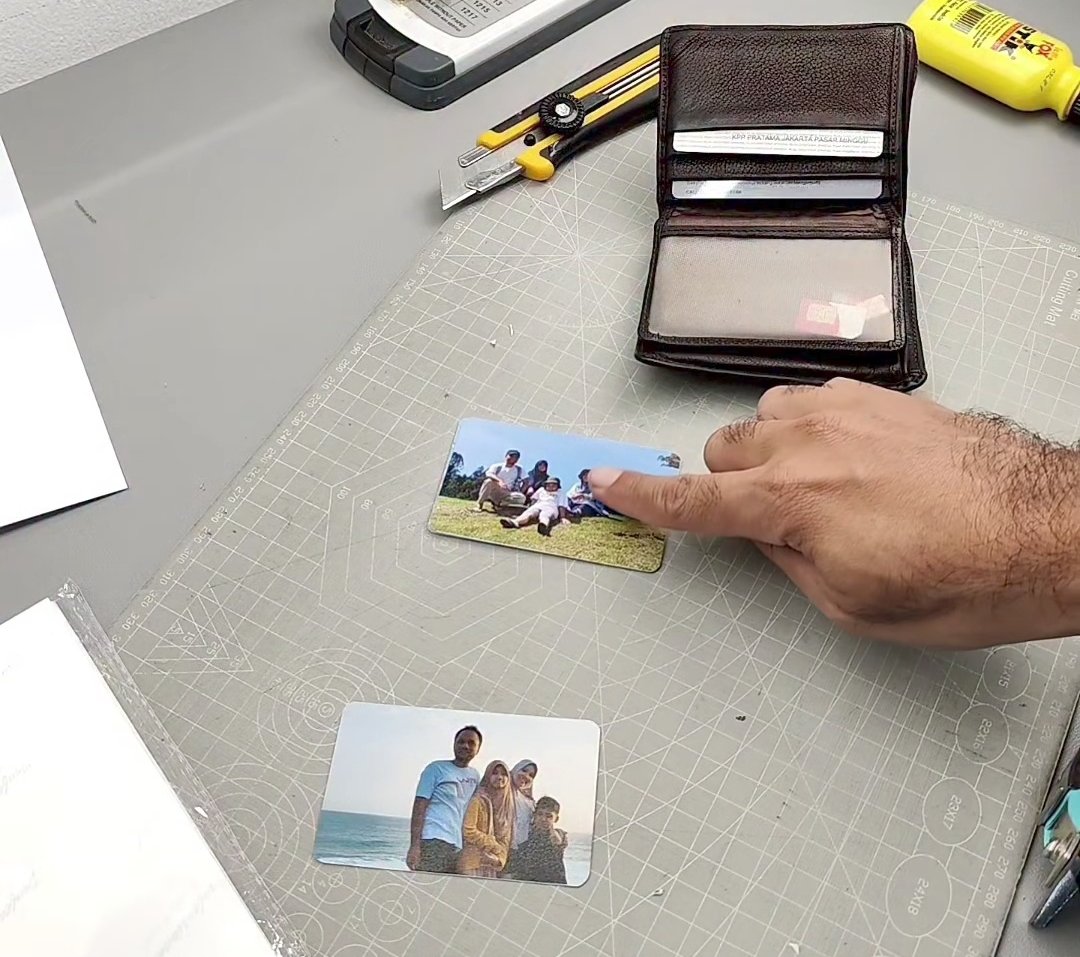
With this layout, you can easily create a hanging calendar just like the example shown below. Simply choose a layout, adjust the calendar settings such as holidays and custom events, then click the Generate Layout button. Our system will automatically create a print-ready layout, and all you need to do is print it.
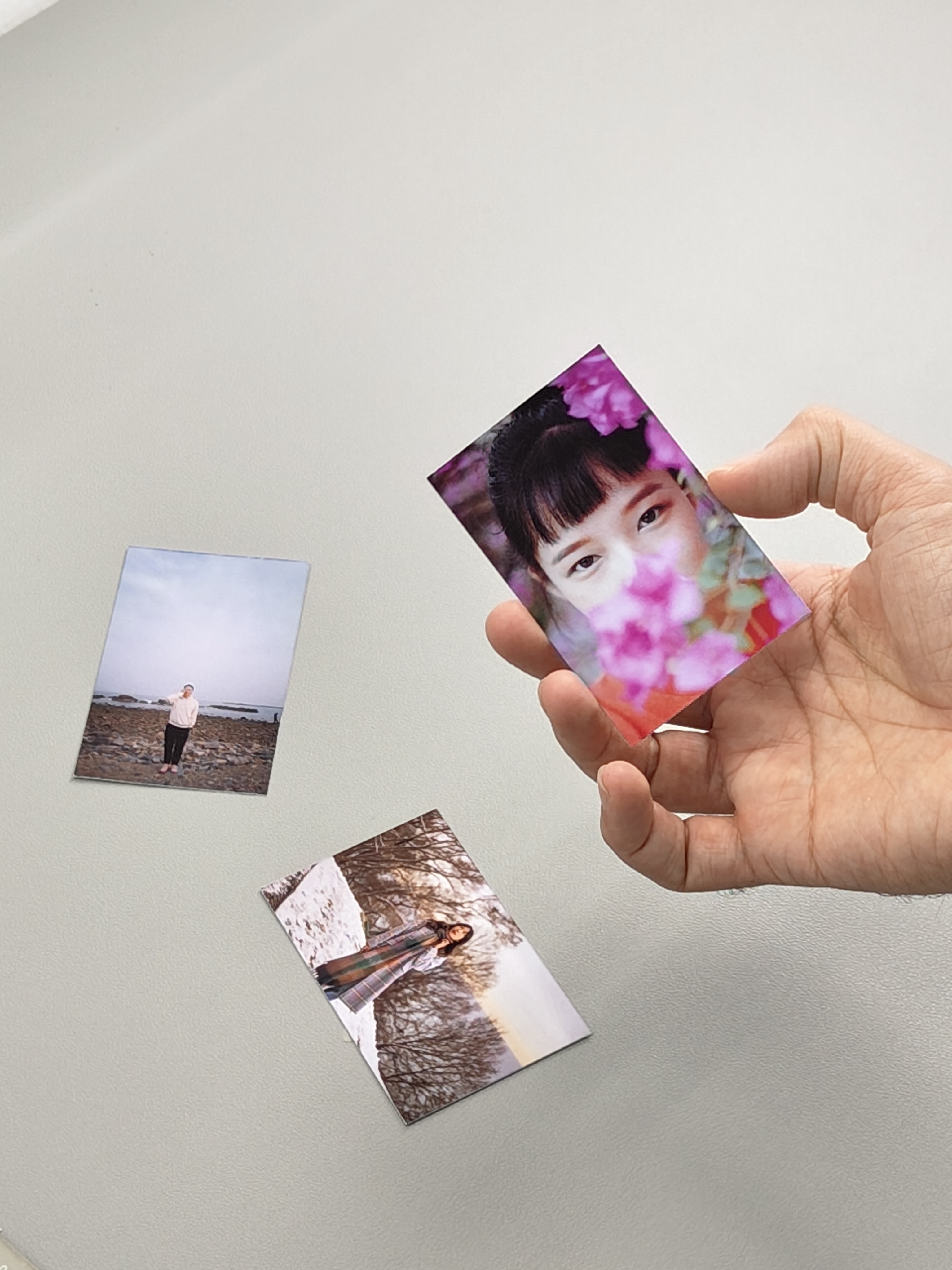
With this photo card layout, you can print your own standard small-sized K-POP photo card (55x86mm) at home. Simply select the paper and the number of photos you want to print, and our system will automatically generate an optimal layout. After that, just add your photos and print. Once printed, you can cut along the cutting lines to achieve the exact size of 55x86mm.