
Easily create perfectly sized photo cards at home using a standard printer, cutter, and ruler. With a wide range of layout dimensions available, you can choose the one that best suits your needs. Simply select the desired dimensions, pick your paper size, and enter the number of photos you want to print. Our system will automatically adjust the layout for maximum efficiency and minimal waste.
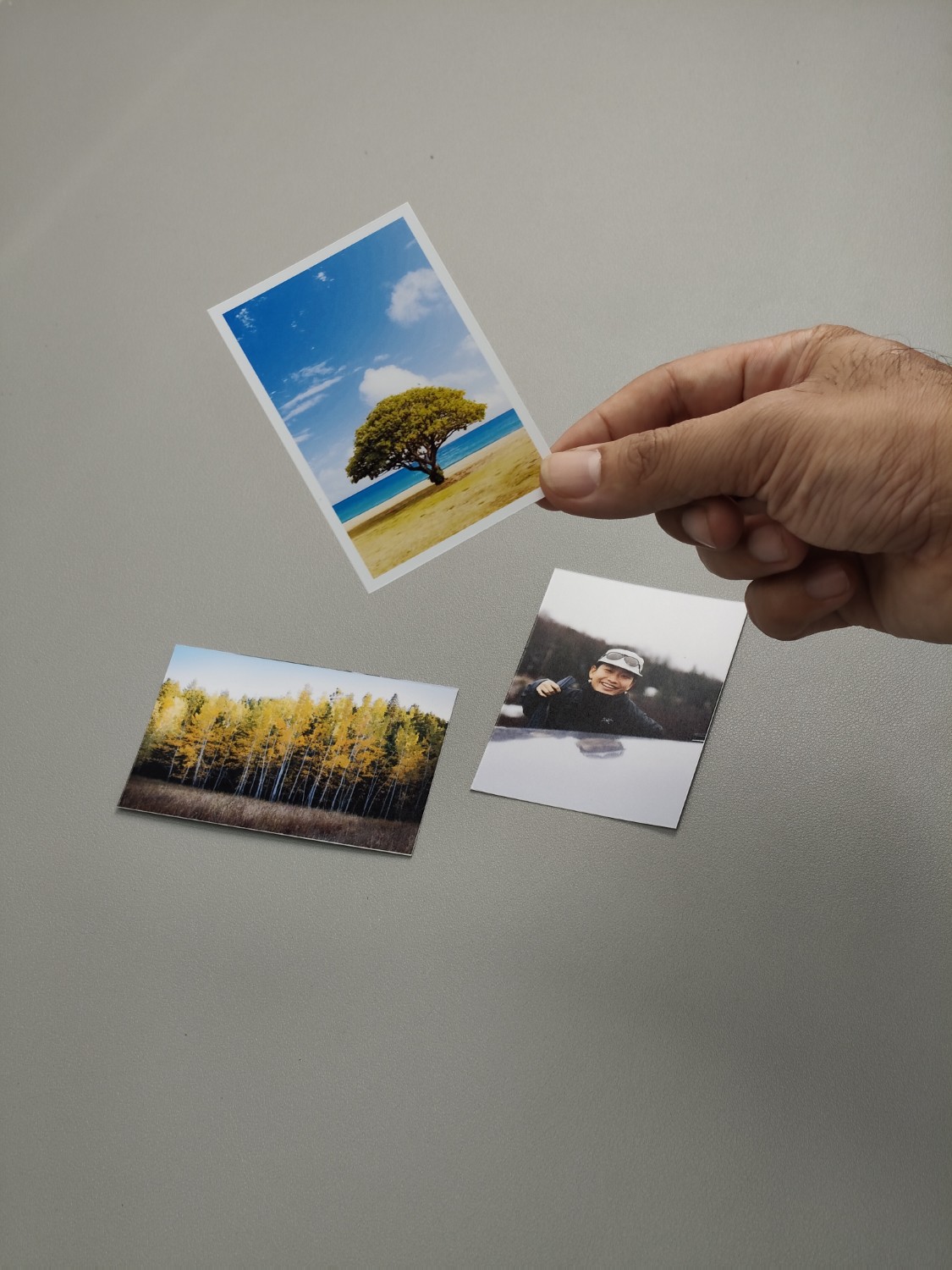
With this photo card layout, you can print your own small-sized K-POP photo card (62x88mm) at home. Simply select the paper and the number of photos you want to print, and our system will automatically generate an optimal layout. After that, just add your photos and print. Once printed, you can cut along the cutting lines to achieve the exact size of 62x88mm.
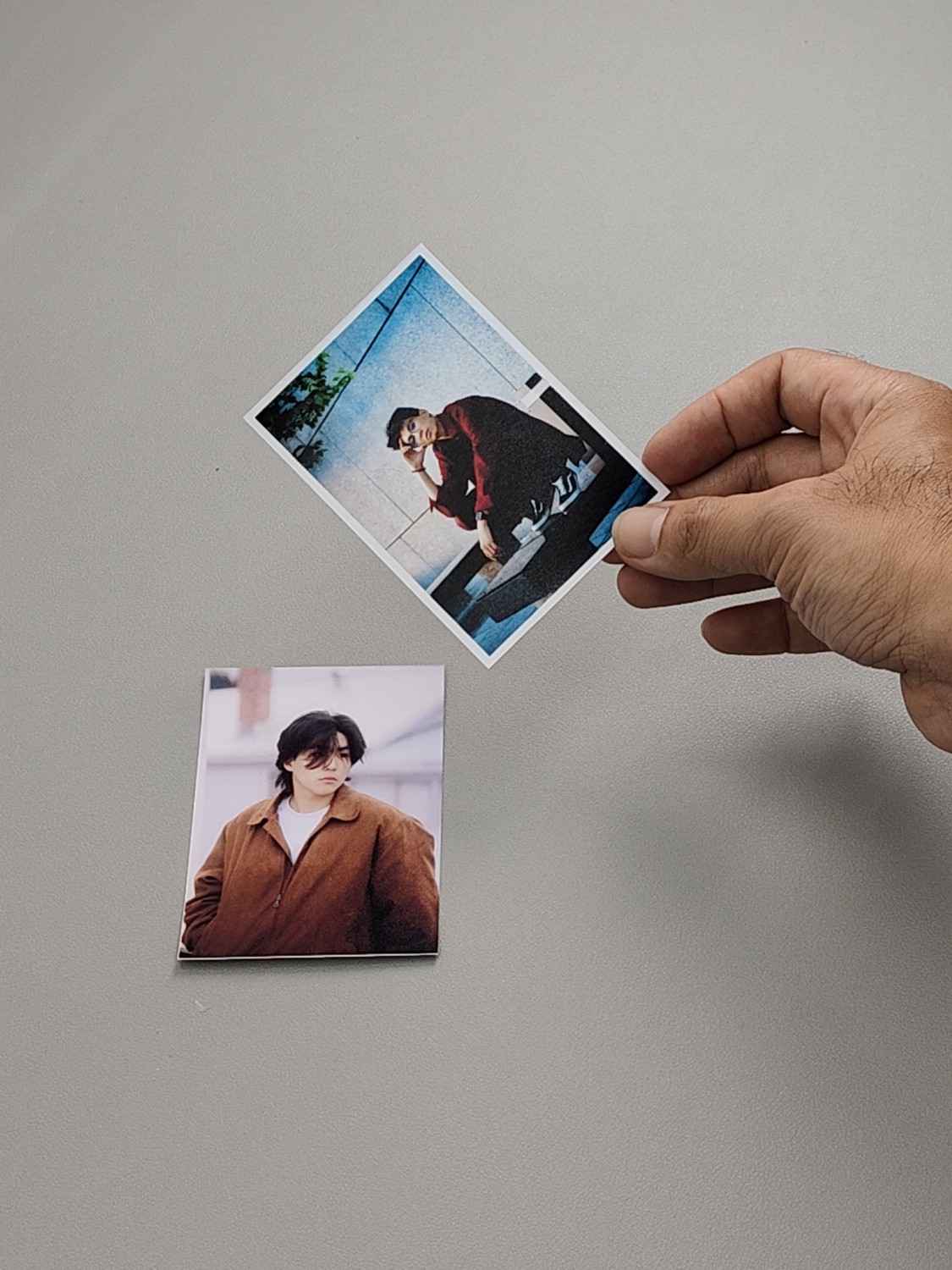
With this photo card layout, you can print your own small-sized K-POP photo card (70x100mm) at home. Simply select the paper and the number of photos you want to print, and our system will automatically generate an optimal layout. After that, just add your photos and print. Once printed, you can cut along the cutting lines to achieve the exact size of 70x100mm.
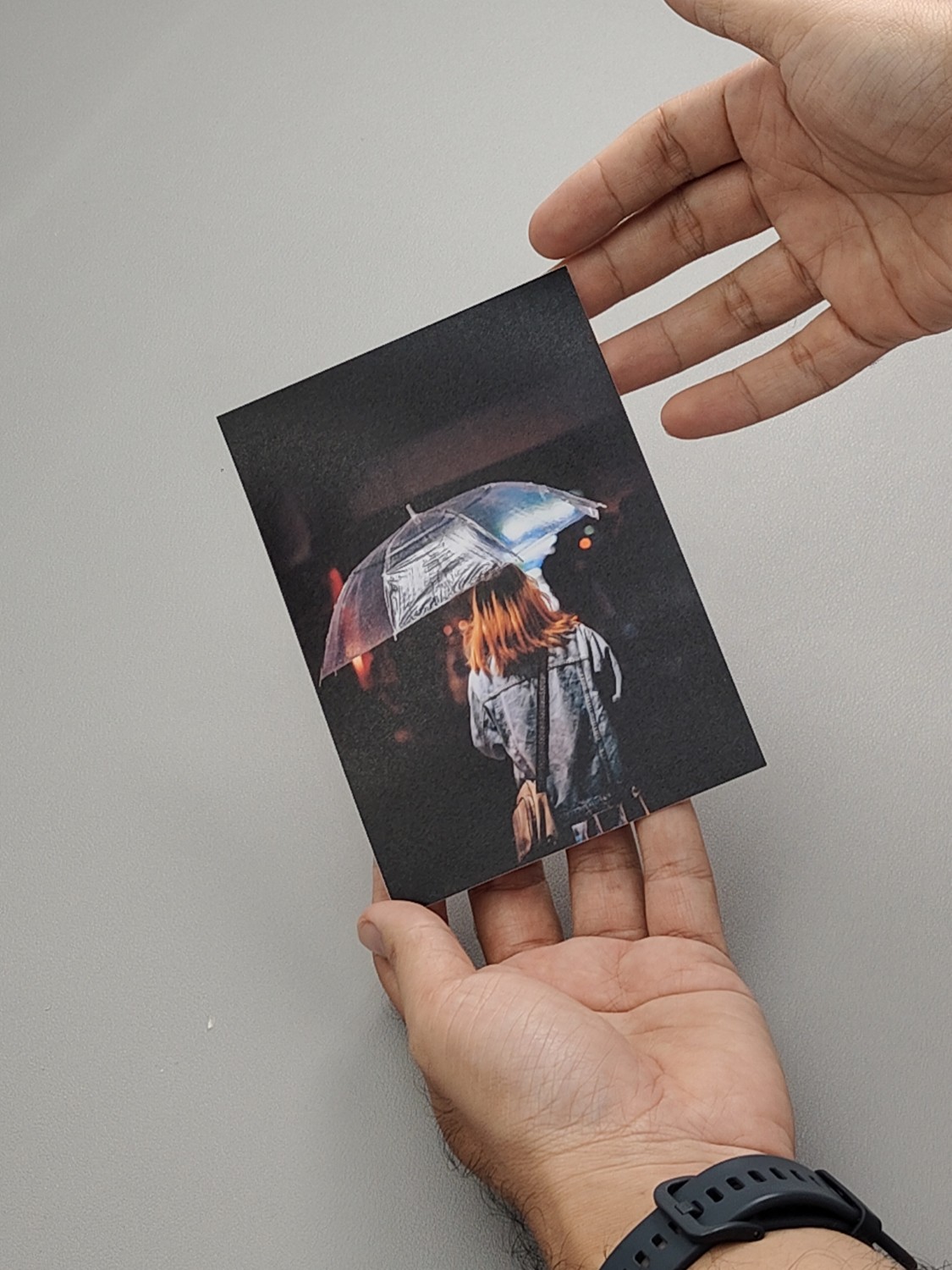
With this photo card layout, you can print your own medium-sized K-POP photo card (105x148mm) at home. Simply select the paper and the number of photos you want to print, and our system will automatically generate an optimal layout. After that, just add your photos and print. Once printed, you can cut along the cutting lines to achieve the exact size of 105x148mm.

This photo card layout can be used online to create or print your own large-sized K-POP photo card (150x210mm). Simply select the paper and the number of photos you want to print, and our system will automatically generate an optimal layout. After that, just add your photos and print. Once printed, you can cut along the cutting lines to achieve the exact size of 150x210mm.

With this smart layout, you can print 10R-sized photos using any paper size available at home. Simply select the paper, choose the number of photos you want, and click “Generate Layout.” The system will automatically create a print-ready layout. Just insert the desired image or photo.

With this layout, you can create accurate 8R-sized photos using the available paper and printer at home.
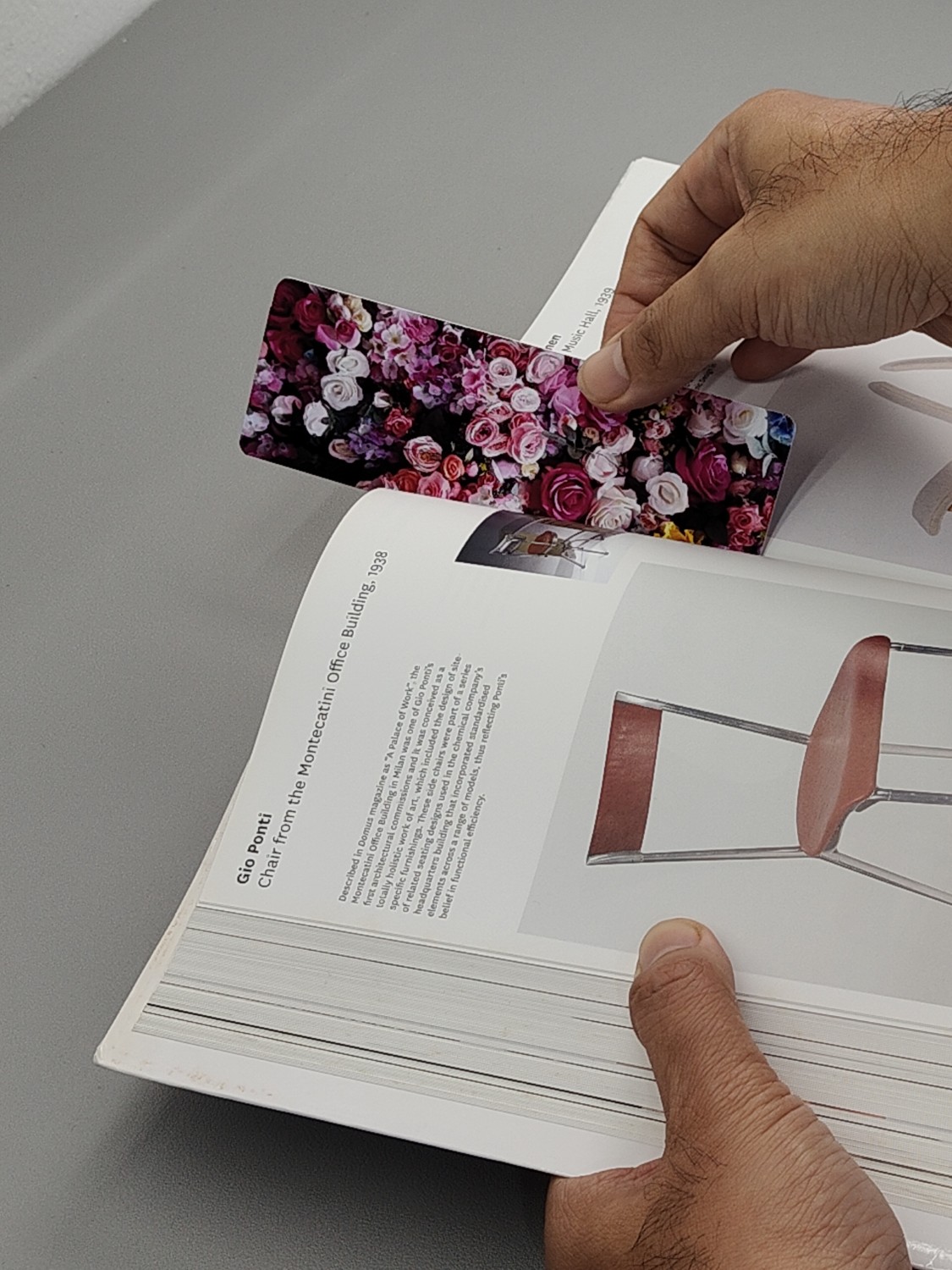
Layout for creating bookmark-sized photo prints. You can use any paper size and print them at home.

This photo layout is tailored for the common acrylic keychain size available on the market. You can create custom keychains with your photos using this layout. Simply select the paper, choose the number of photos to print, upload your images, and click print.

With this layout, you can create Instax Mini-sized photos using your home printer. Simply choose your paper size, decide how many Instax Mini photos you want to print, and our system will automatically generate an efficient layout for cutting. You can easily add photos to this layout and then click the print button.
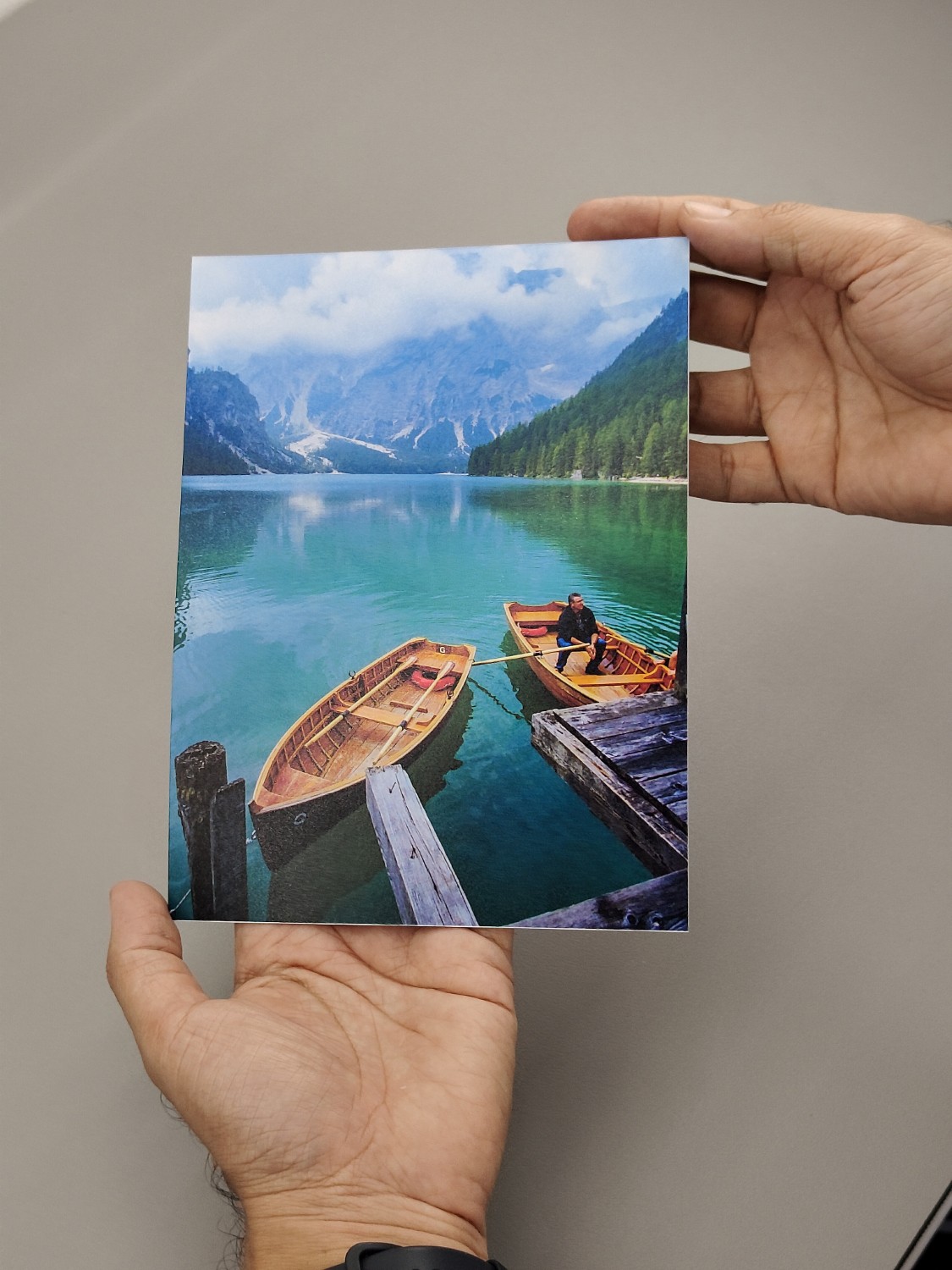
With this layout, you can print 6R photos from home. You just need to choose the paper and then decide how many photos you want to print. After that, our smart layout will automatically create an efficient arrangement based on your paper selection. You simply add the photos, then print them directly from your browser. Afterward, just cut them out.

With this online layout, you can print 5R photos accurately, even using any paper you have. Simply choose the paper size, select the number of photos you want to create, and our system will generate the most optimal layout for printing 5R photos using your chosen paper. After adding your photos, you can simply print them and cut them using a cutter (cutting guidelines are automatically included for reference).

The 4R photo size, or postcard size, is one of the most commonly needed formats. With this smart layout, you can print in this size without hassle. Simply select the paper, specify the number of photos you want to print, and our system will automatically generate an optimal layout for you to print at home. In this layout, you can easily add photos. After printing, you can cut them using a cutter. The cutting guide lines are automatically printed as well.
4o