


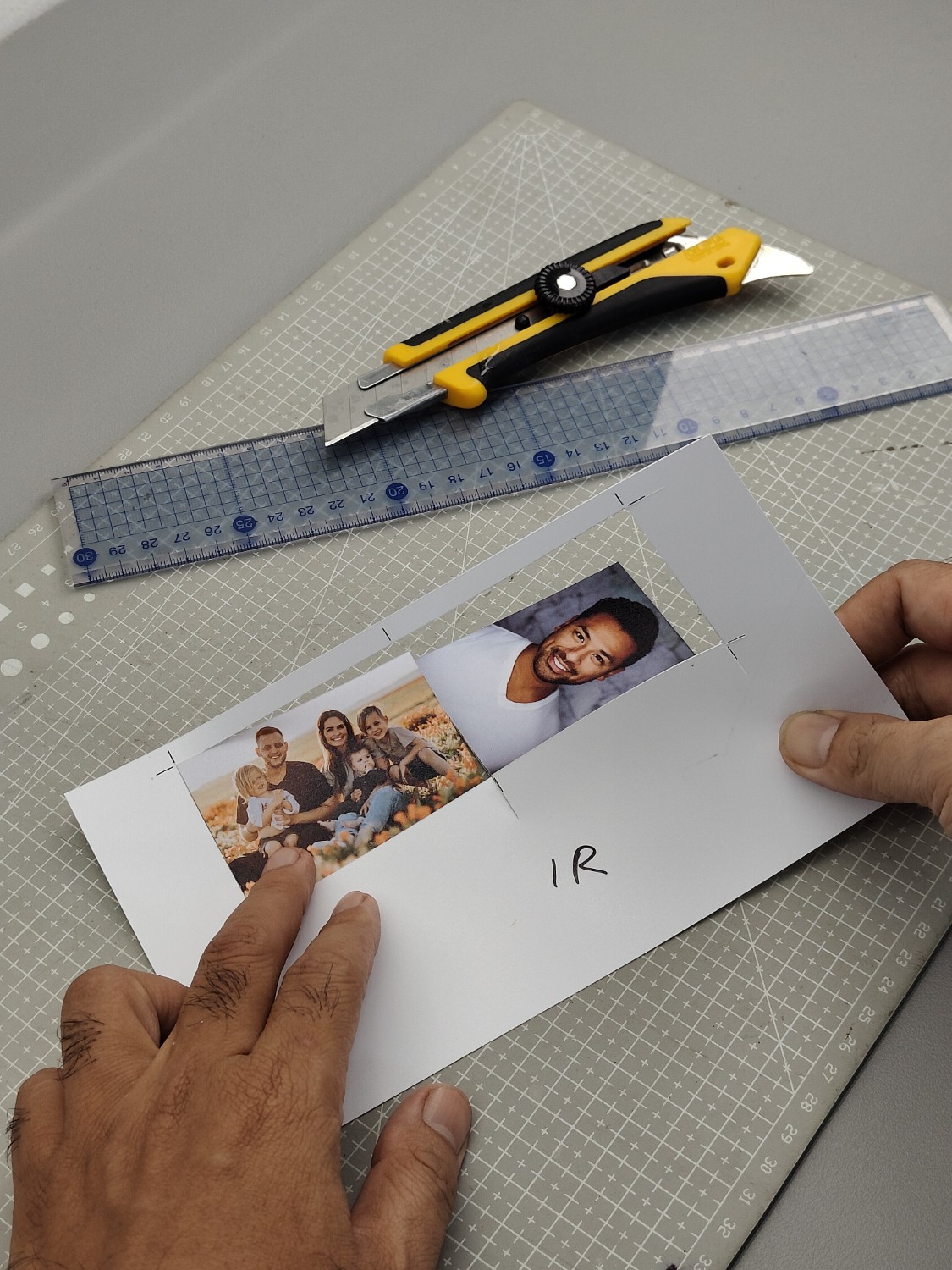
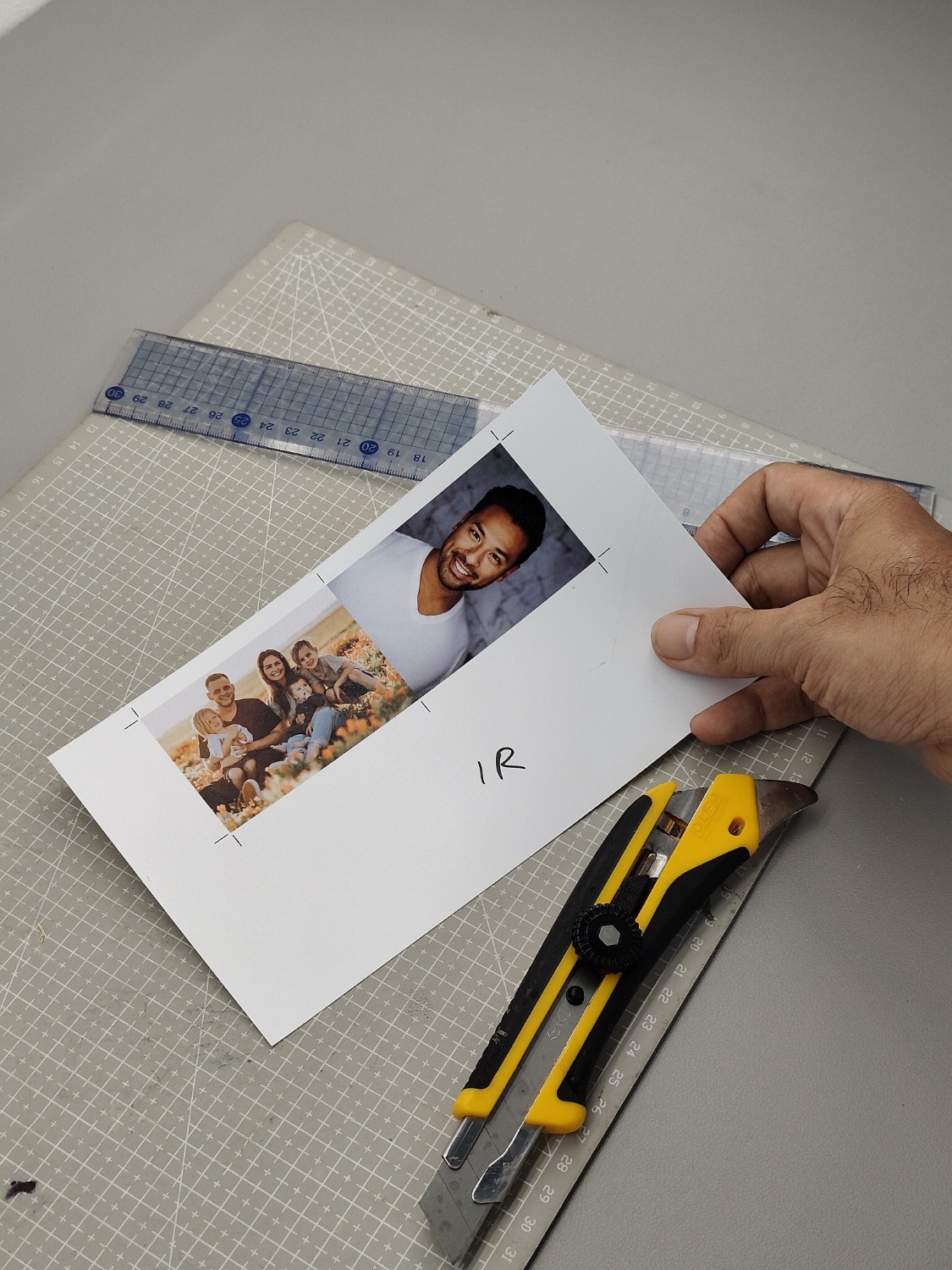
You can use this layout to print 1R size photos regardless of the paper size. Our layout automatically adjusts the 1R photo size to fit the paper and the number of photos you specify. Once the layout is displayed, simply insert your photos and click print to start printing. After that, you can cut them using a cutter.