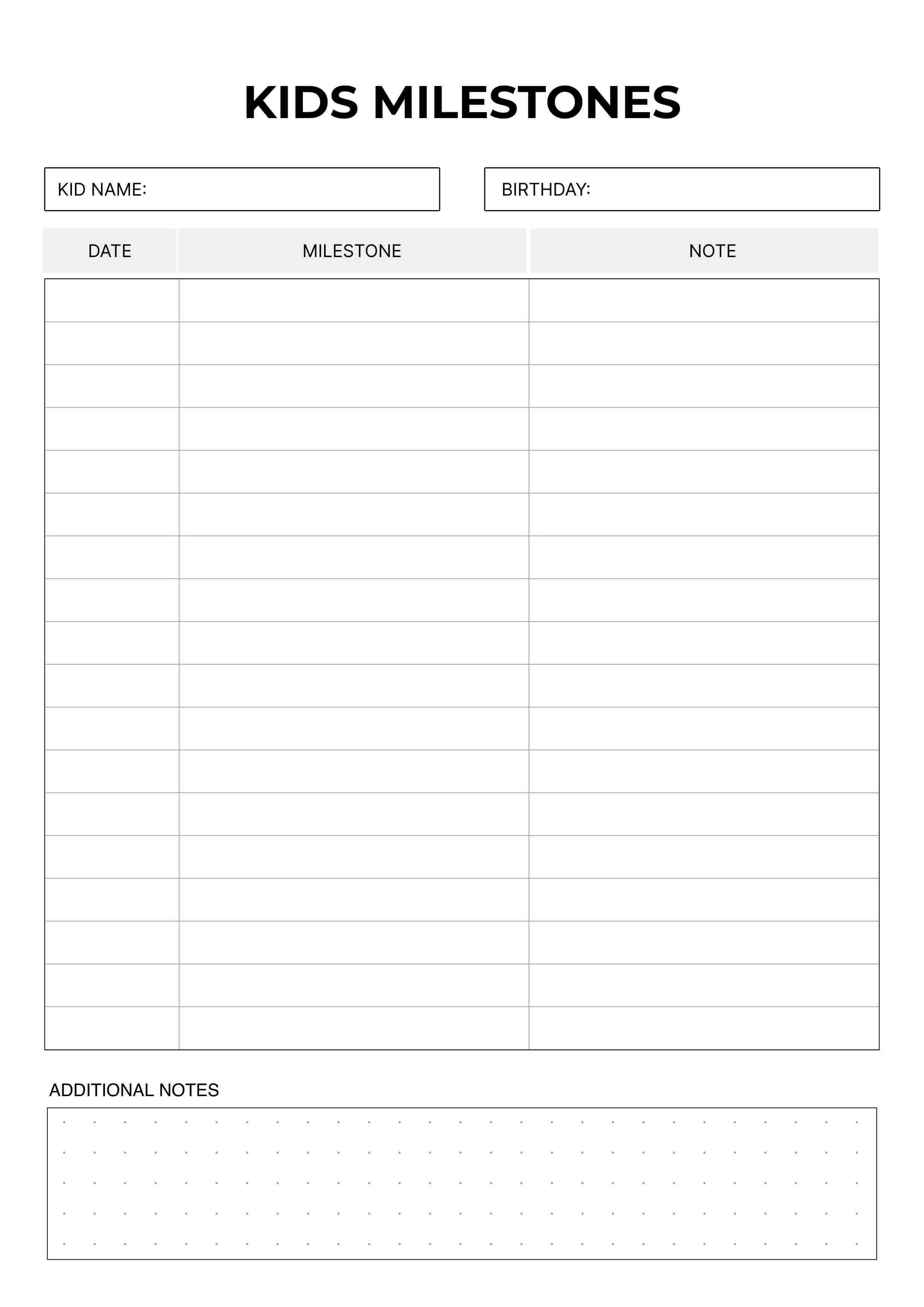
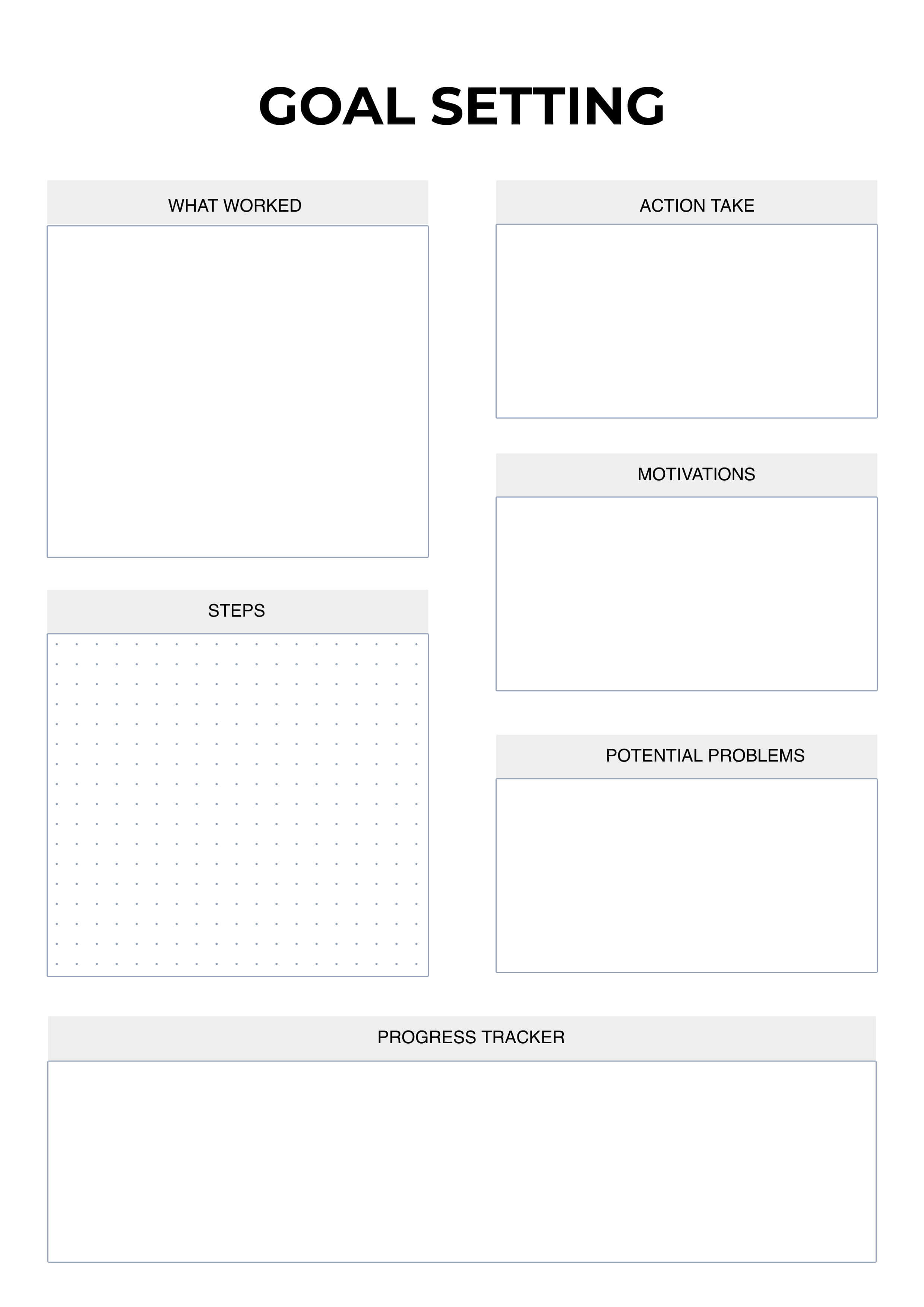
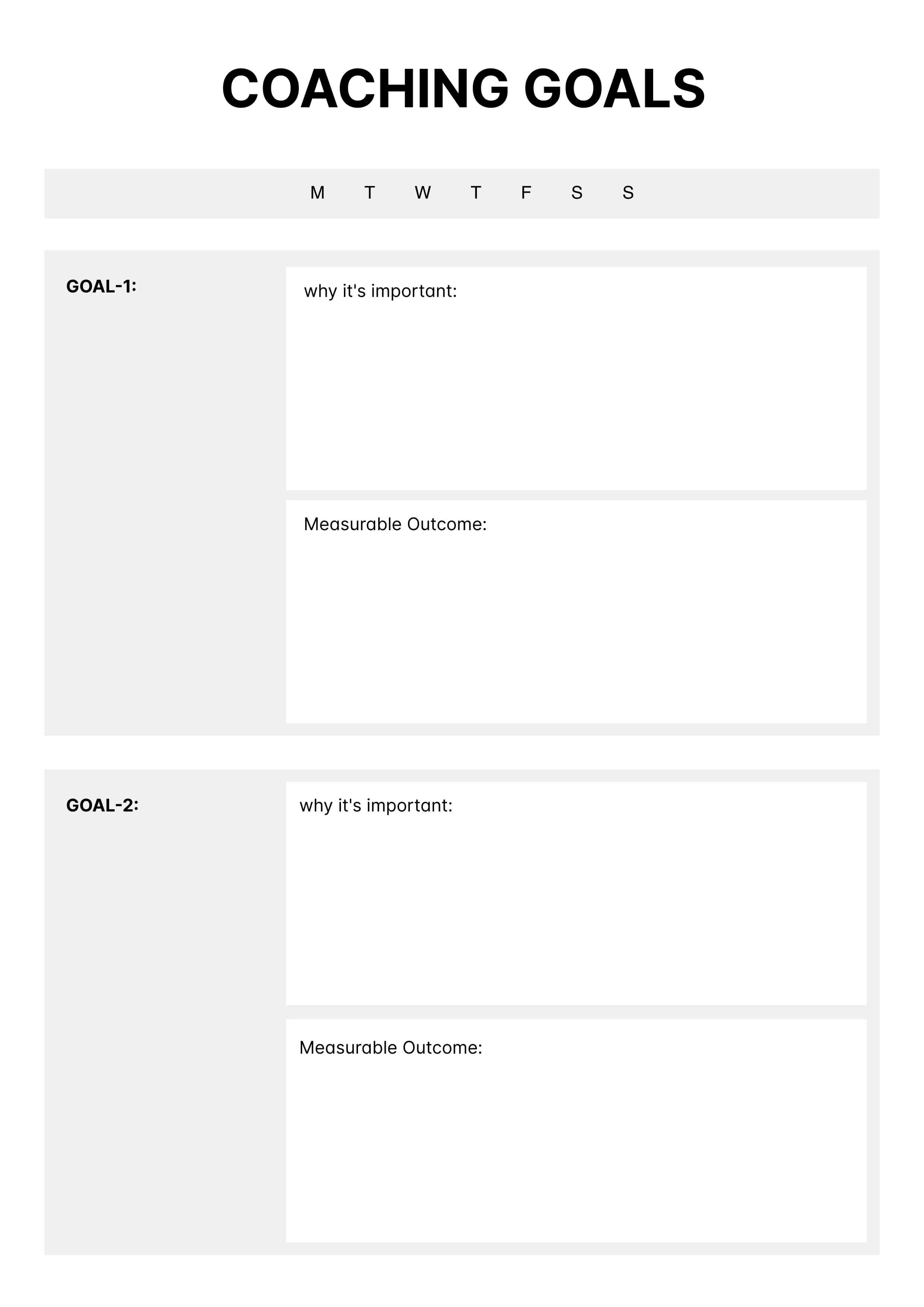
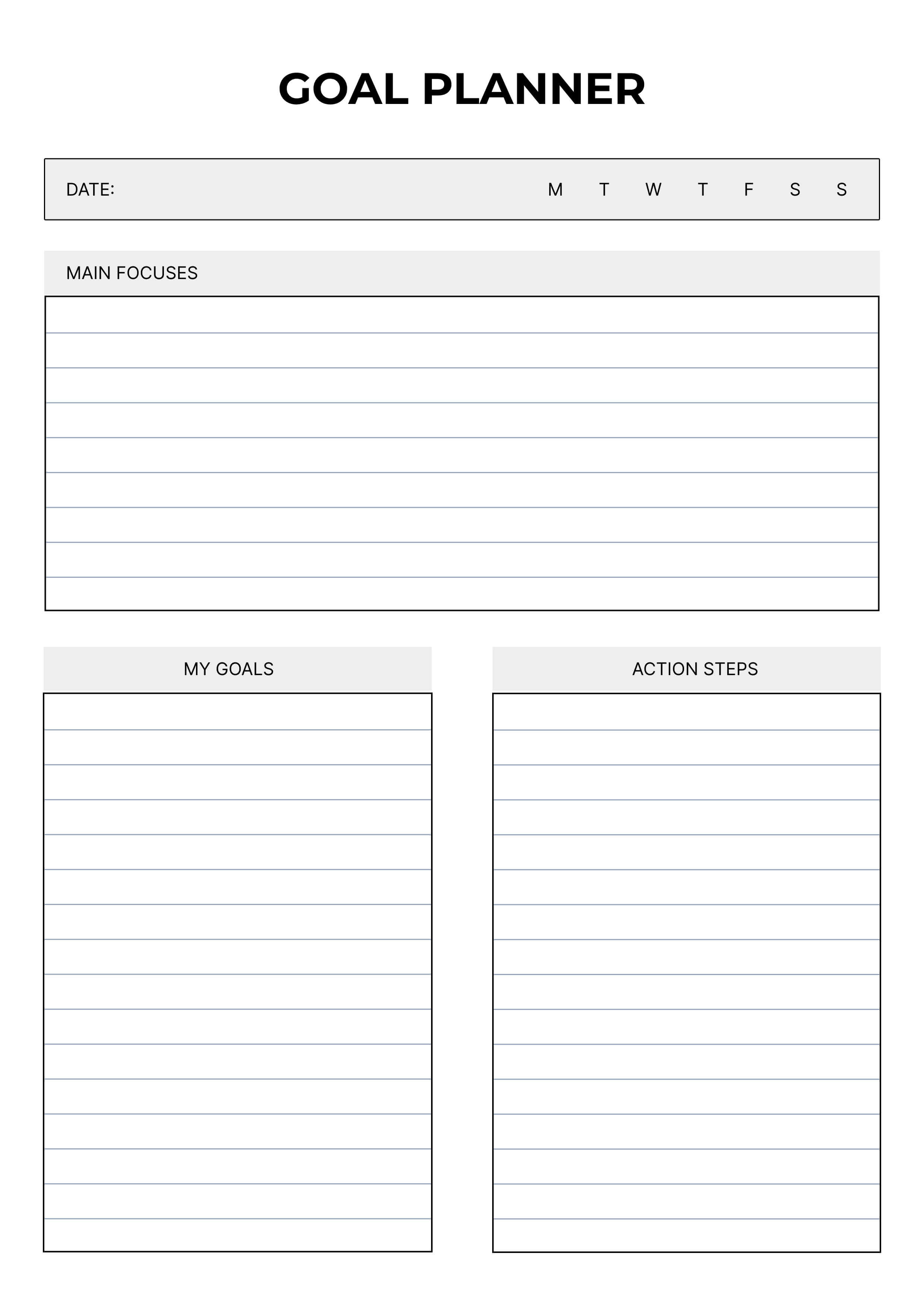
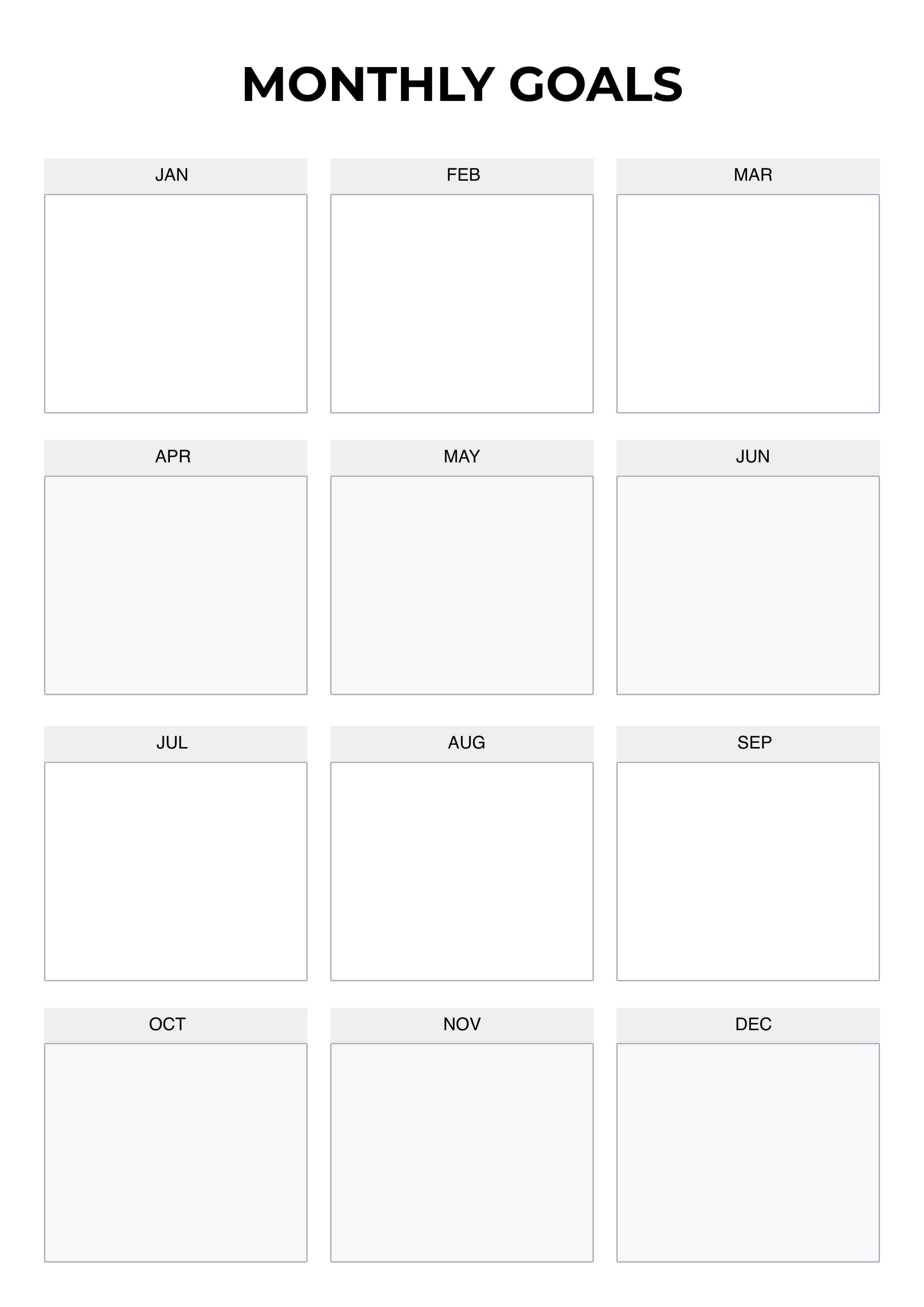
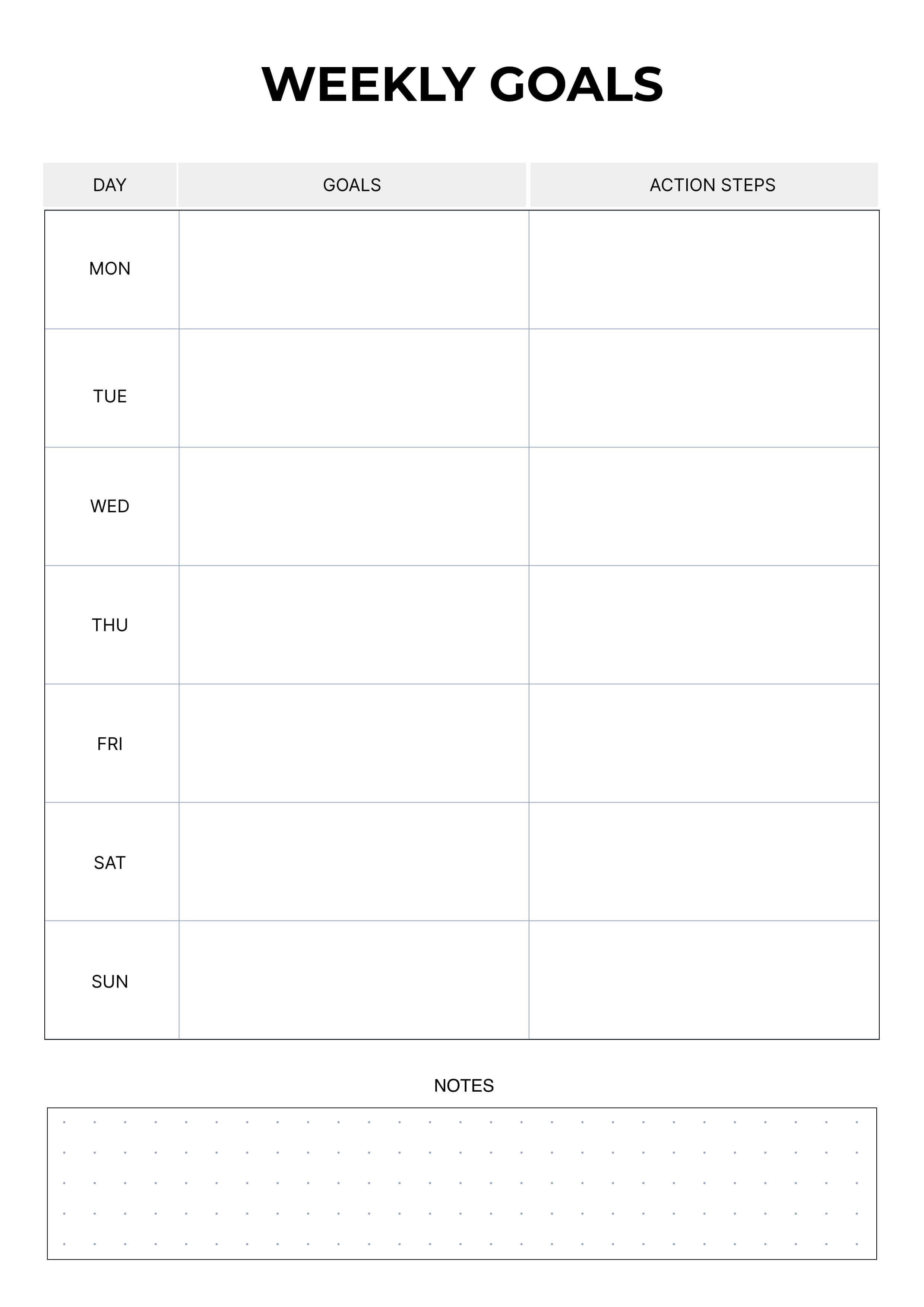
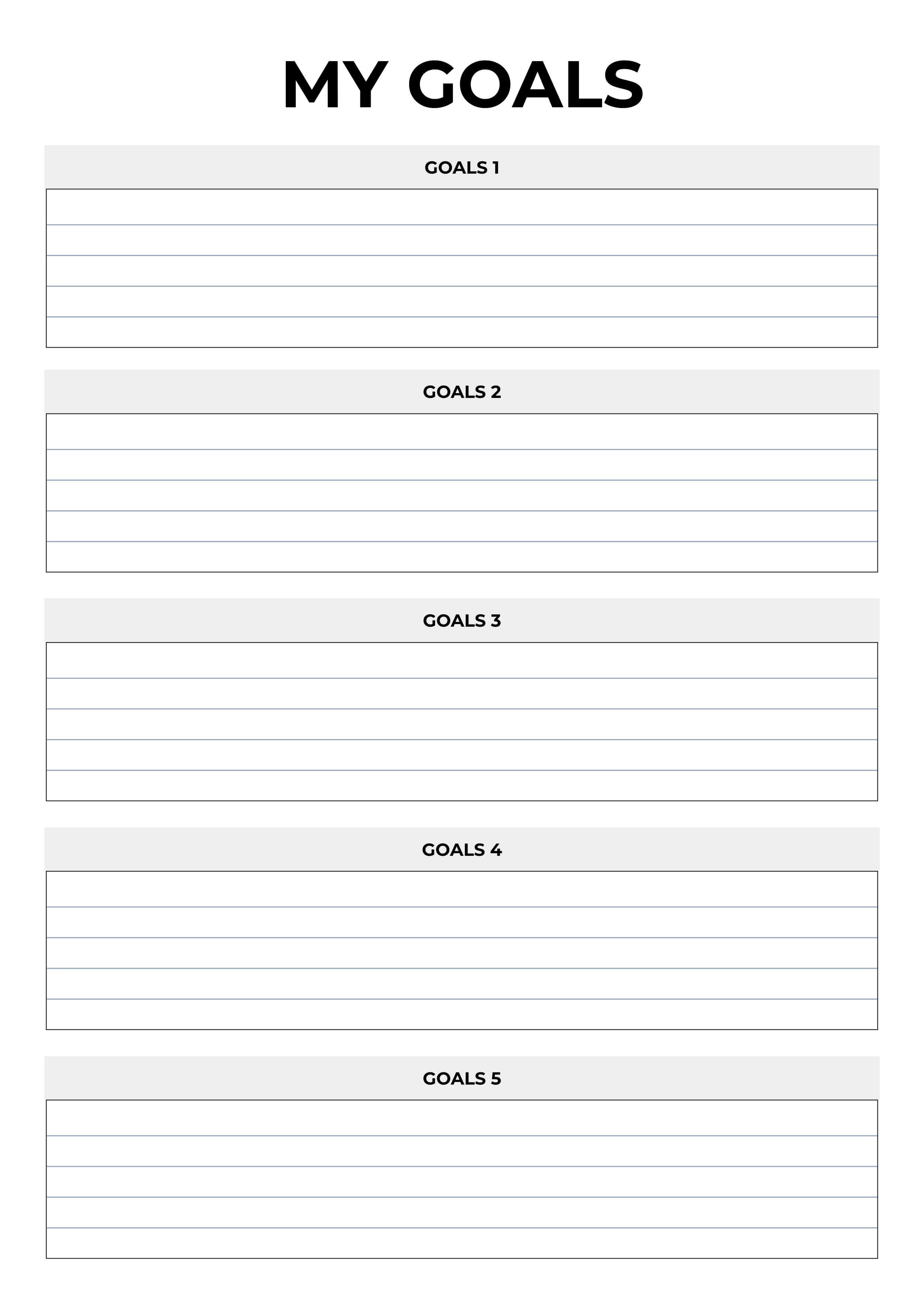
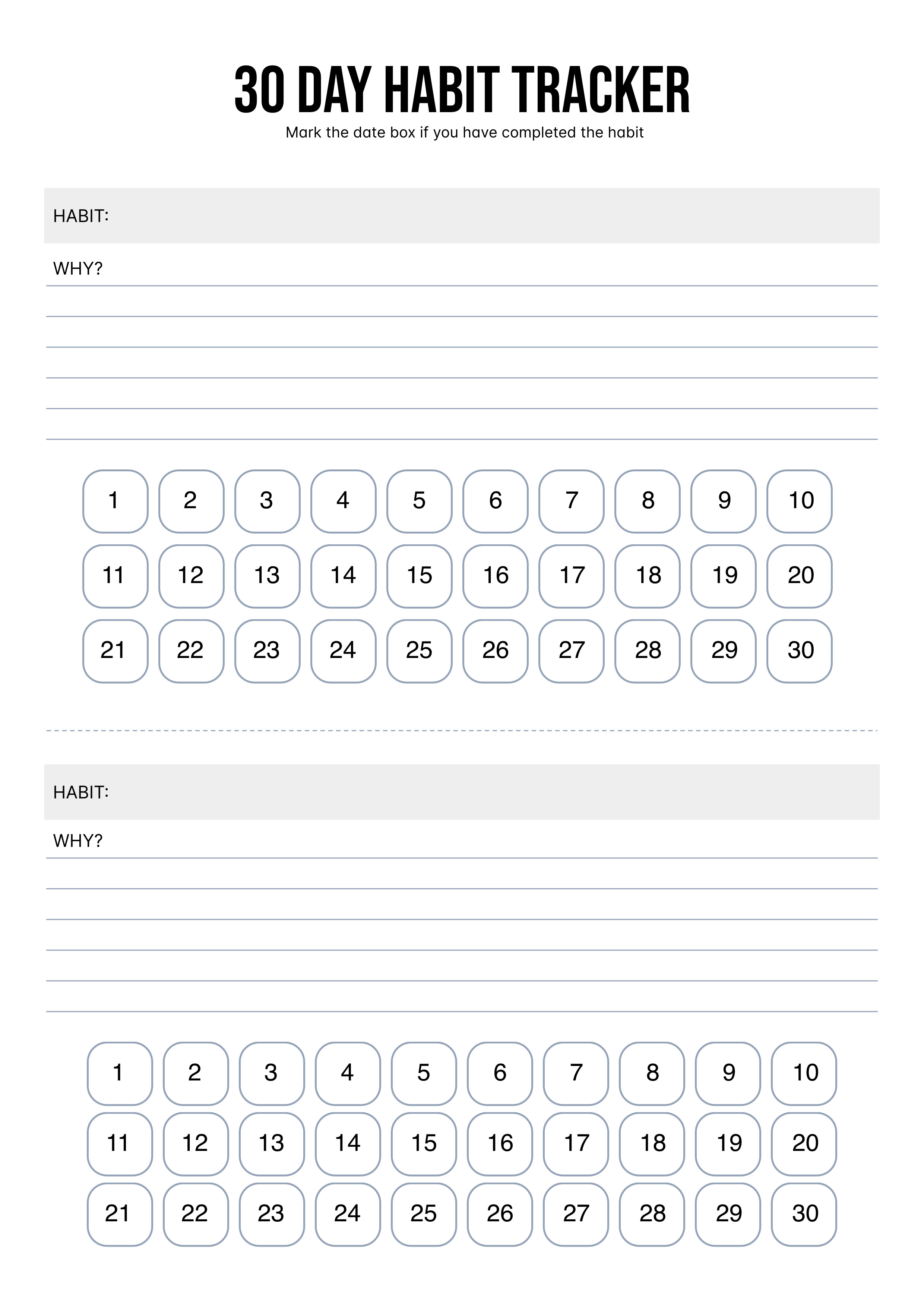
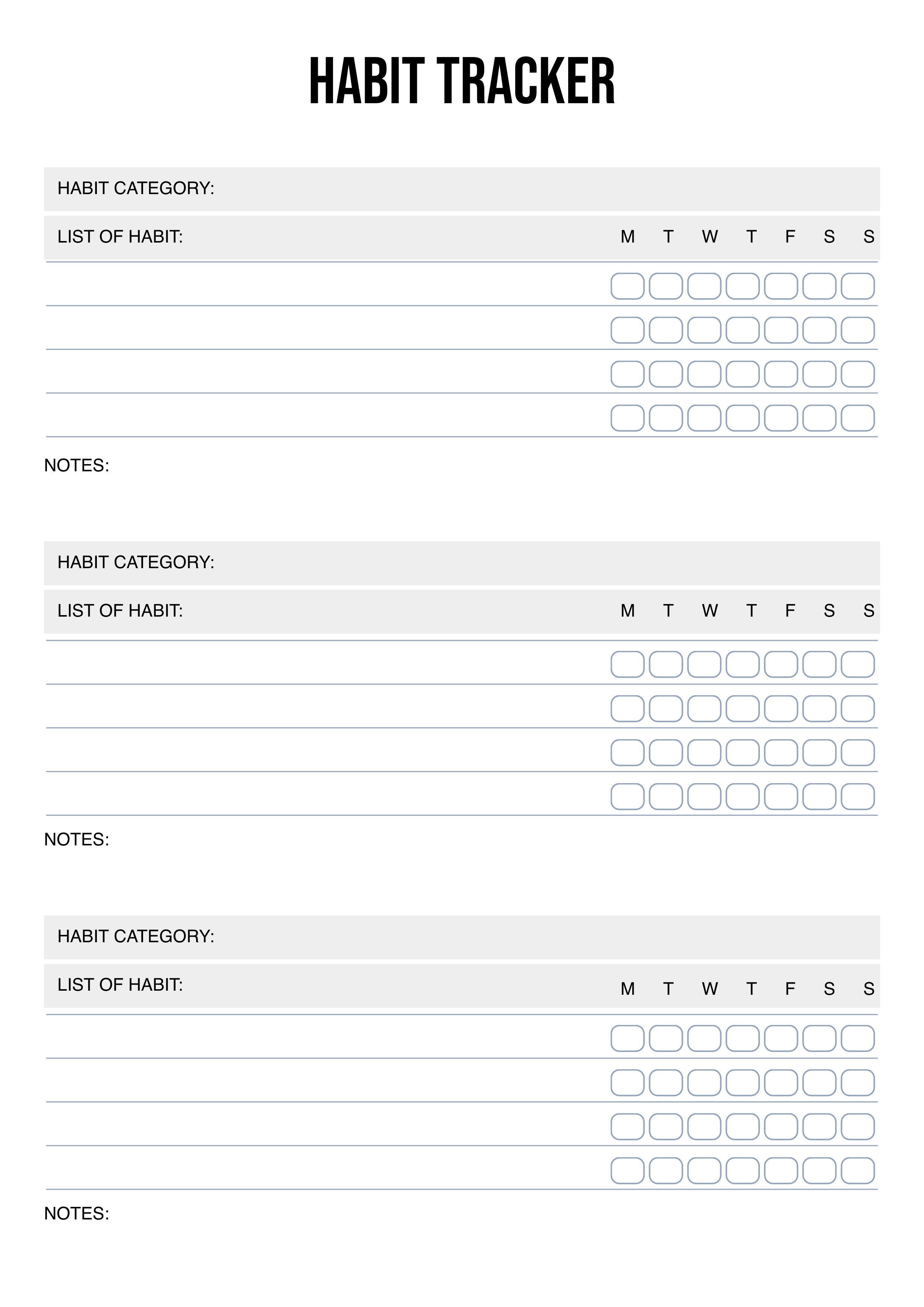
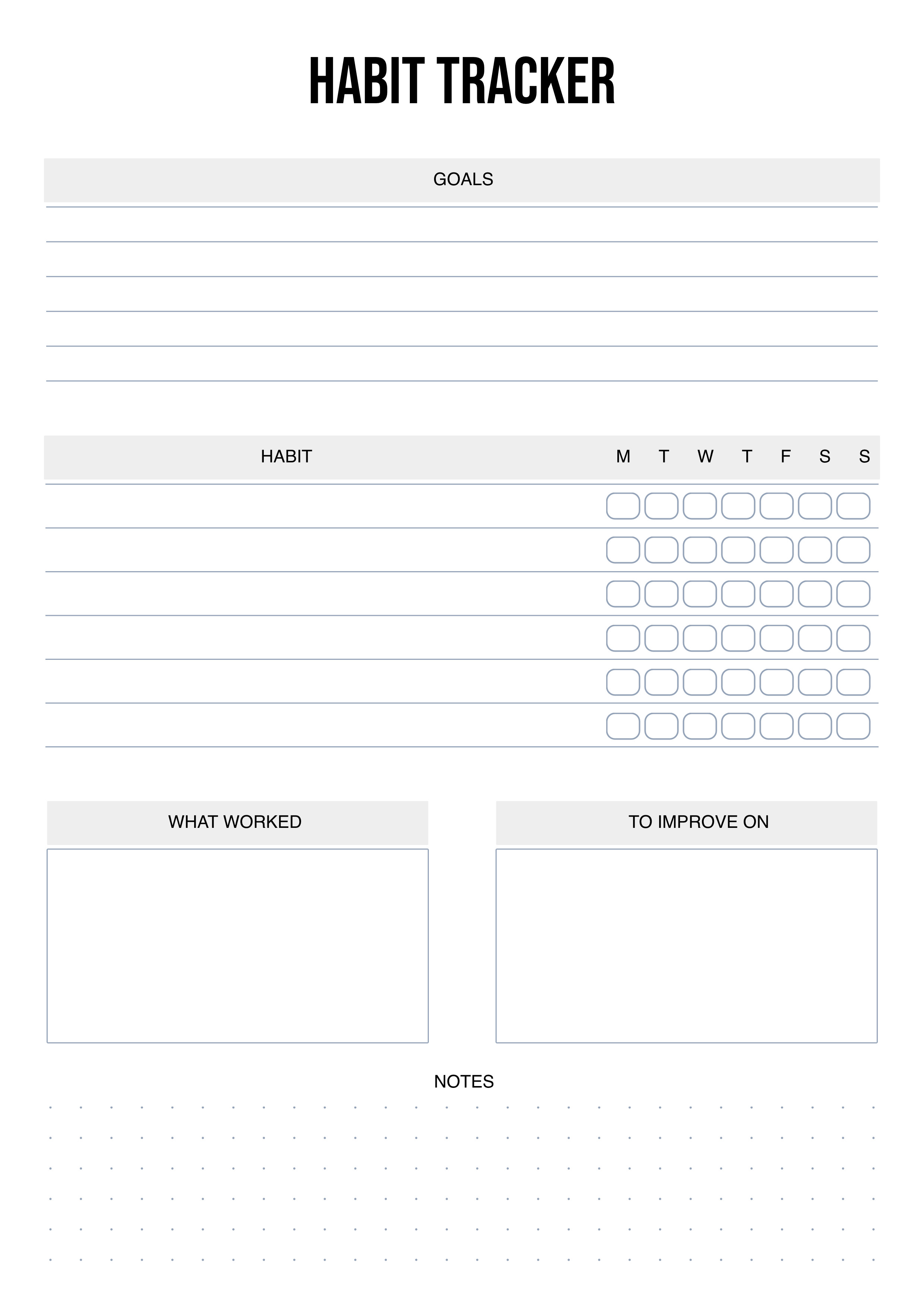
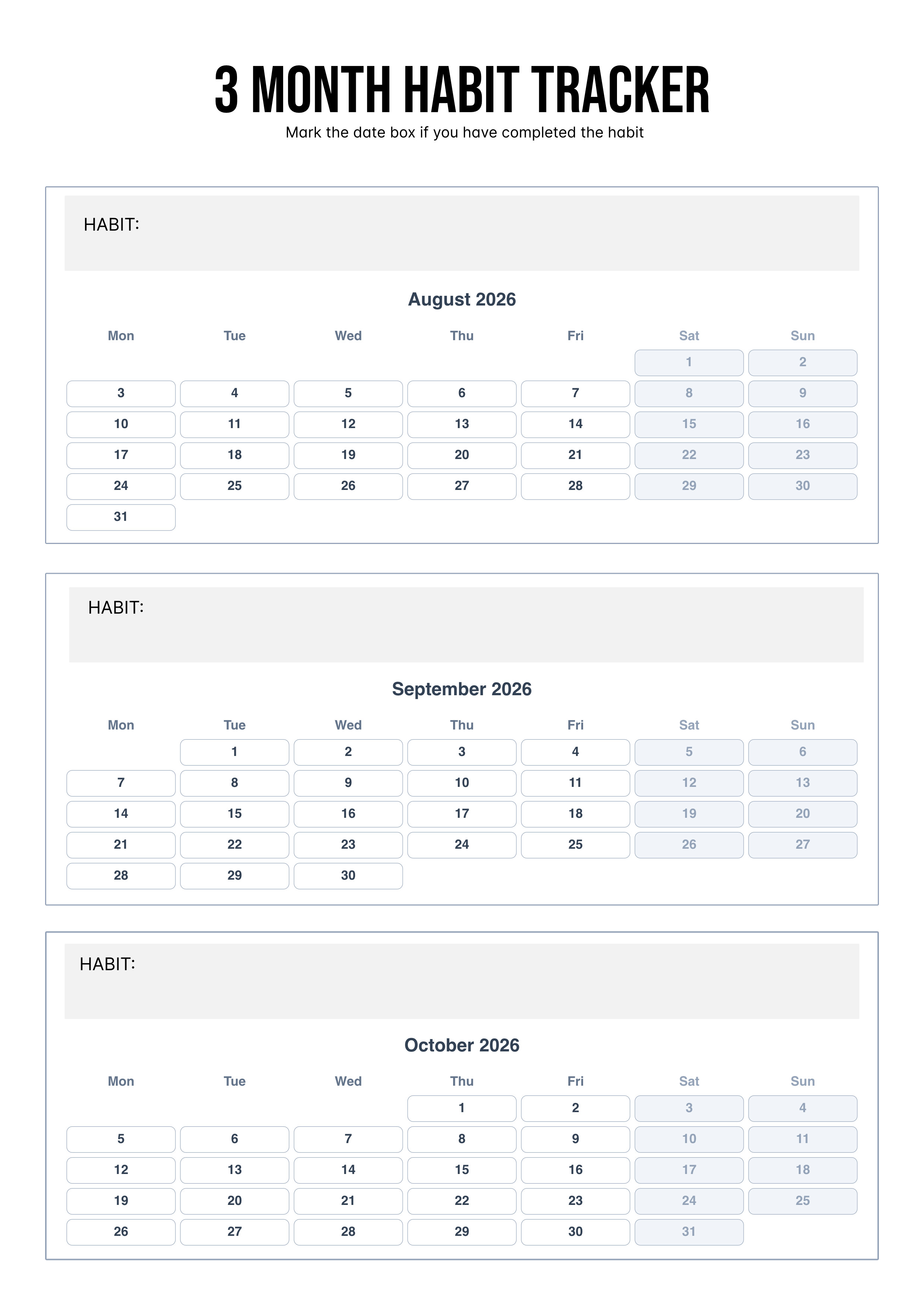
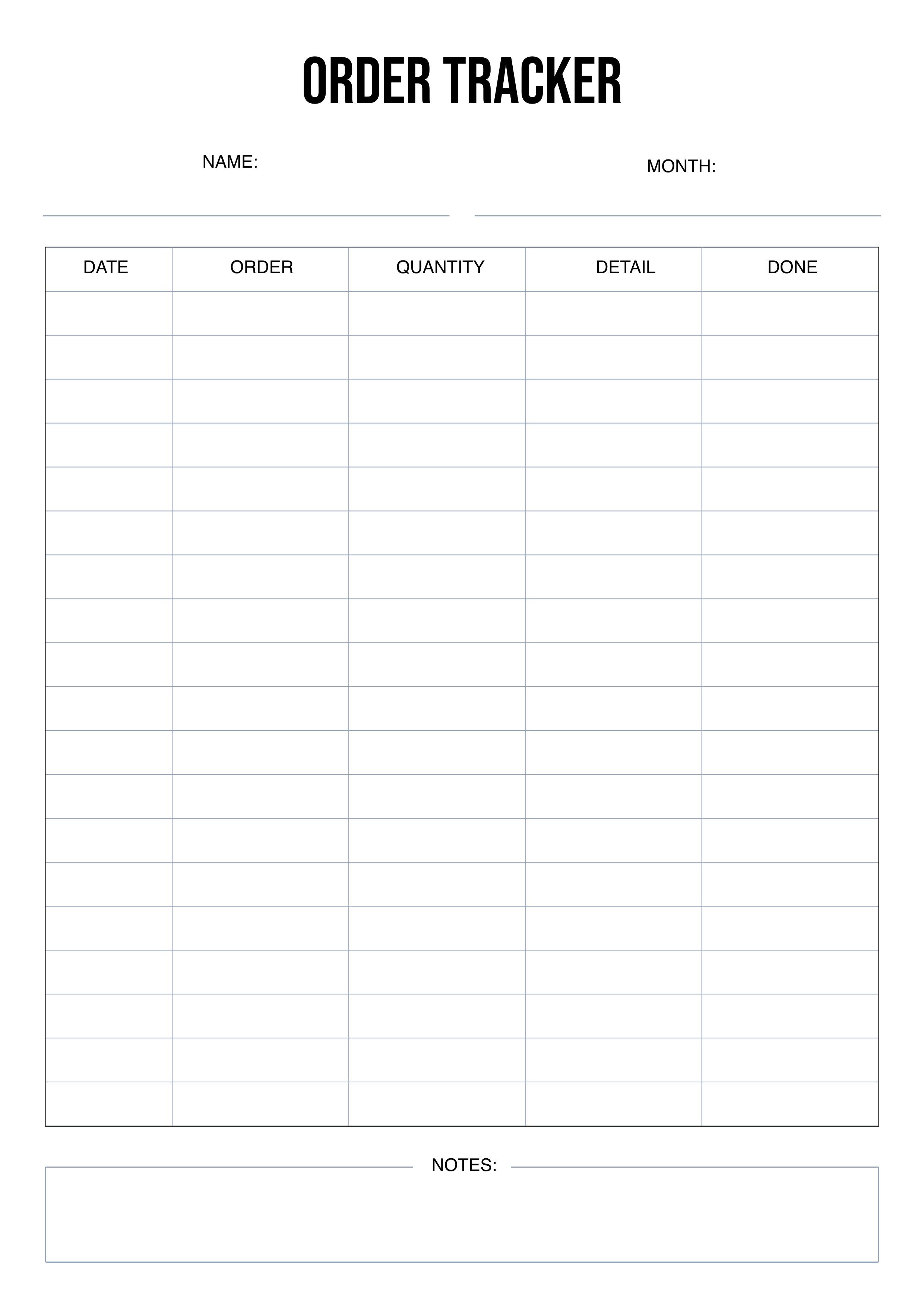
Built for small print shops and home creators. Design photo ID layouts, calendars, planners, printables, and custom print projects with ease.
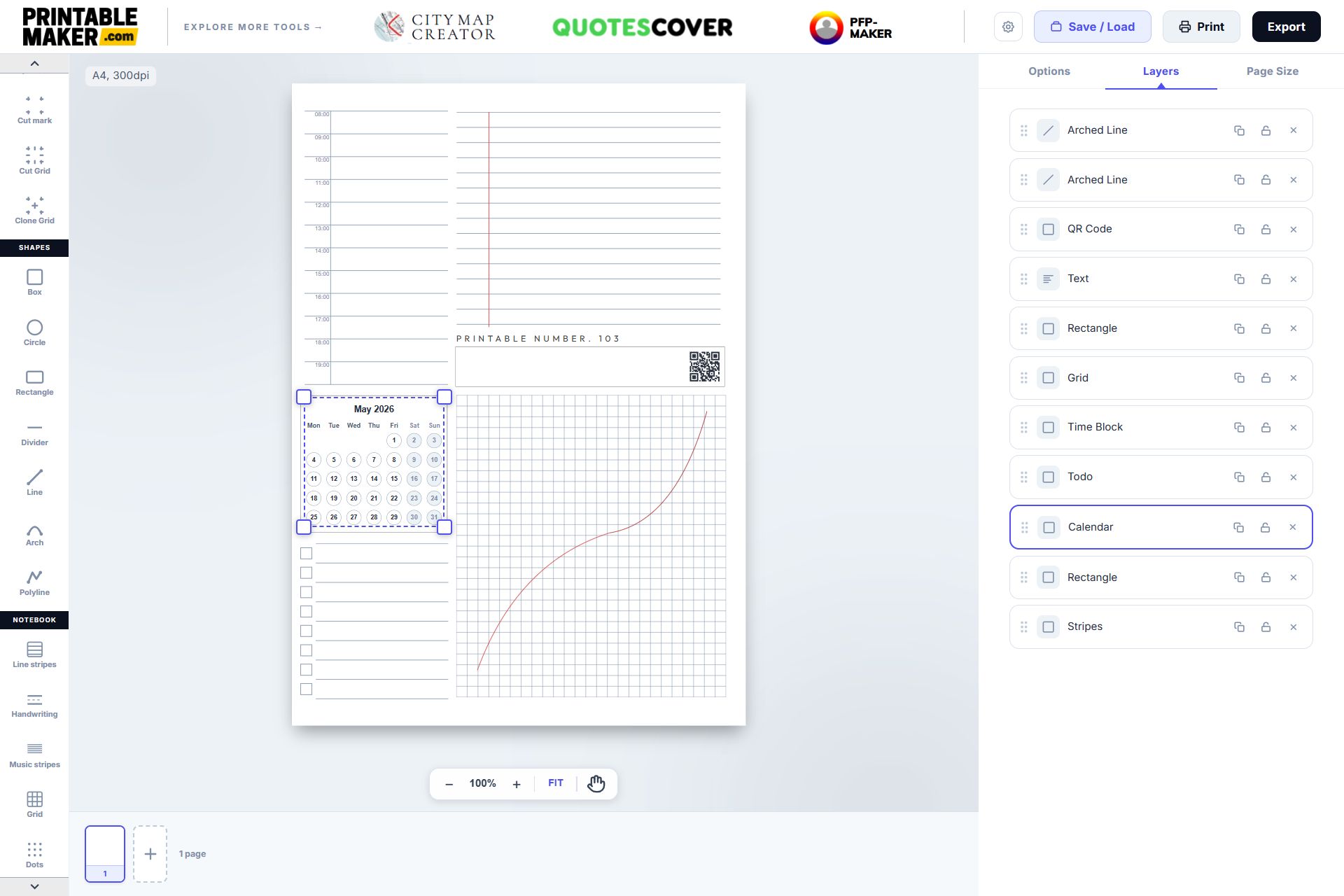
High-quality planners, notebooks, and checklists at your fingertips! Use our intuitive free online printable editor and massive template library to design professional-grade printables for any occasion.
Open Creative Printables Maker ↗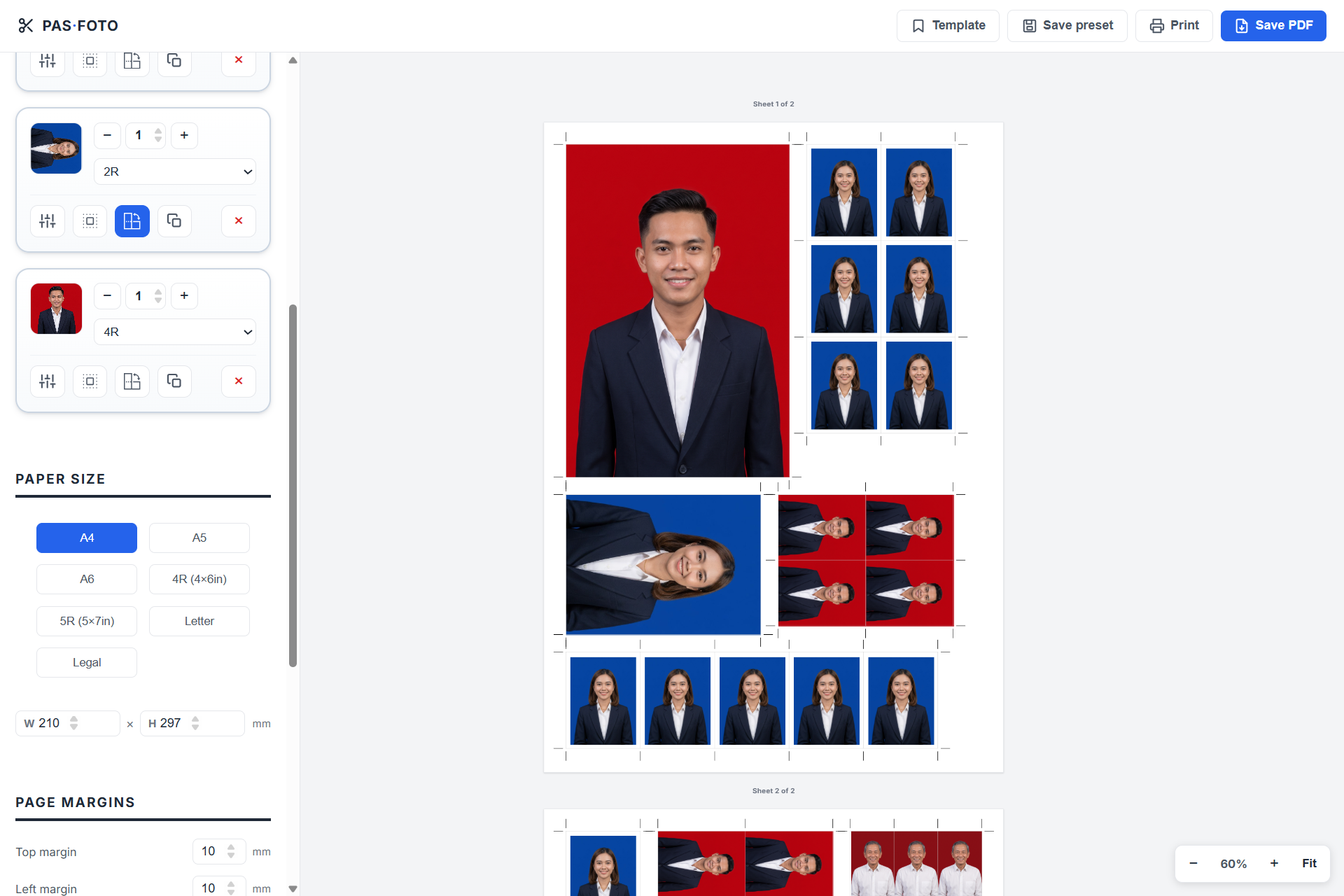
Create perfectly sized photo layouts for ID photos, passport photos, postcard prints, and custom dimensions. Simply choose your paper size, and the tool automatically arranges your photos into the most space-efficient layout. This helps print shops and home users save paper, reduce costs, and print with confidence.
Open Photo Layout Generator ↗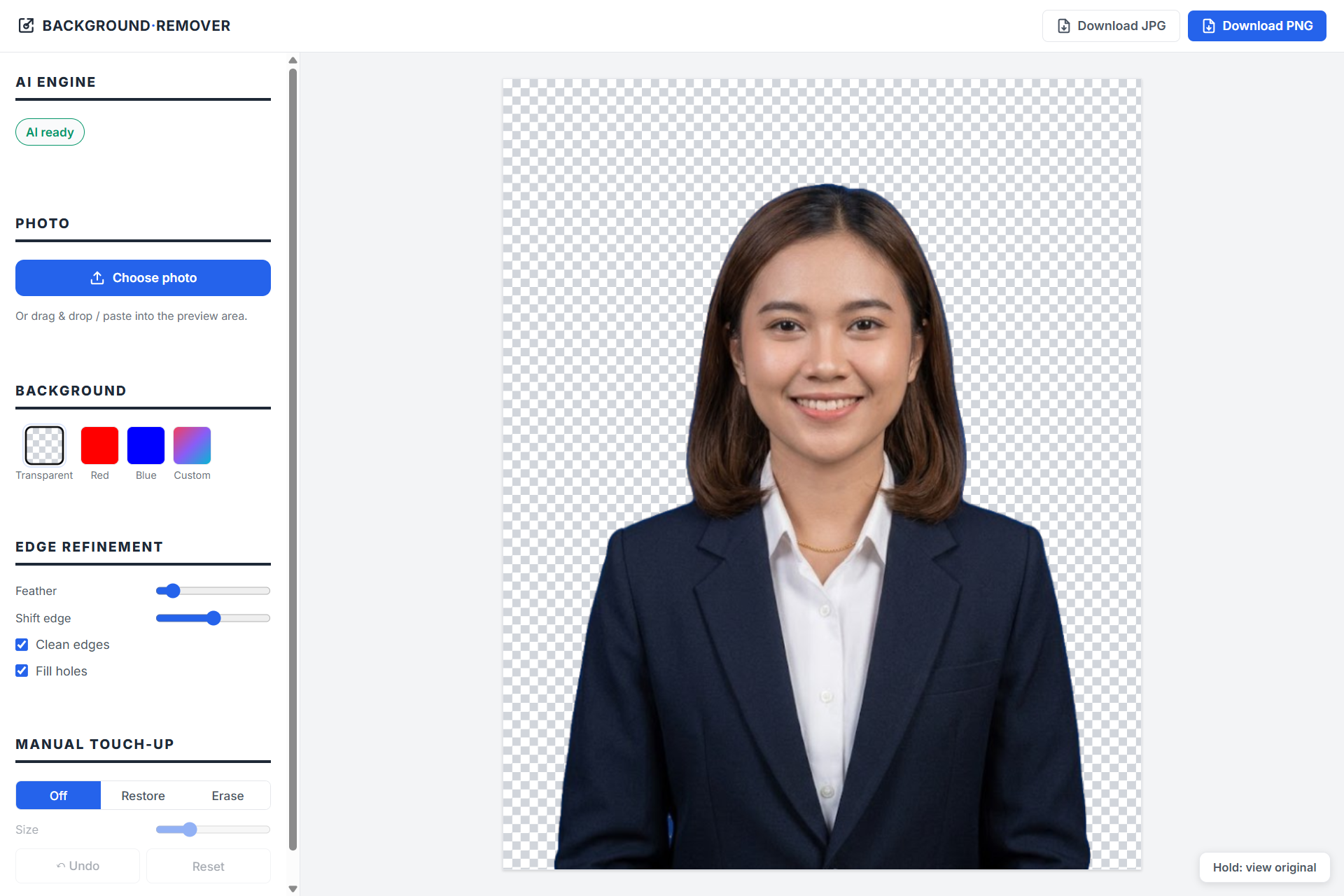
AI background removal, 100% on your device. Your photos never leave your browser. All is processed on your local computer — private by design. Swap in red, blue, transparent, or any custom color in seconds.
Open Background Remover ↗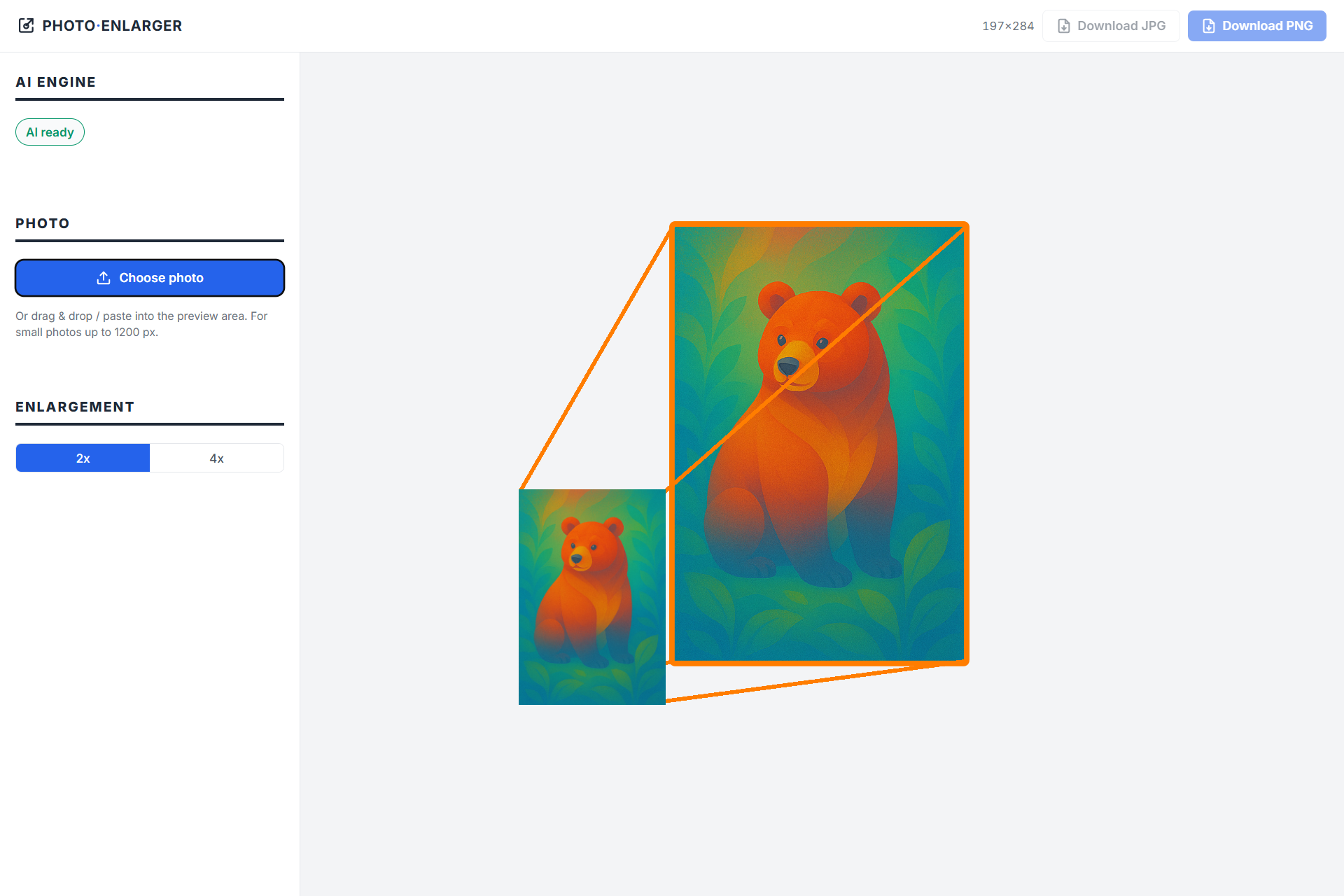
Enlarge small images by 2× or 4× with a single click. Our local AI intelligently upscales image resolution while preserving details and sharpness. Everything runs directly in your browser, so your images are never uploaded to our servers. Your privacy is fully protected.
Open Image Upscaler ↗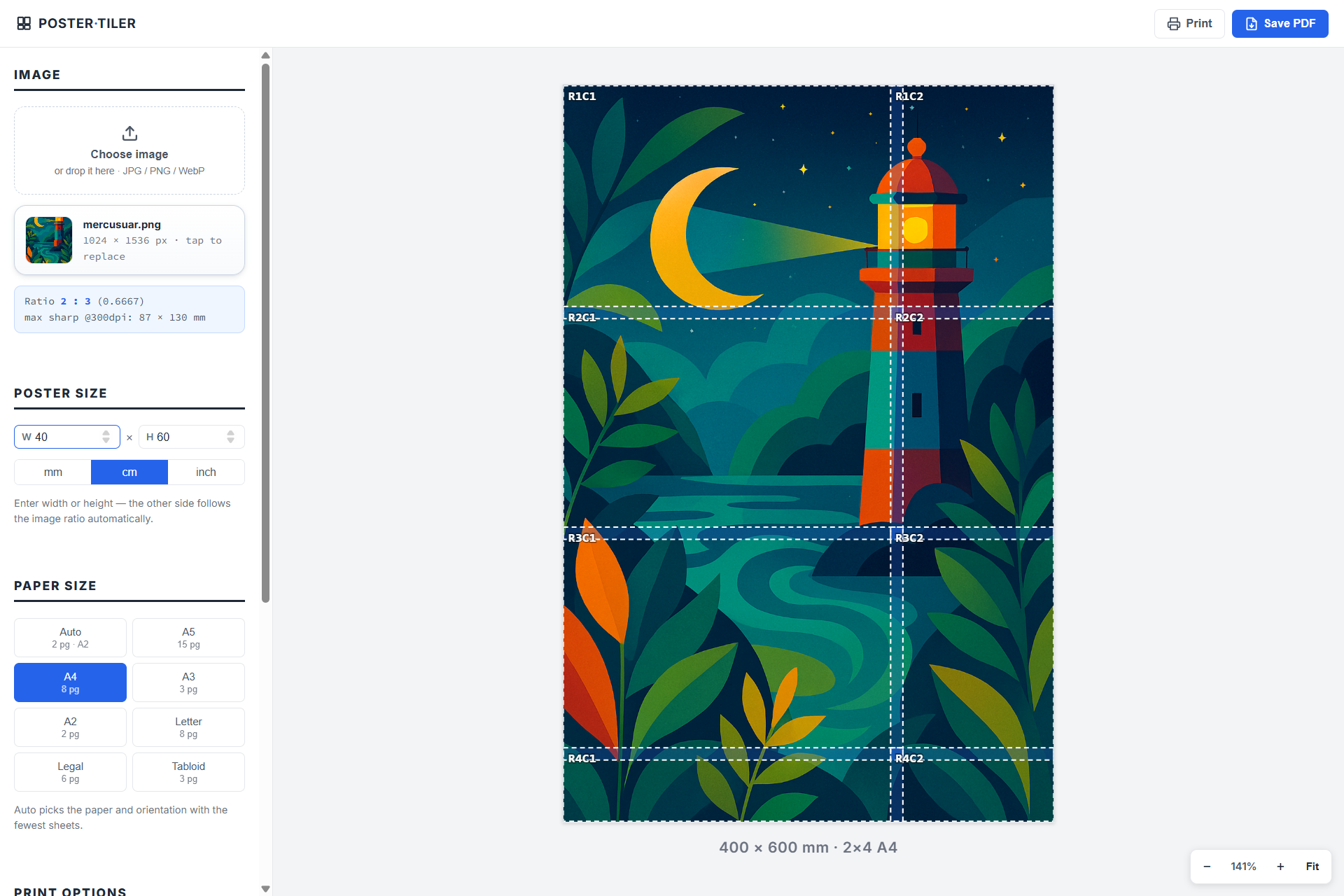
Create large prints with any A4 or Letter printer. Simply choose the final poster size, and the app automatically divides it into printable tiles. After printing, assemble the pages to produce a poster with the exact dimensions you need.
Open Poster Tile Maker ↗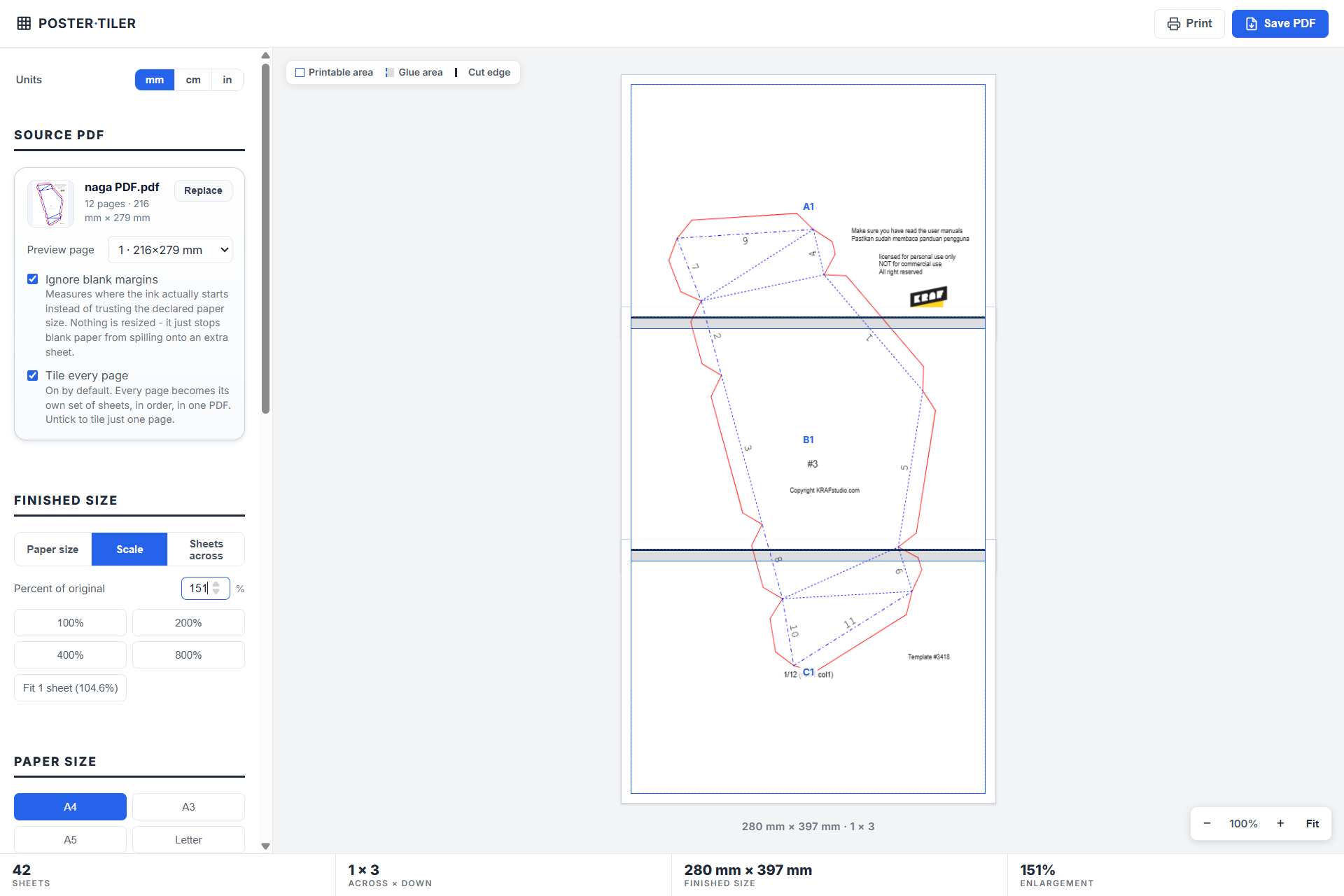
Basically the same as Poster Tile Maker but it is for pdf document. You can re-scale any pdf files smaller or bigger. If it is bigger thatn your printer paper (which is A4, A3, or Letter), then it will automatically make a tile where you can glue it later. Perfect for printing craft template or sewing template that you need to scale it up.
Open PDF Tile Maker ↗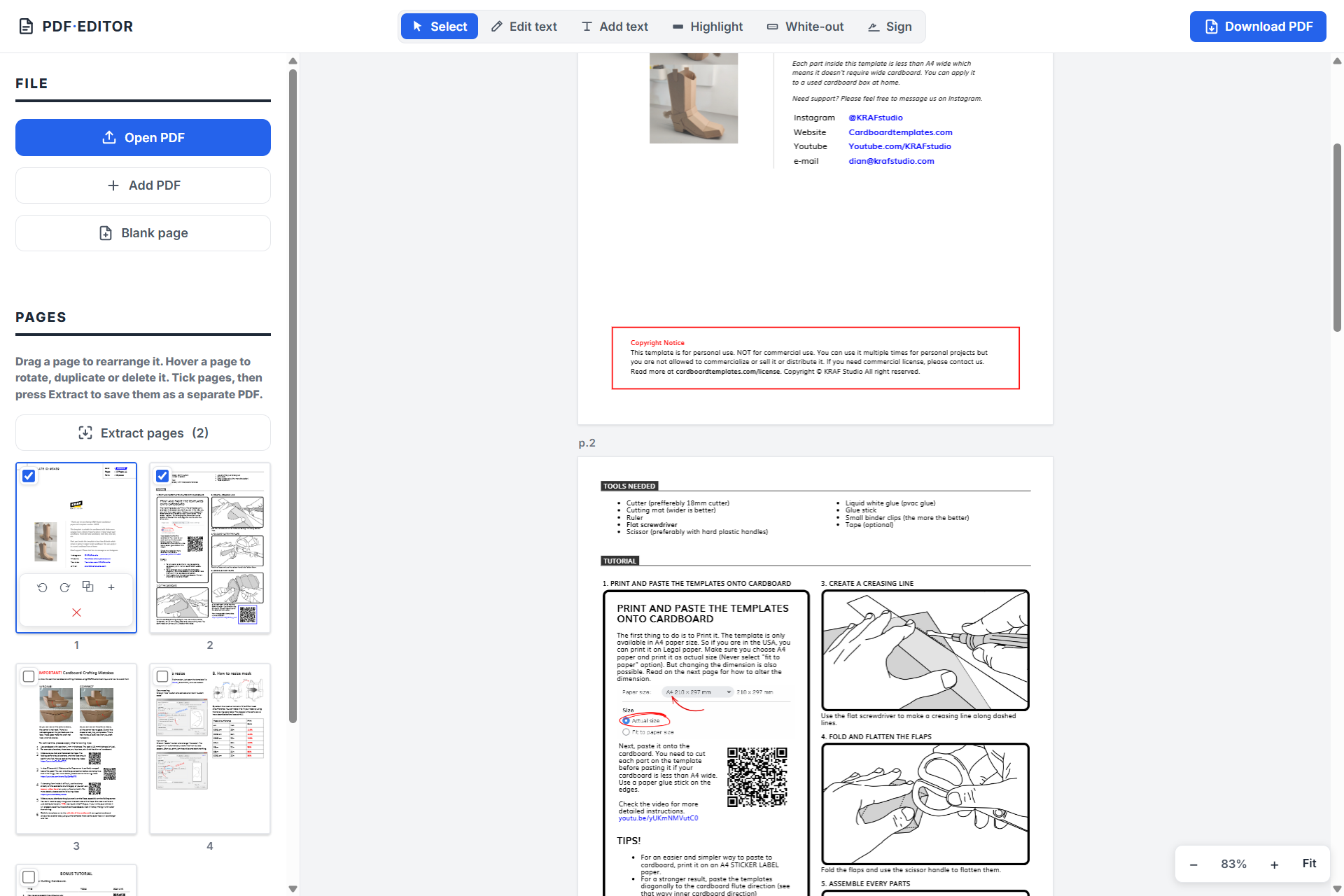
Edit PDF files right in your browser — free, no signup, and your files are never uploaded. Change or delete the text inside a PDF, add new text, highlight, white-out, and sign with your own handwritten signature. Rearrange, rotate, duplicate or delete pages, merge several PDFs into one, extract pages into a new file, or start from a blank page.
Open PDF Editor ↗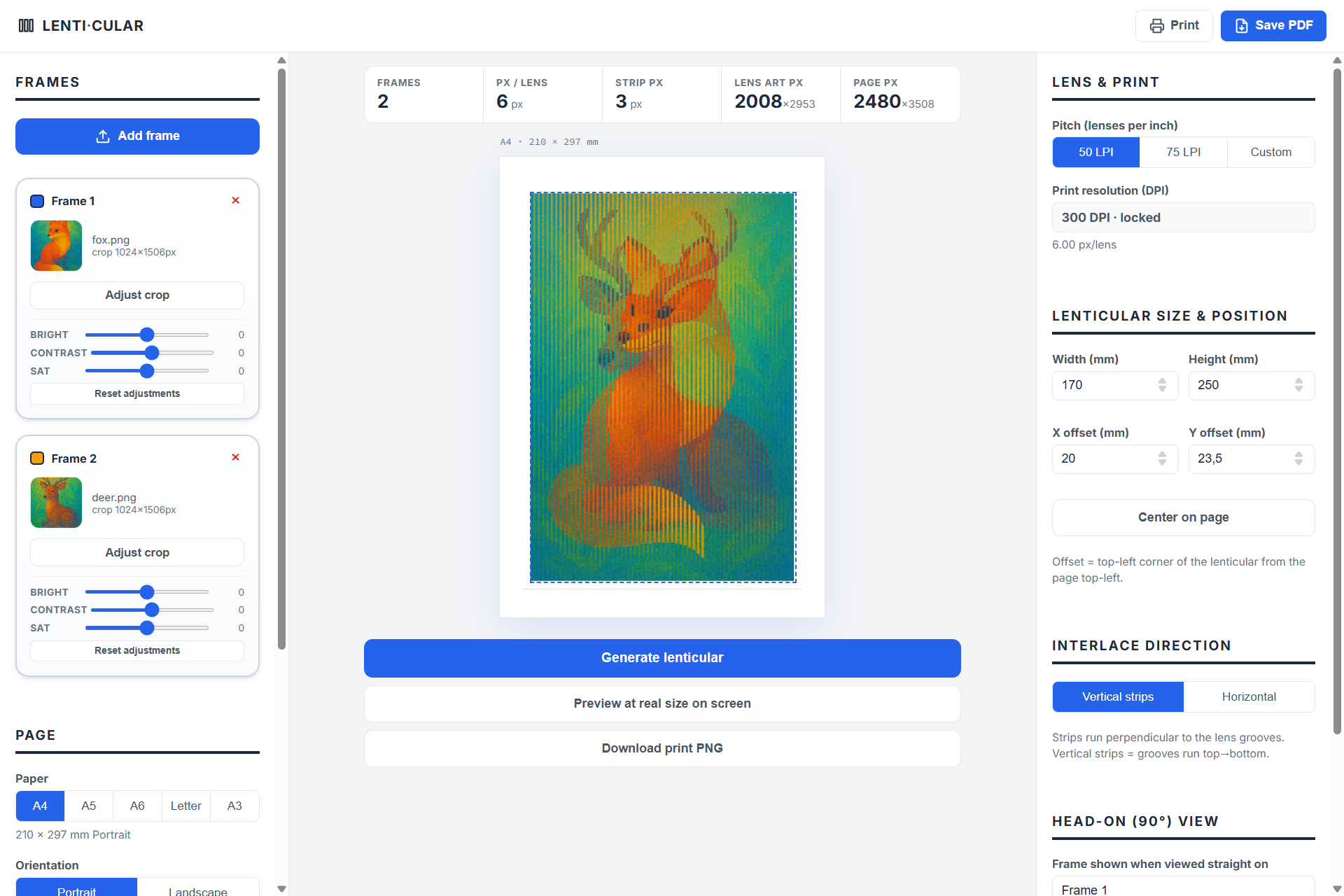
Transform ordinary images into interactive prints that change with every angle. Lenticular printing creates impressive motion, flip, and 3D effects using a simple printed image and a lenticular lens. Just upload your images, select your lens size (LPI) and paper format, and let the tool generate everything you need for a perfect print.
Open Lenticular Maker ↗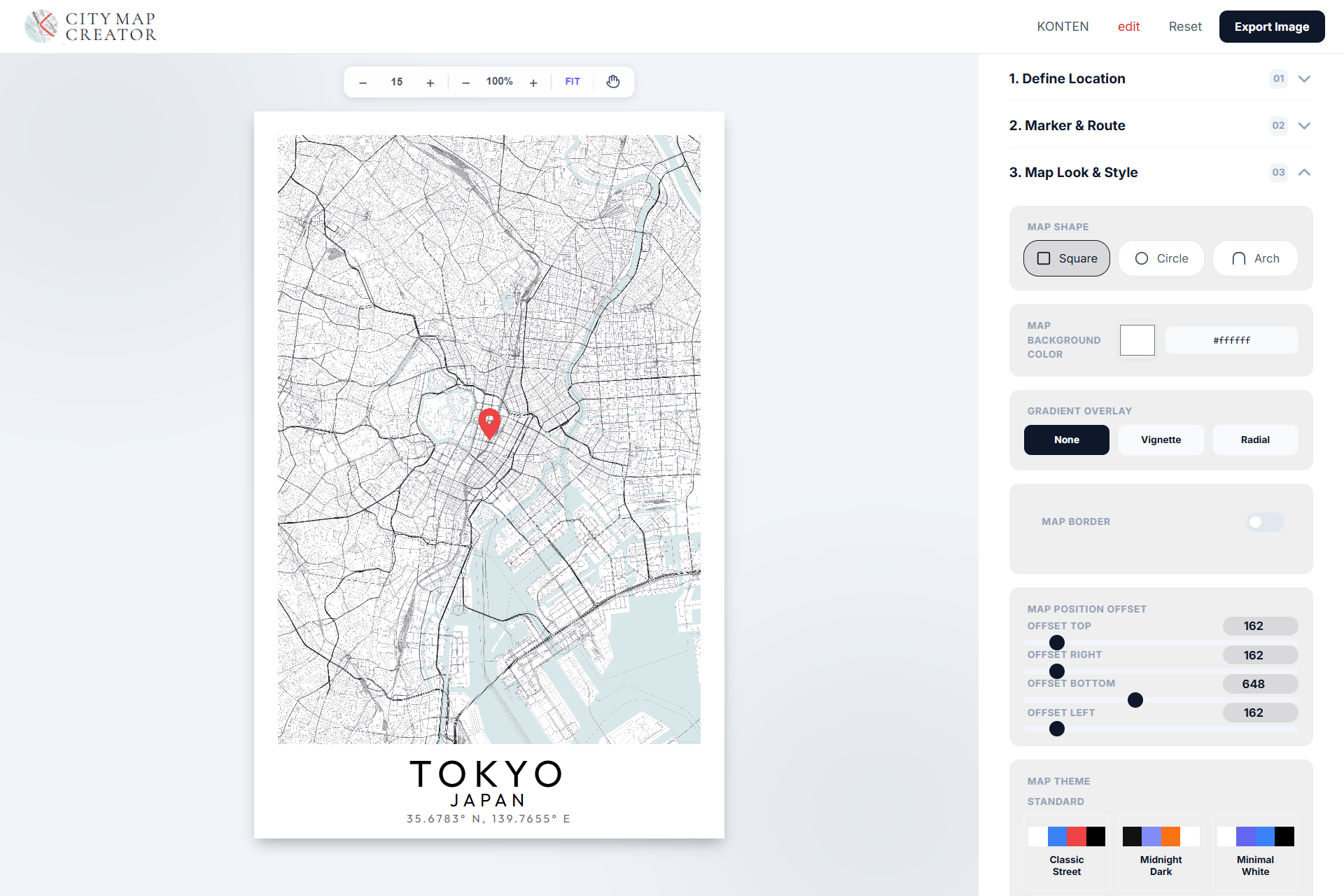
Search any location on earth, then dial it in: square, circle, or arch framing. Three map themes. Custom colors, gradients, borders, and pixel-precise margins. Export print-ready in one click — as wall art, a framed gift, a desk print, or the backdrop of a wedding invitation.
Open City Map Maker ↗