
With this tool, you can easily and quickly print photos in Polaroid or Instax sizes using any paper size. The system automatically generates an optimal layout based on your chosen paper size and the number of Polaroid or Instax photos you want. With just one click, you can print directly to your printer—no software or app installation required. Convenient, free, and easy to use. Simply select the Polaroid or Instax size you want below and follow the steps.
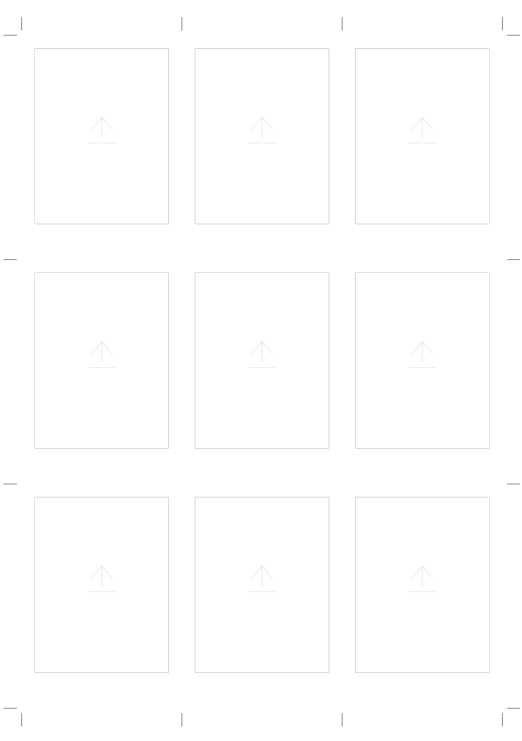
With this template, you can easily create or print 2R-sized photos in a classic Polaroid style, featuring the signature border with a thicker margin at the bottom. To add your images, simply drag and drop them into the desired frames or double-click on the designated area to select a file from your device.

With this layout, you can print Instax Wide-sized photos using commonly available photo paper (usually A4). Not only that, but you also have many paper options to choose from. To create an Instax Wide photo, simply select the paper, decide how many Instax Wide photos you want, add your photos, then print and cut them using a cutter.
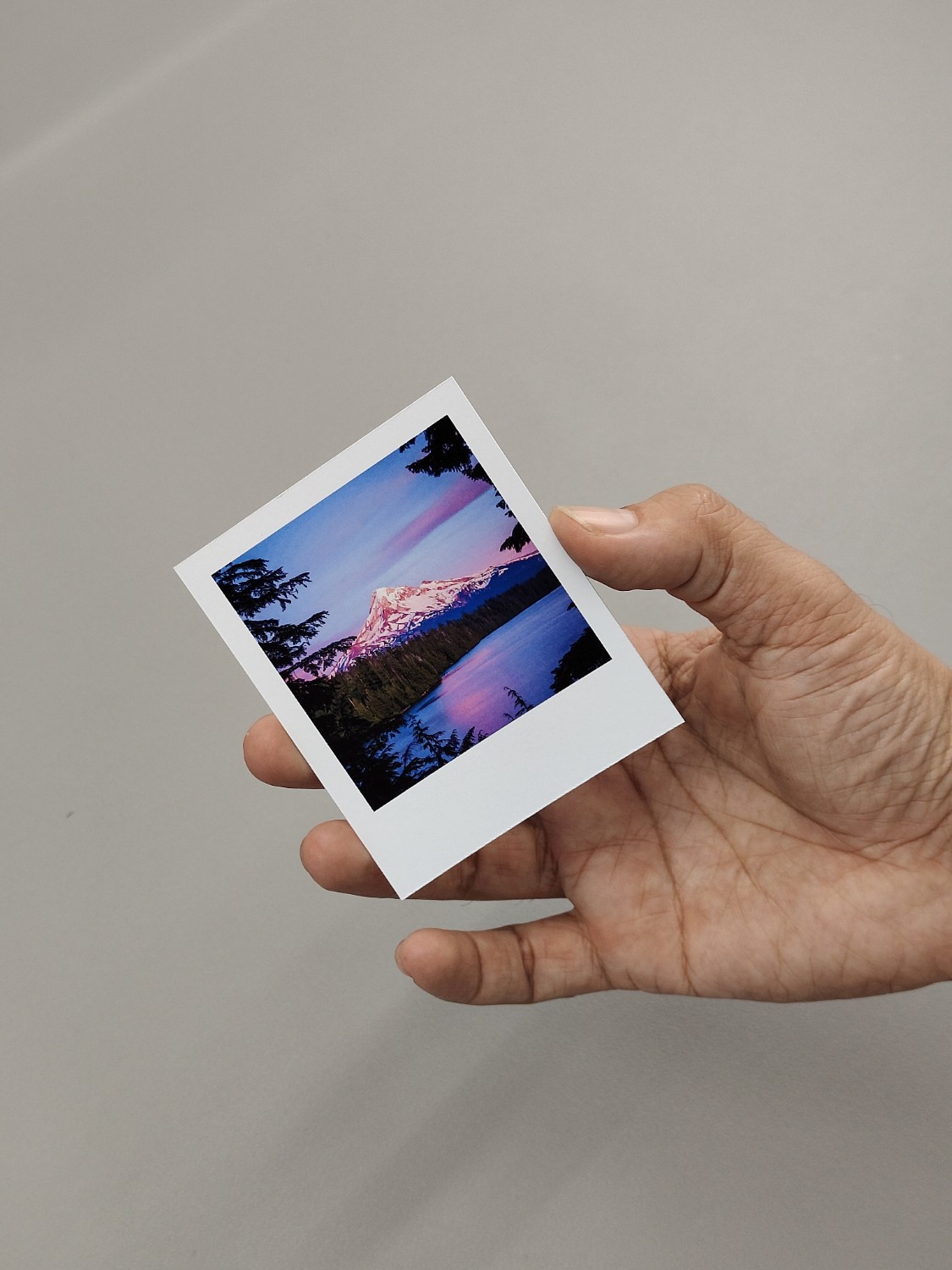
The following layout can be used to create photo prints that are exactly the same size as the Fuji Instax Square.
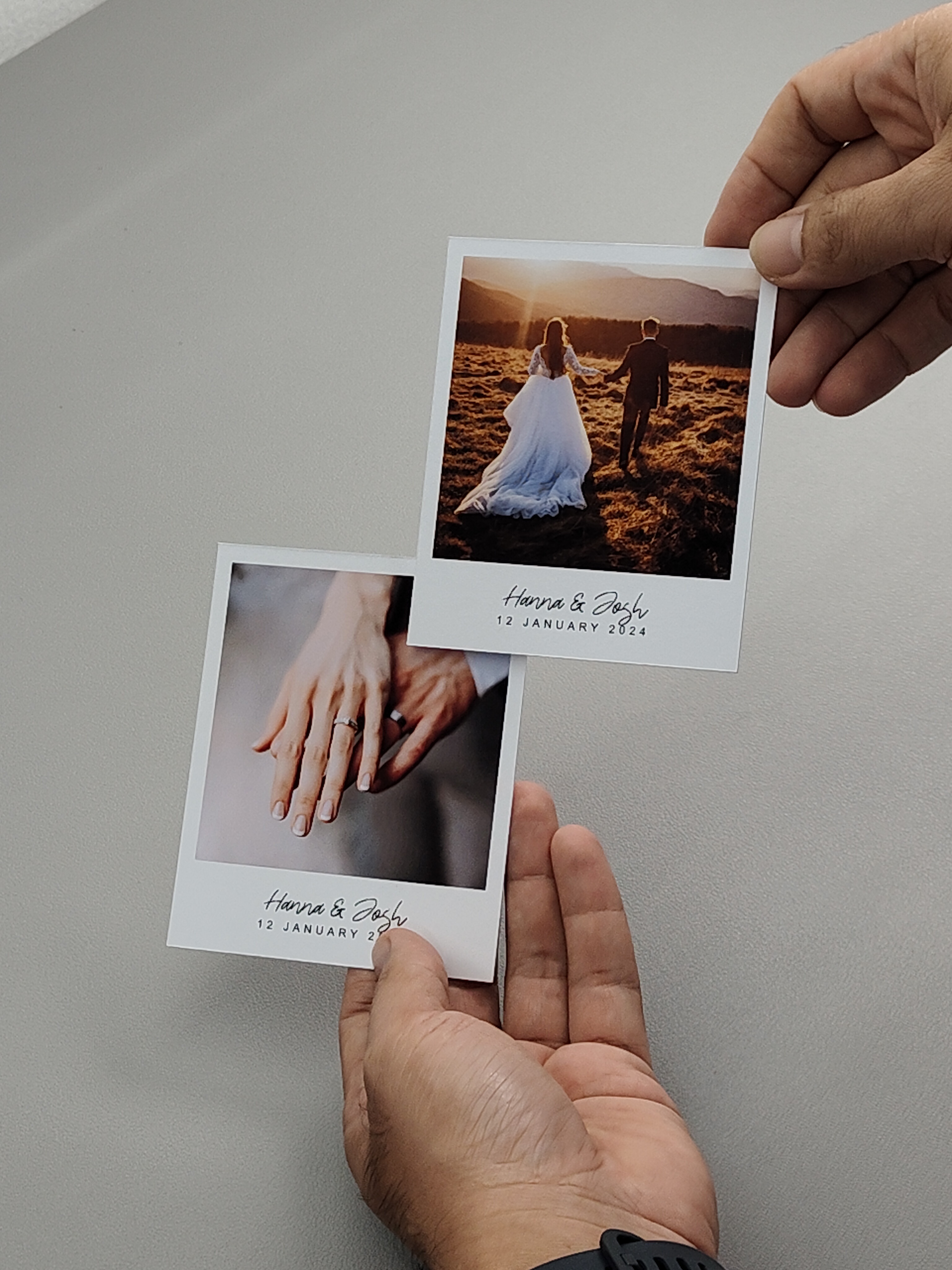
This layout allows you to print Polaroid photos using your home printer. The layout has text on the bottom so you can add your name or something there. You can use any paper size. The system will automatically generate an optimal layout based on the number of photos and the chosen paper size. You can then add your photos, click print to start printing, and finally cut them using a cutter. Regardless of the paper size you choose, the Polaroid photo dimensions will remain accurate.

With this layout, you can create Instax Mini-sized photos using your home printer. Simply choose your paper size, decide how many Instax Mini photos you want to print, and our system will automatically generate an efficient layout for cutting. You can easily add photos to this layout and then click the print button.

With this layout, you can print mini Polaroid-sized photos at home using any paper size. Simply choose the paper size and the number of mini Polaroid photos you want, and the system will generate an optimal layout for printing with a regular printer. Once the layout is created, you can either add photos individually to each designated area or upload them all at once with a single click. After that, just print and cut them using a cutter.

This layout allows you to print Polaroid photos using your home printer. You can use any paper size. The system will automatically generate an optimal layout based on the number of photos and the chosen paper size. You can then add your photos, click print to start printing, and finally cut them using a cutter. Regardless of the paper size you choose, the Polaroid photo dimensions will remain accurate.