
With this layout, you can easily create a hanging calendar like the one shown in the photo below. Simply choose a layout, customize the calendar settings such as holidays and events, then click “Generate Layout.” Our system will automatically create a print-ready layout, and you can print it right away.

A calendar with Javanese and Hijri dates at the bottom of each Gregorian date, along with the Hijri month in the top right corner. You can disable the Hijri and Javanese day features.

This calendar template shows 12 month from January to December in one page. The month grid and days are so tidy that makes it easier to read. make this indonesia

With this printable template, you can create a monthly planner featuring a calendar table with accurate holiday listings, a to-do list area, and a notes section. Simply enter the paper size and select the desired month, and the system will automatically generate a print-ready layout.

With this layout, you can easily create a two-month wall calendar per page with a custom photo display at the top. Simply fill in the options below, click the blue button, and the layout will be generated. Just add your photo by clicking the photo area and print! It’s that simple.
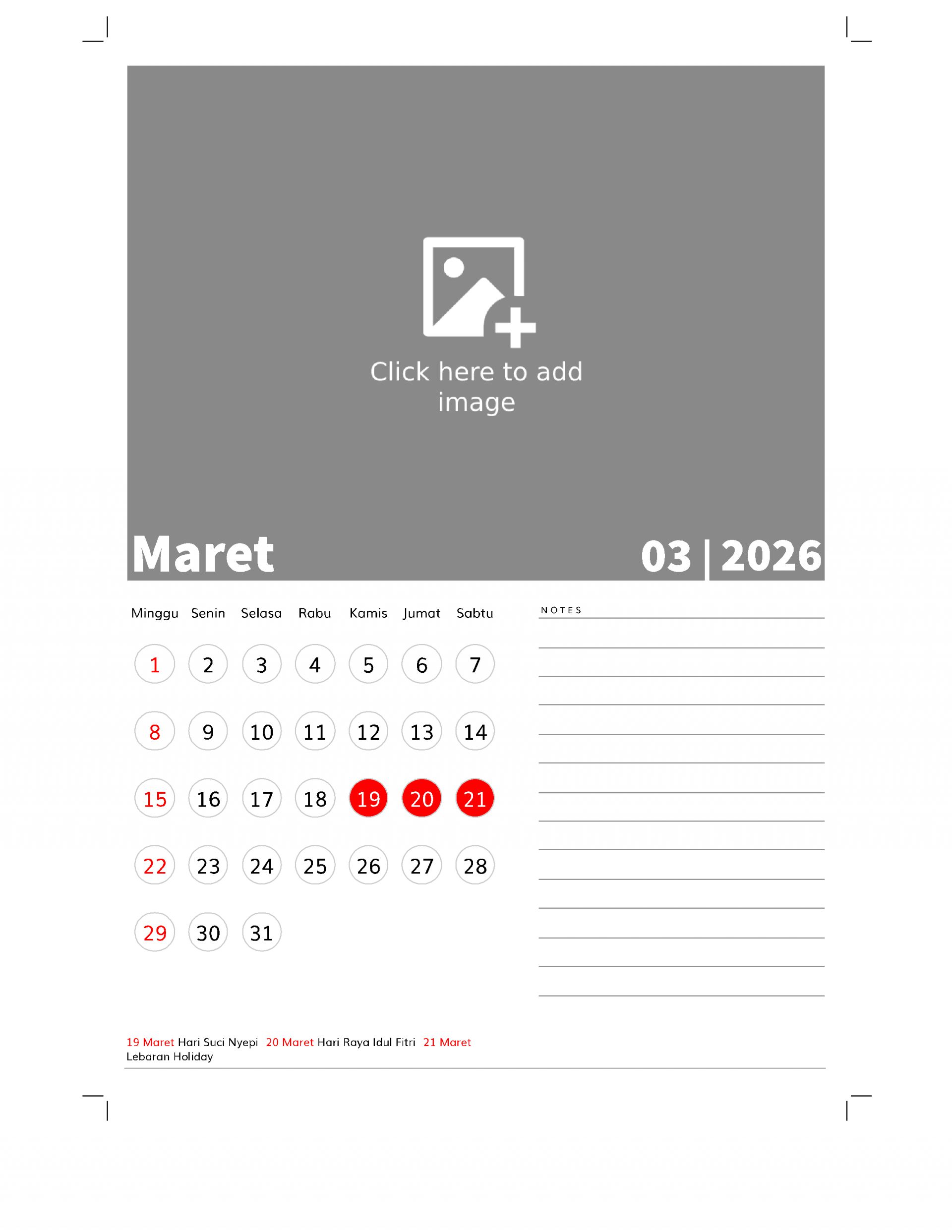
With this printable template, you can easily print a calendar featuring a large photo at the top and a notes area at the bottom. Simply select the settings option, then click the blue button below, and the system will automatically generate the calendar layout. To add a photo, just click on the photo area and upload your image. After that, simply click the print button to print it.
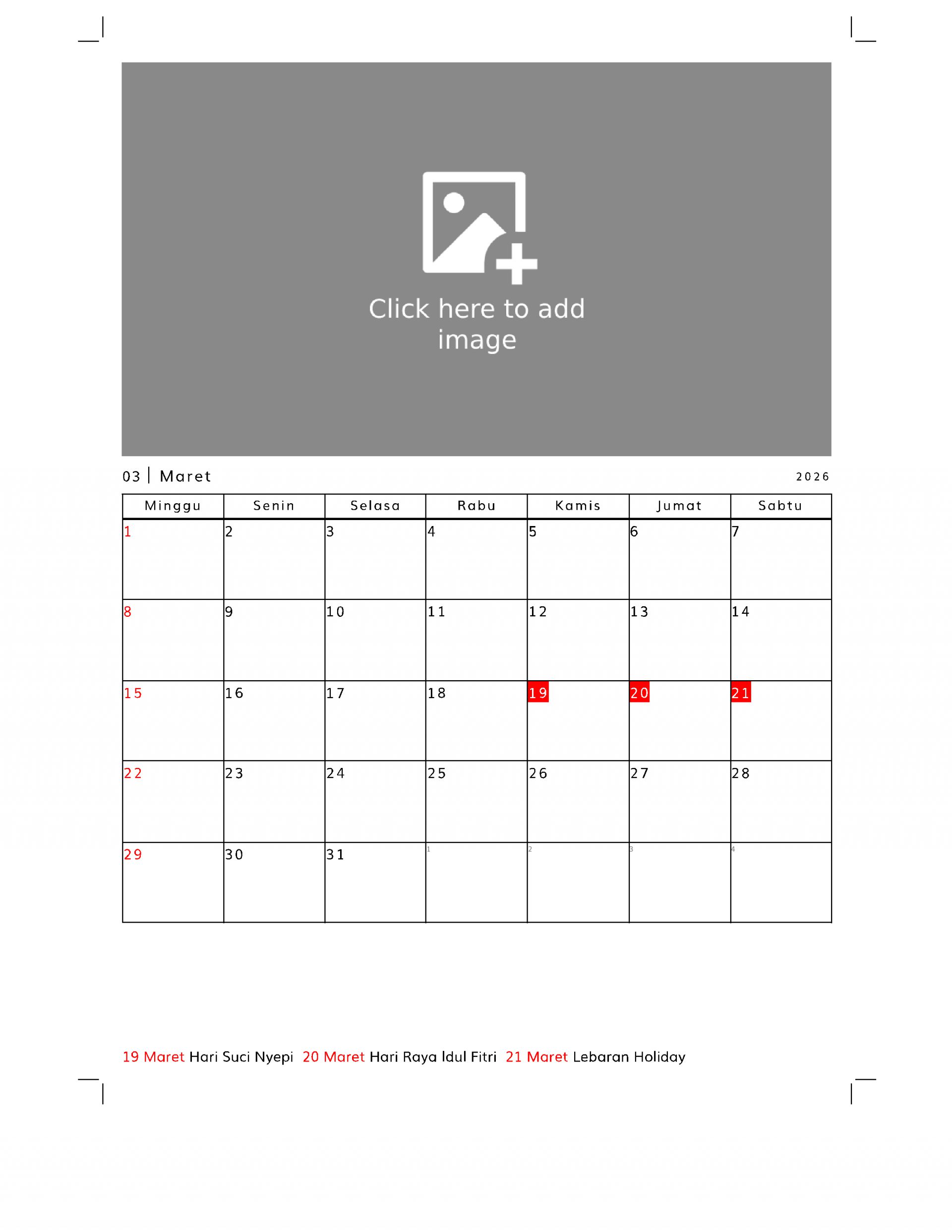
With this template, you can create a planner featuring a calendar table at the bottom and a custom image at the top.
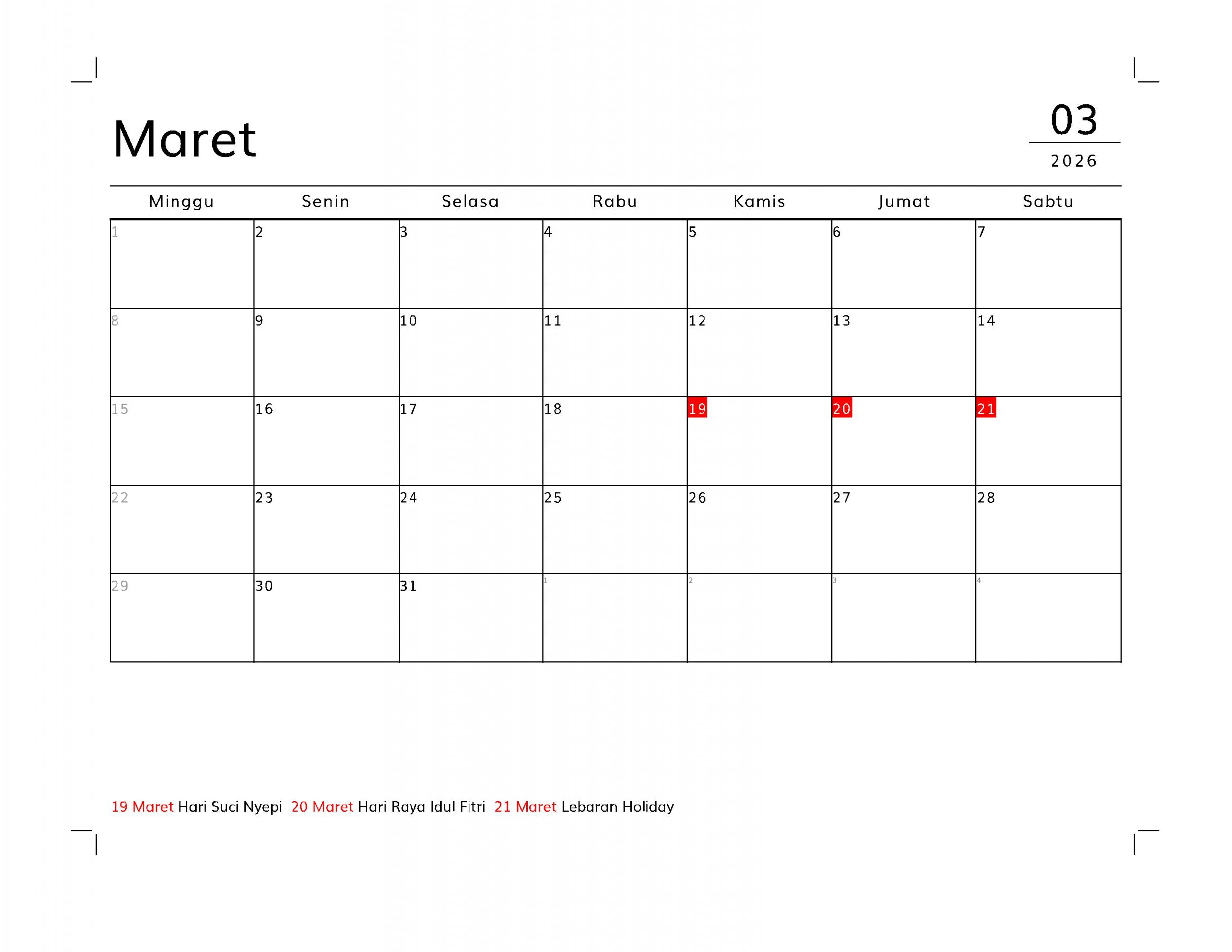
This layout can be used to create a planner with a grid or table calendar display at the top and a grid area below. The calendar table supports national holidays for various countries. Its table format makes it suitable for daily planners. The default paper size is A4. If you want to print it to a different paper size, you can save it as a PDF (print to PDF) first, then print it using a PDF viewer application with the “fit to paper” print option.
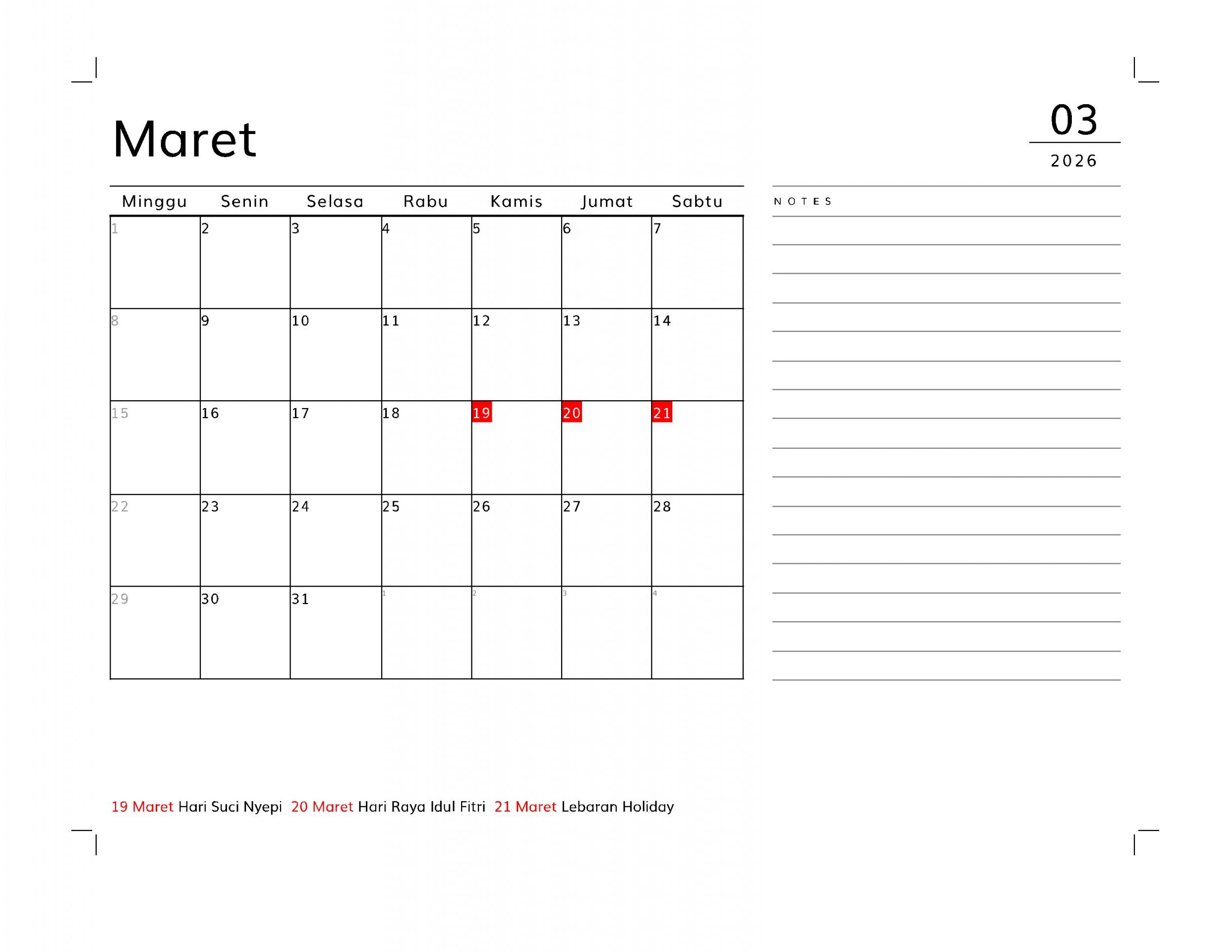
With this layout, you can create a planner featuring a table-style calendar on the left and a notes or memo section on the right. This planner is designed for A4-sized paper, but you can print it in other sizes by first printing it to PDF. Then, open the PDF and select the “fit to paper” print option to print on any paper size.

With this layout, you can easily print a planner or monthly schedule using your home printer. Simply set your preferences—such as language, national holidays, or custom events—then click the blue “Generate Layout” button below. The system will automatically create a print-ready layout based on your selections. You can save it as a PDF or print it directly at home.
A long-shaped calendar that can also function as a bookmark. Includes an area for images and notes.