
Various layouts below can be used to create desk calendars quickly and easily, even with simple tools like a home printer and cutter. Just choose a layout, then set the options you want such as holidays, custom events, language, etc. After that, simply click “Generate Layout,” and our system will automatically create a layout based on your choices. Then you just need to print and cut it.

This is a three-month view calendar layout (previous month, current month, and next month) specifically designed for 4R print size (10×15 cm). The top section features a personal photo or selected image, along with a to-do list, followed by a compact yet clear display of three consecutive months.

This is a layout designed to create a calendar in the size of a credit card or ID card. Despite its small size, the layout still accommodates a dedicated area for holiday descriptions.
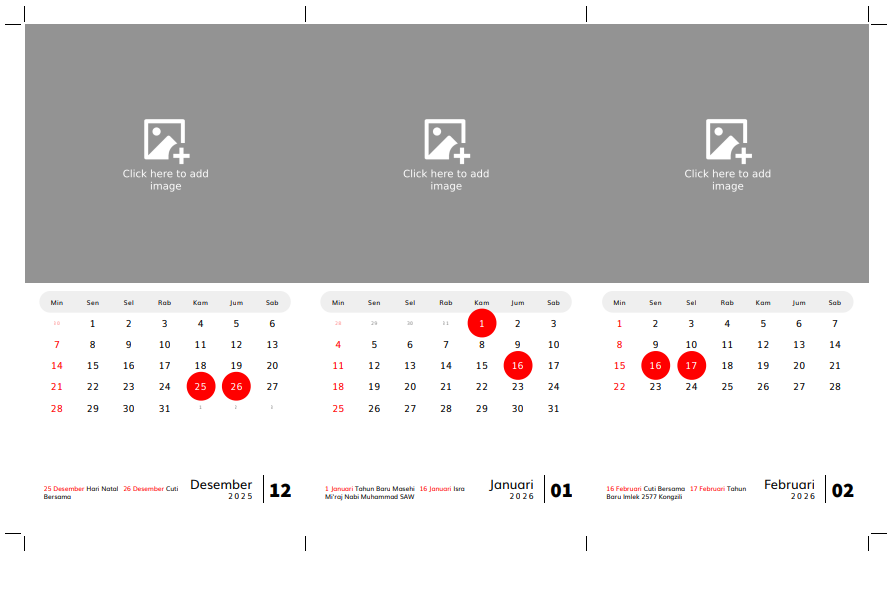
With this printable template, you can create your own desk calendar at home with a custom photo on top and a calendar area below. The calendar section supports holidays from various countries, and you can even add your own custom events. After printing the calendar, you will need to cut it. Cut lines are provided, so you just need to follow the guide for precise and consistent results.

With this layout, you can create a square desk calendar featuring a photo area at the top. You can easily add a photo to this area by clicking it after generating the layout.
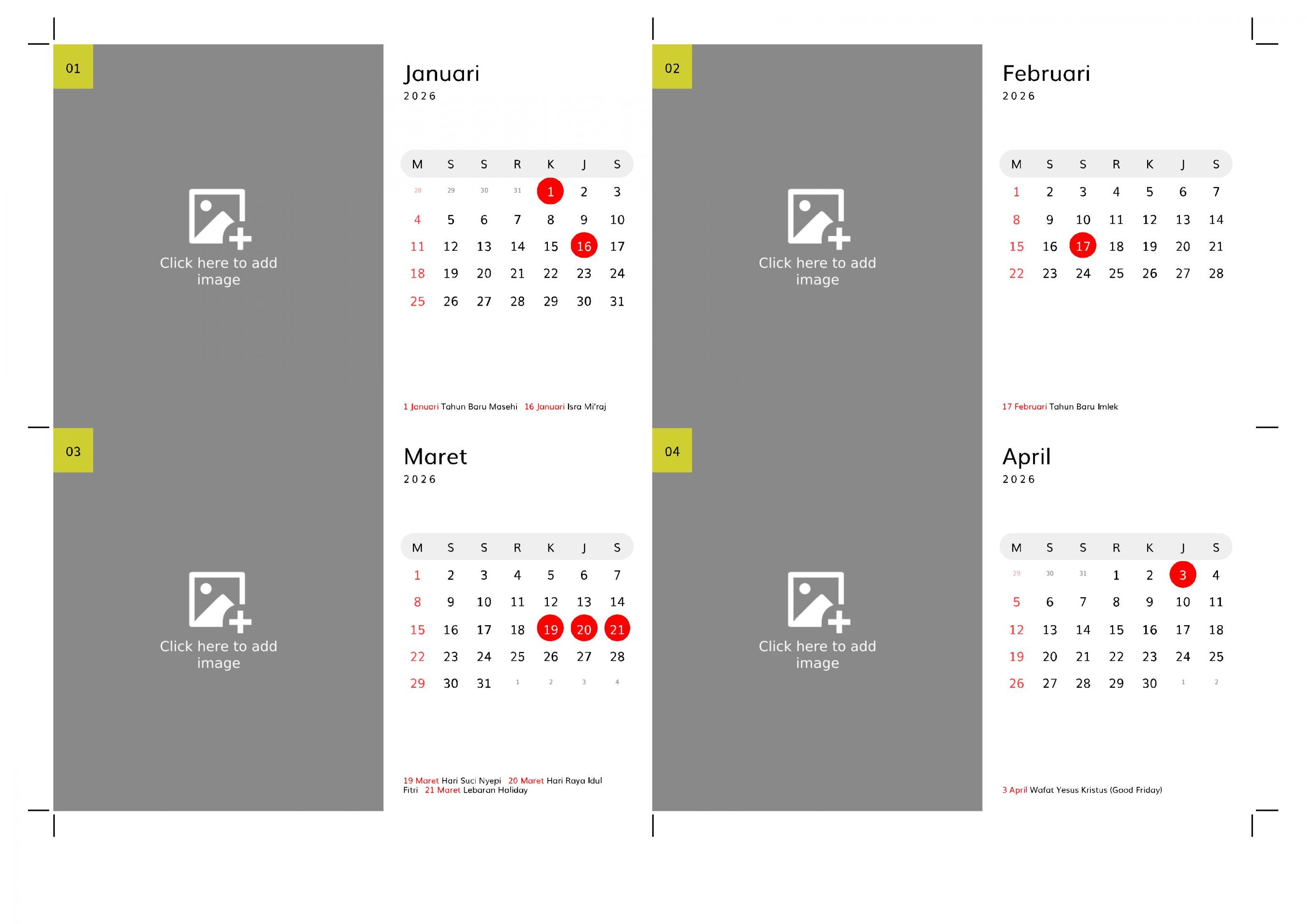
a landscape desk calendar with a stand. This calendar has a wide area for image. Perfect for decoration
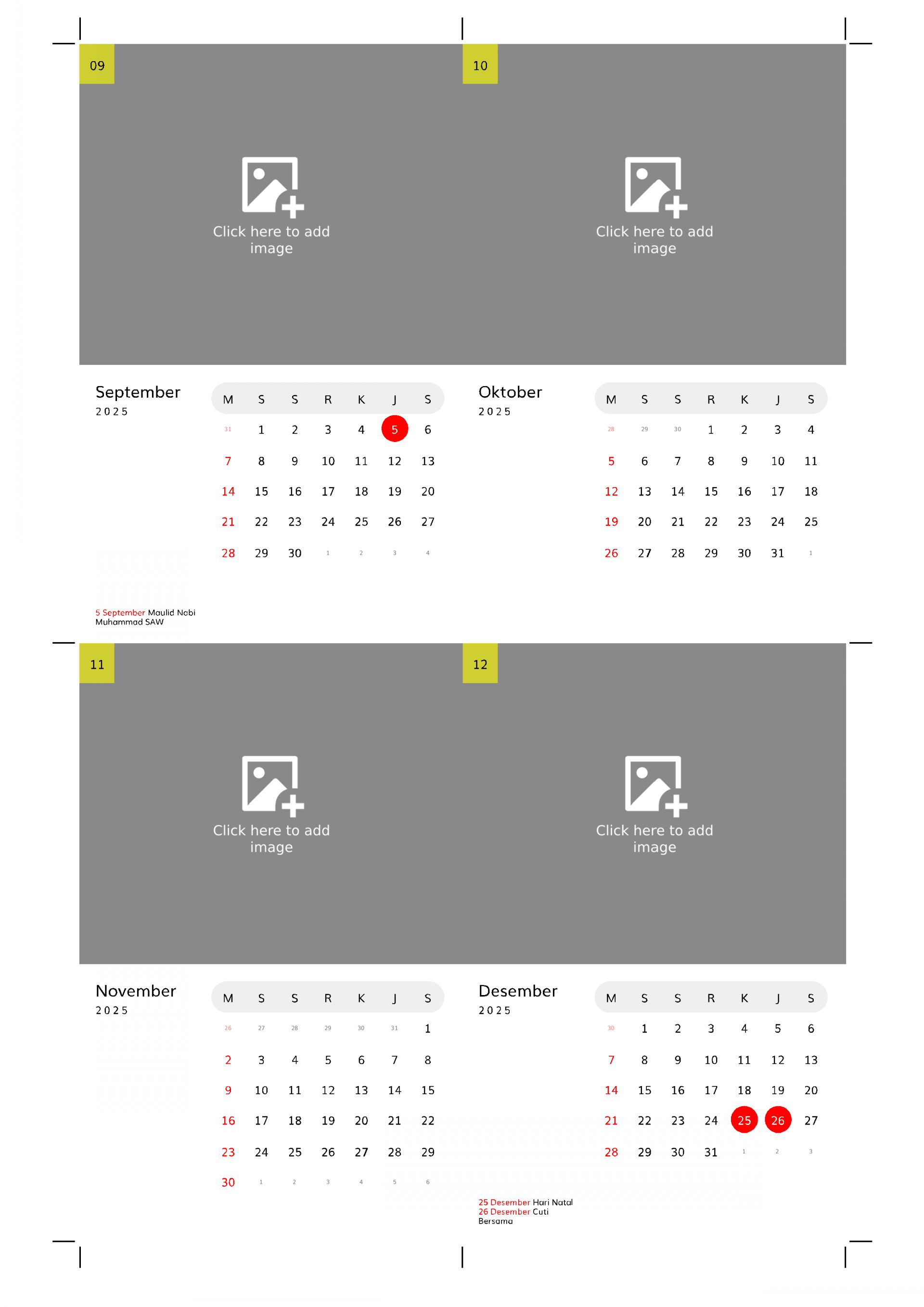
With this free layout, you can easily create a modern portrait desk calendar complete with a stand pattern. Simply choose your preferred language, select holidays, add custom events, and click the generate layout button. The system will automatically display a print-ready layout, which you can save as a PDF or print directly using your printer by clicking the print button.