

With this printable template, you can create a monthly planner featuring a calendar table with accurate holiday listings, a to-do list area, and a notes section. Simply enter the paper size and select the desired month, and the system will automatically generate a print-ready layout.

With this layout, you can easily create a two-month wall calendar per page with a custom photo display at the top. Simply fill in the options below, click the blue button, and the layout will be generated. Just add your photo by clicking the photo area and print! It’s that simple.
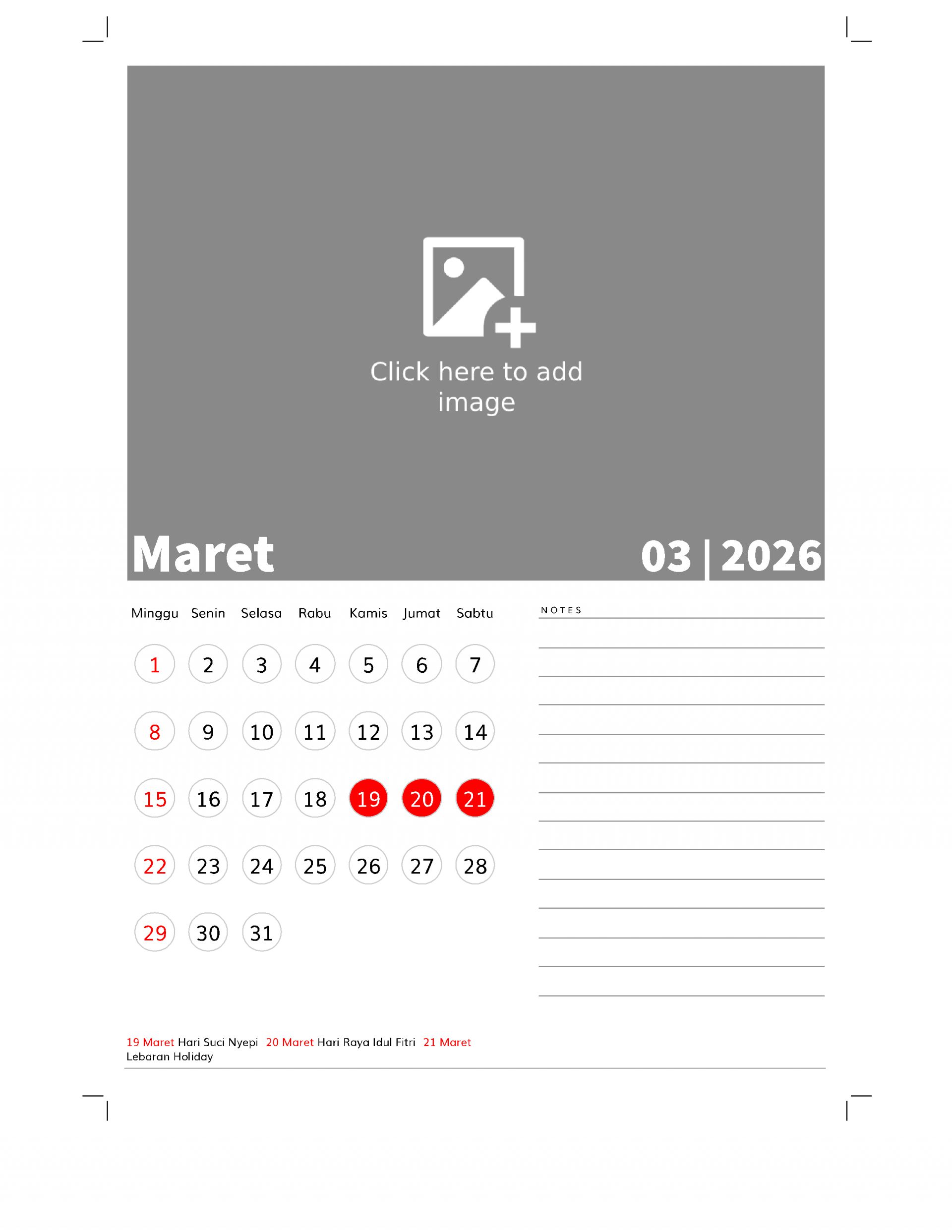
With this printable template, you can easily print a calendar featuring a large photo at the top and a notes area at the bottom. Simply select the settings option, then click the blue button below, and the system will automatically generate the calendar layout. To add a photo, just click on the photo area and upload your image. After that, simply click the print button to print it.
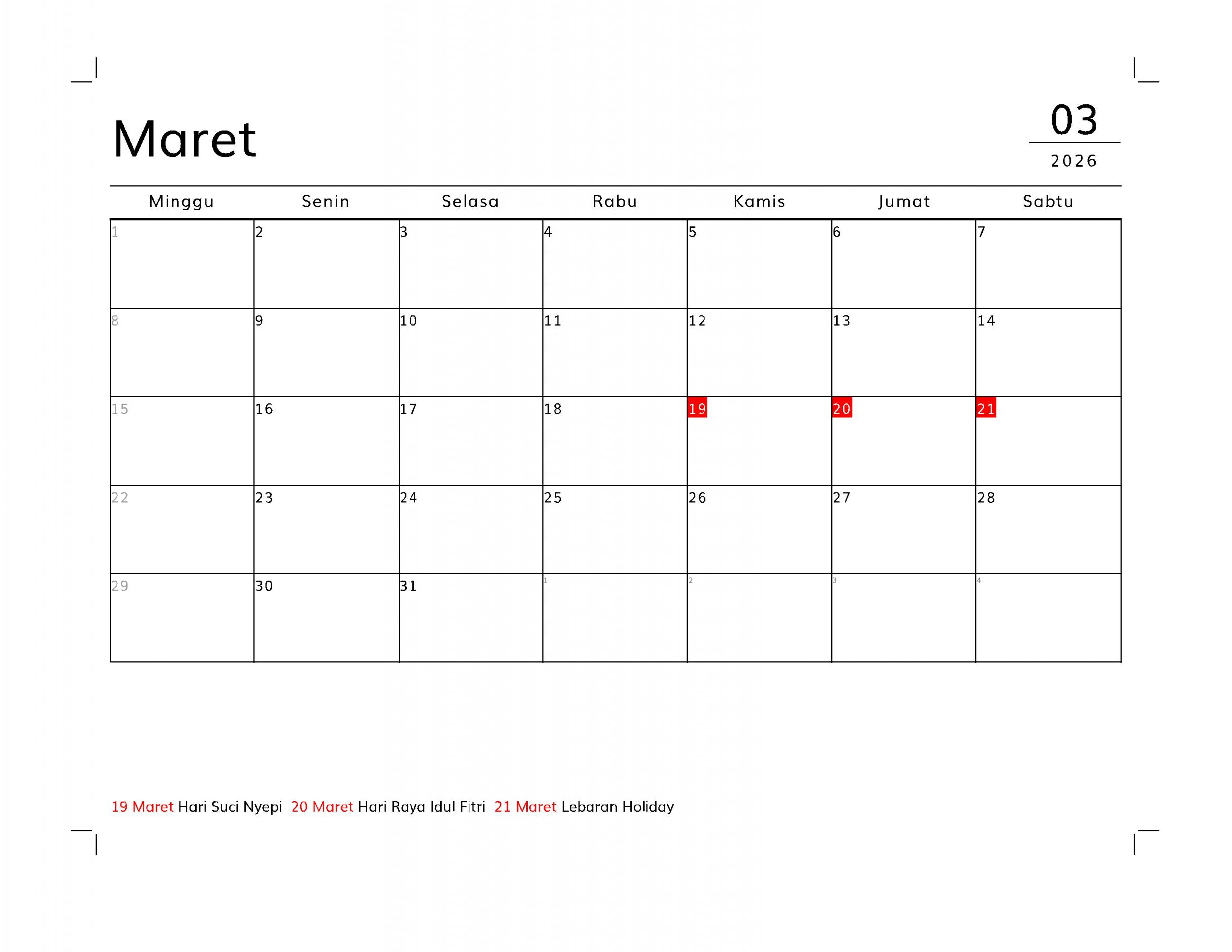
This layout can be used to create a planner with a grid or table calendar display at the top and a grid area below. The calendar table supports national holidays for various countries. Its table format makes it suitable for daily planners. The default paper size is A4. If you want to print it to a different paper size, you can save it as a PDF (print to PDF) first, then print it using a PDF viewer application with the “fit to paper” print option.
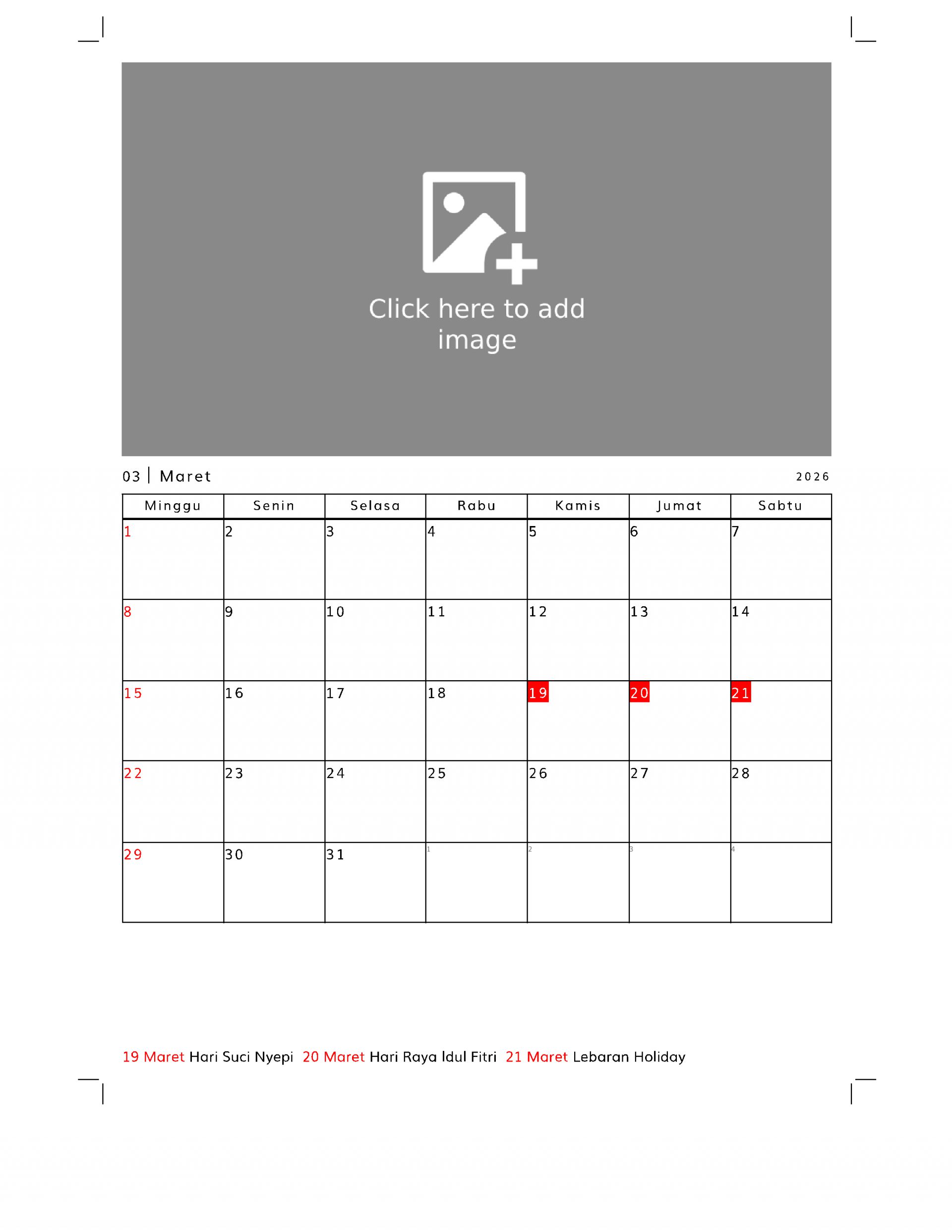
With this template, you can create a planner featuring a calendar table at the bottom and a custom image at the top.
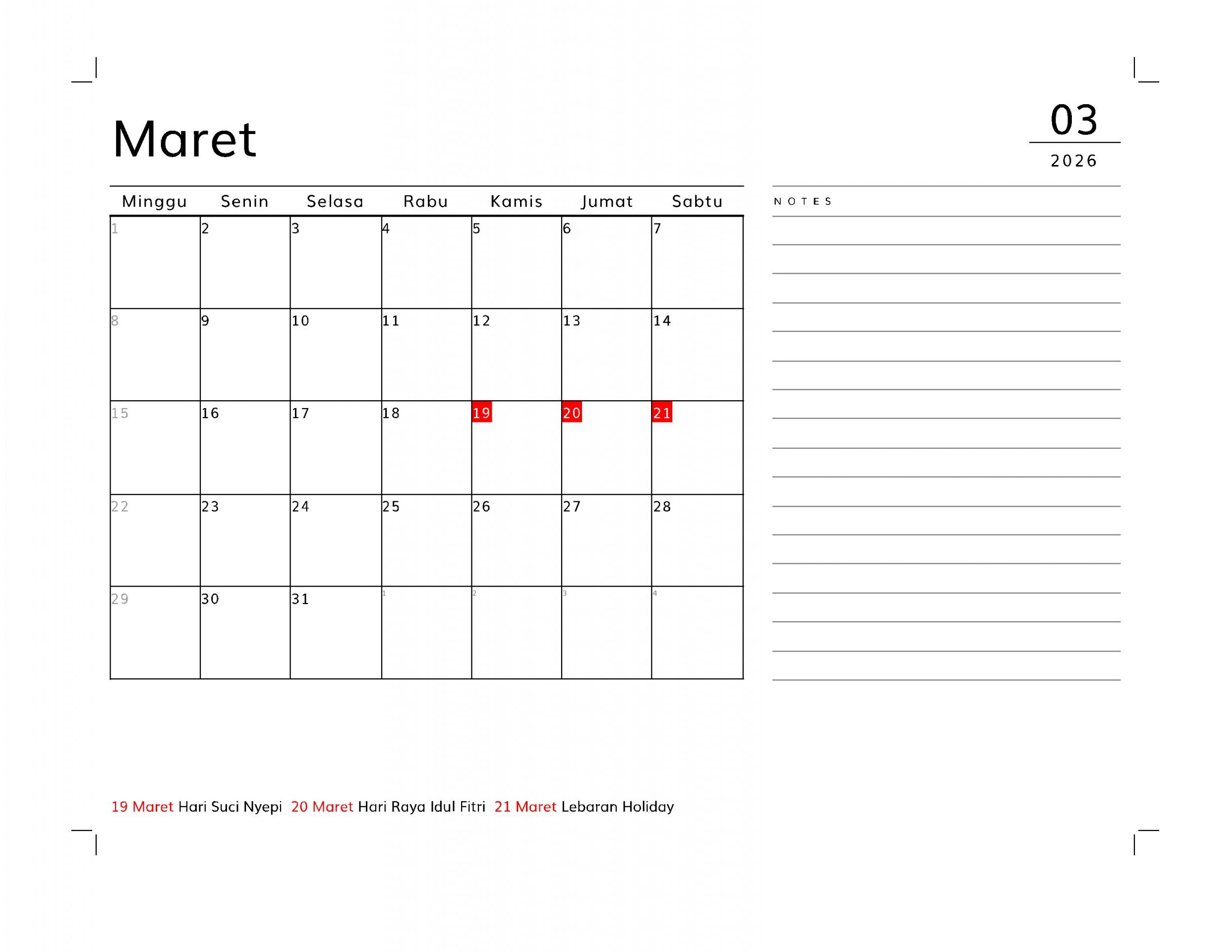
With this layout, you can create a planner featuring a table-style calendar on the left and a notes or memo section on the right. This planner is designed for A4-sized paper, but you can print it in other sizes by first printing it to PDF. Then, open the PDF and select the “fit to paper” print option to print on any paper size.

With this layout, you can easily print a planner or monthly schedule using your home printer. Simply set your preferences—such as language, national holidays, or custom events—then click the blue “Generate Layout” button below. The system will automatically create a print-ready layout based on your selections. You can save it as a PDF or print it directly at home.
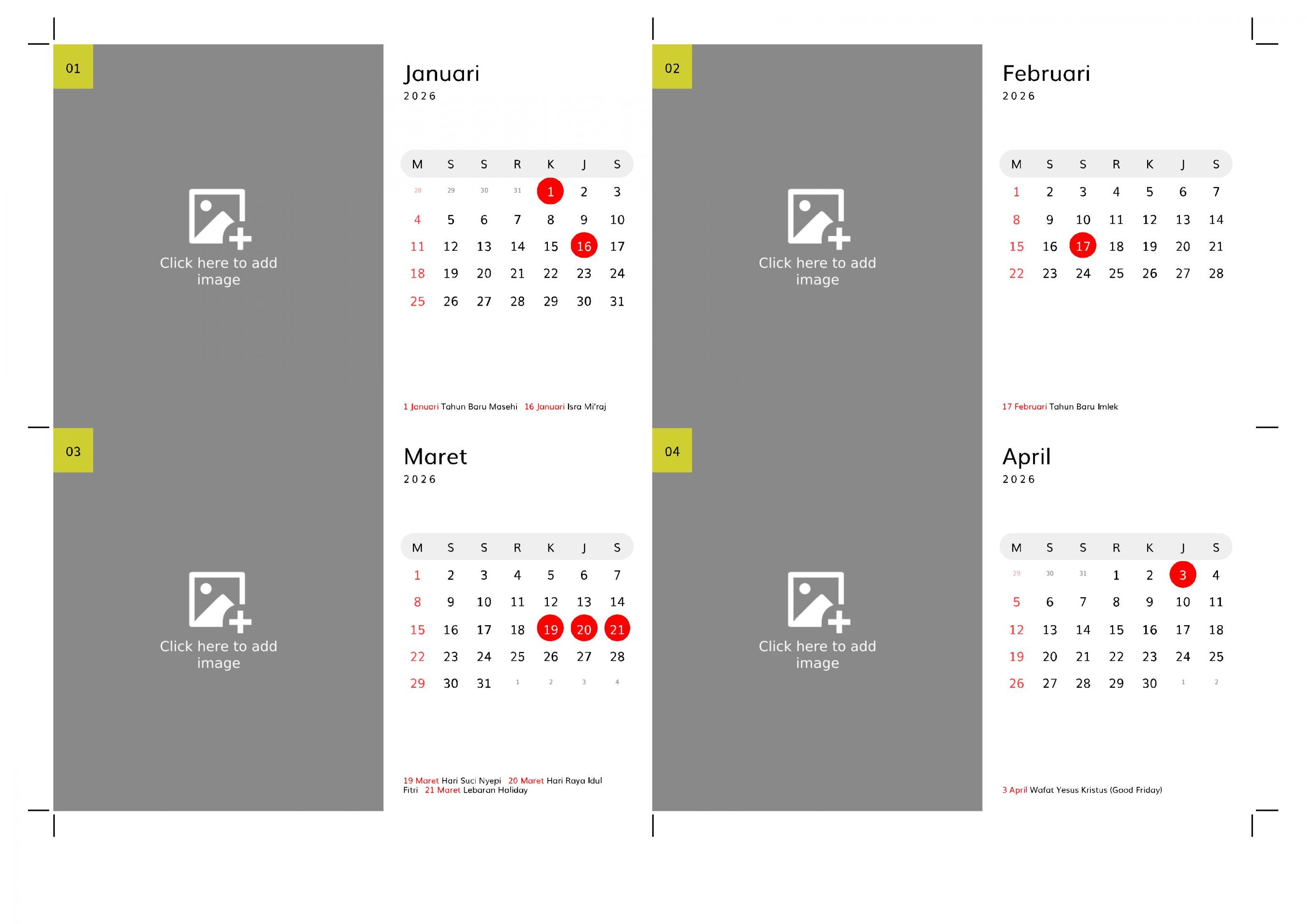
a landscape desk calendar with a stand. This calendar has a wide area for image. Perfect for decoration
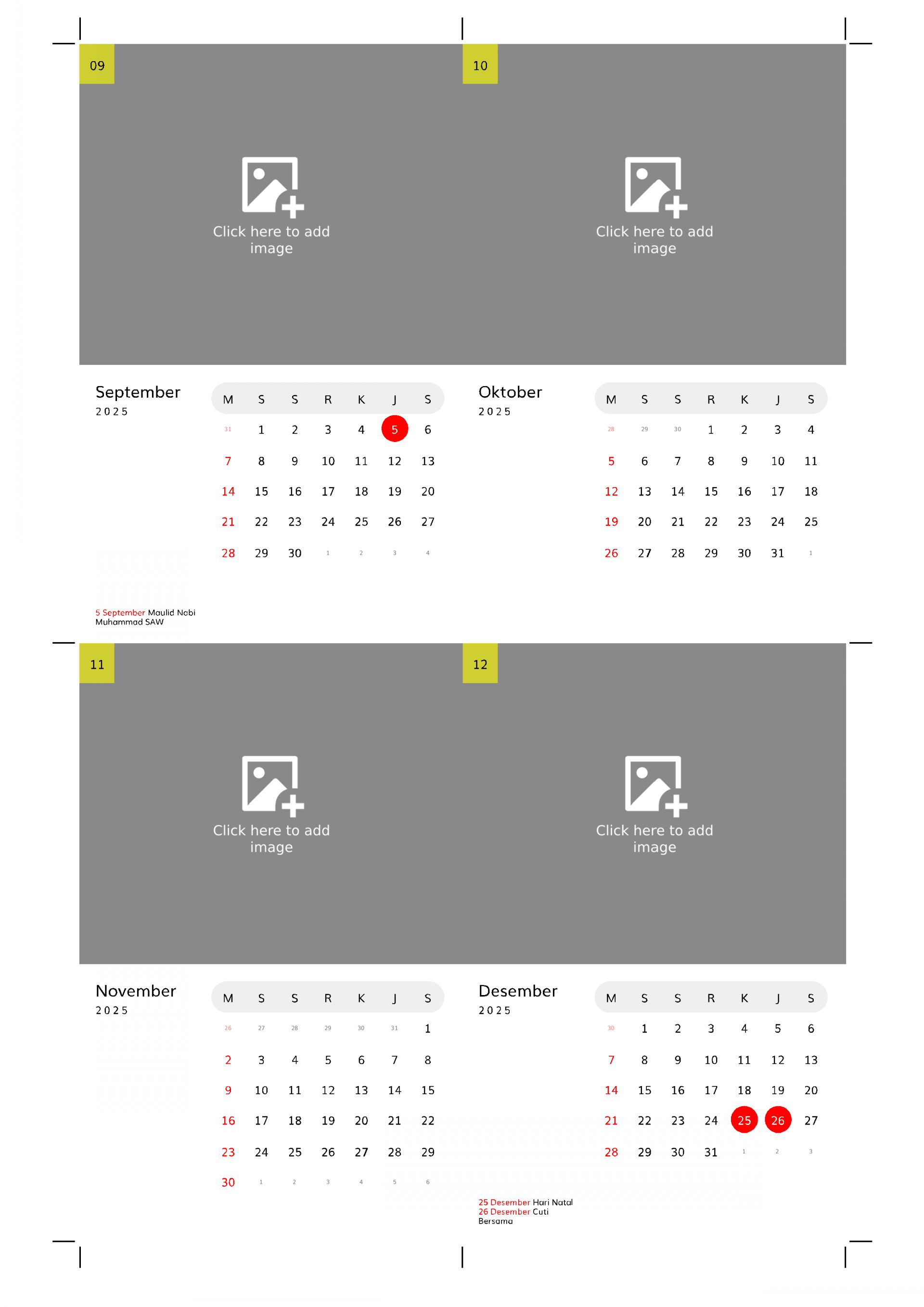
With this free layout, you can easily create a modern portrait desk calendar complete with a stand pattern. Simply choose your preferred language, select holidays, add custom events, and click the generate layout button. The system will automatically display a print-ready layout, which you can save as a PDF or print directly using your printer by clicking the print button.
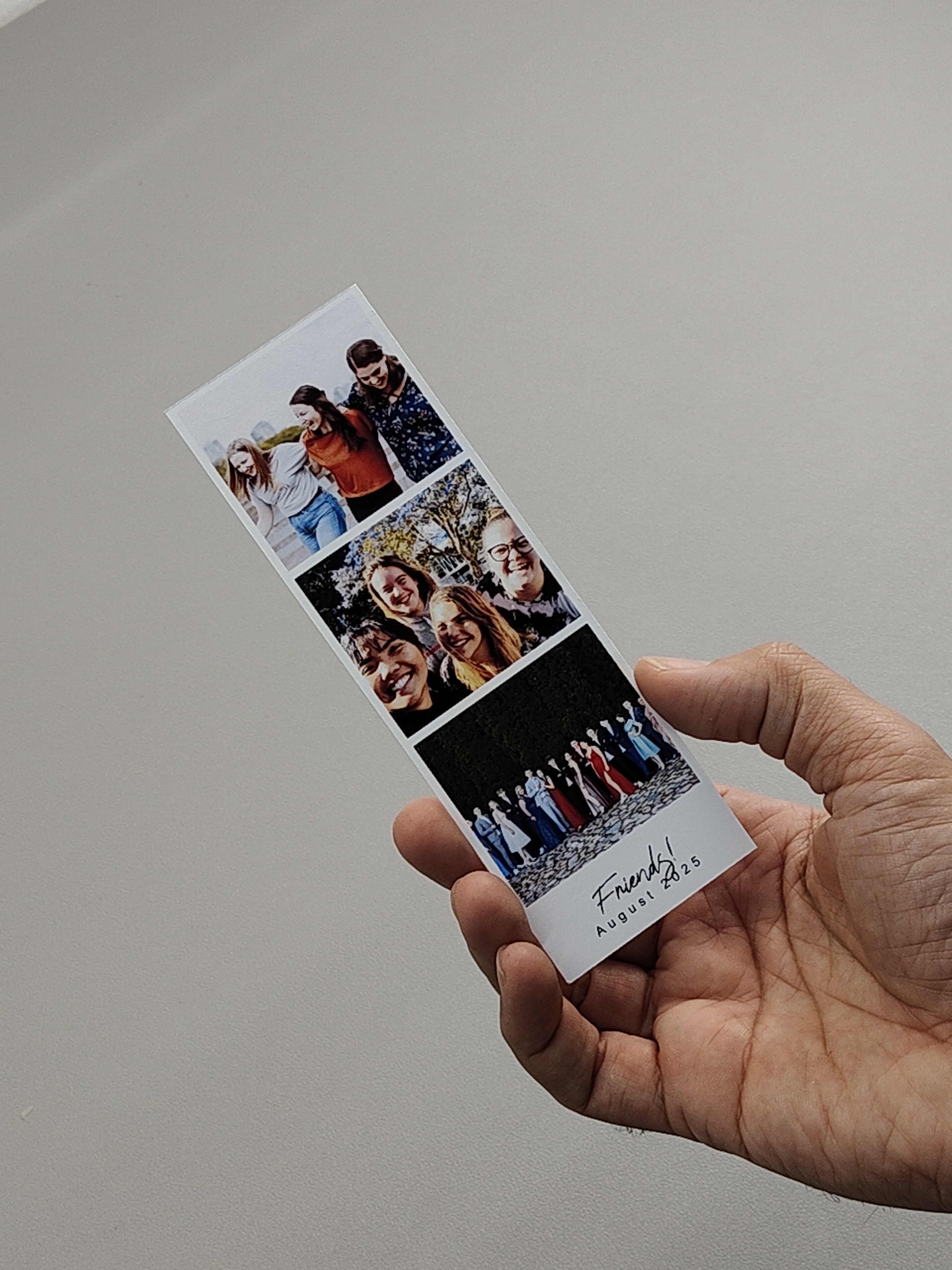
This is a three-stack photo strip layout featuring three vertically arranged photos and a text area at the bottom for captions, notes, or personalized messages. It’s perfect for commemorating events, showcasing memories, or creating printable keepsakes.