
This is a layout designed for creating printables. With this layout, you can easily generate multiple printables in just a few steps. Simply enter the paper size and the number of printables you want, and our system will automatically generate the most optimal layout, ready for printing and cutting. Even better, you can customize the template using the built-in editor. Just click the “Layouter” tab in the editor to add graphic components and adjust the layout with ease.
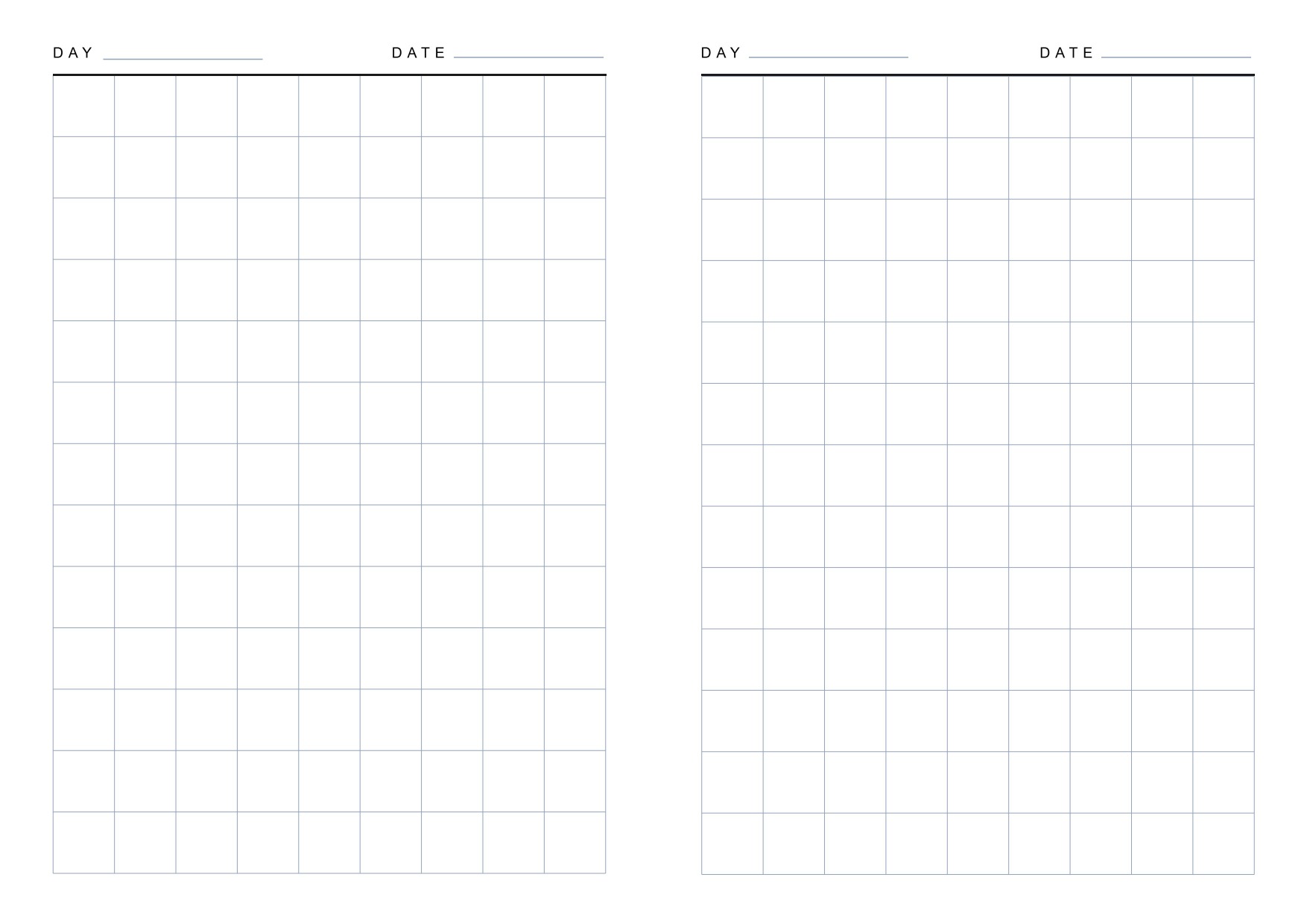
A layout for creating grid notebooks or scribble books. Each grid square measures 14x14mm and is designed for A5 paper without binding space. Print on A4 paper both sides for wire binding or staples. Suitable for learning to write kanji, Japanese katakana/hiragana, or other kanji-like characters.
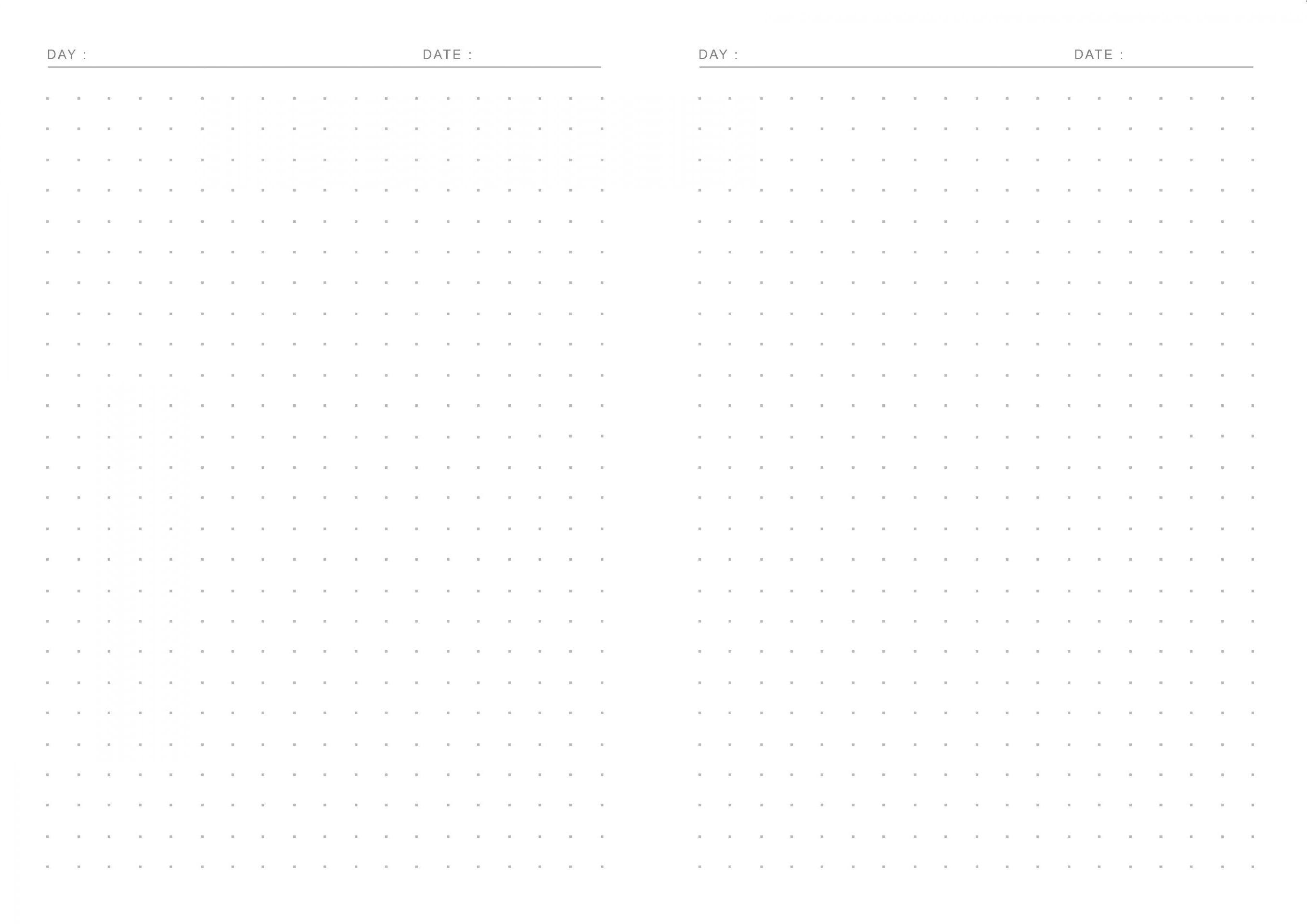
A layout for creating a dot grid notebook. Each grid square measures 7x7mm and is designed for A5 paper without binding space. Print on A4 paper both sides for wire binding or staples. Perfect for drawing or sketching assignments.
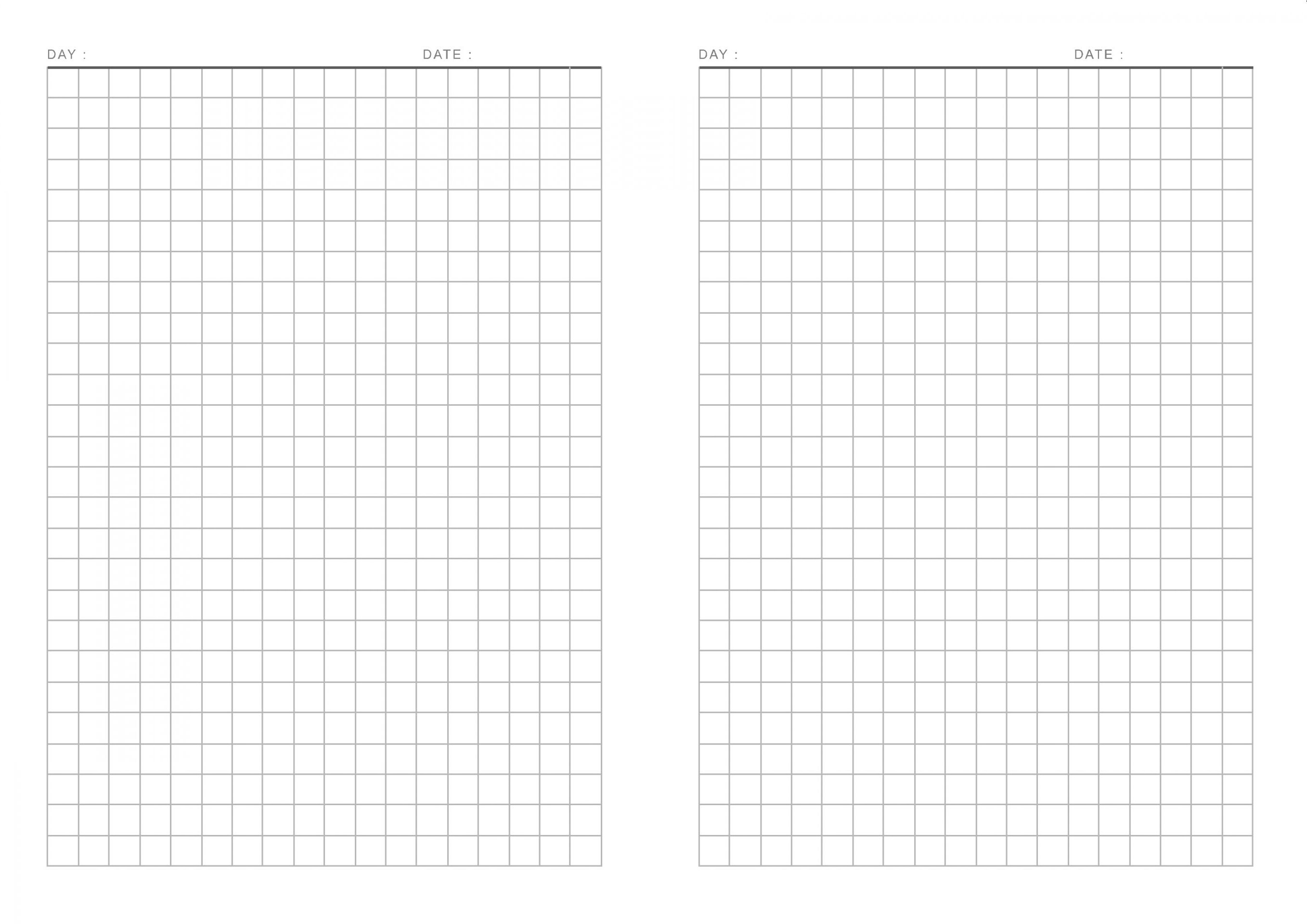
A layout for creating grid notebooks or scribble books. Each grid square measures 7x7mm and is designed for A5 paper without a binding element. Print on A4 paper, both sides, for wire binding or staples. Perfect for children’s math assignments.
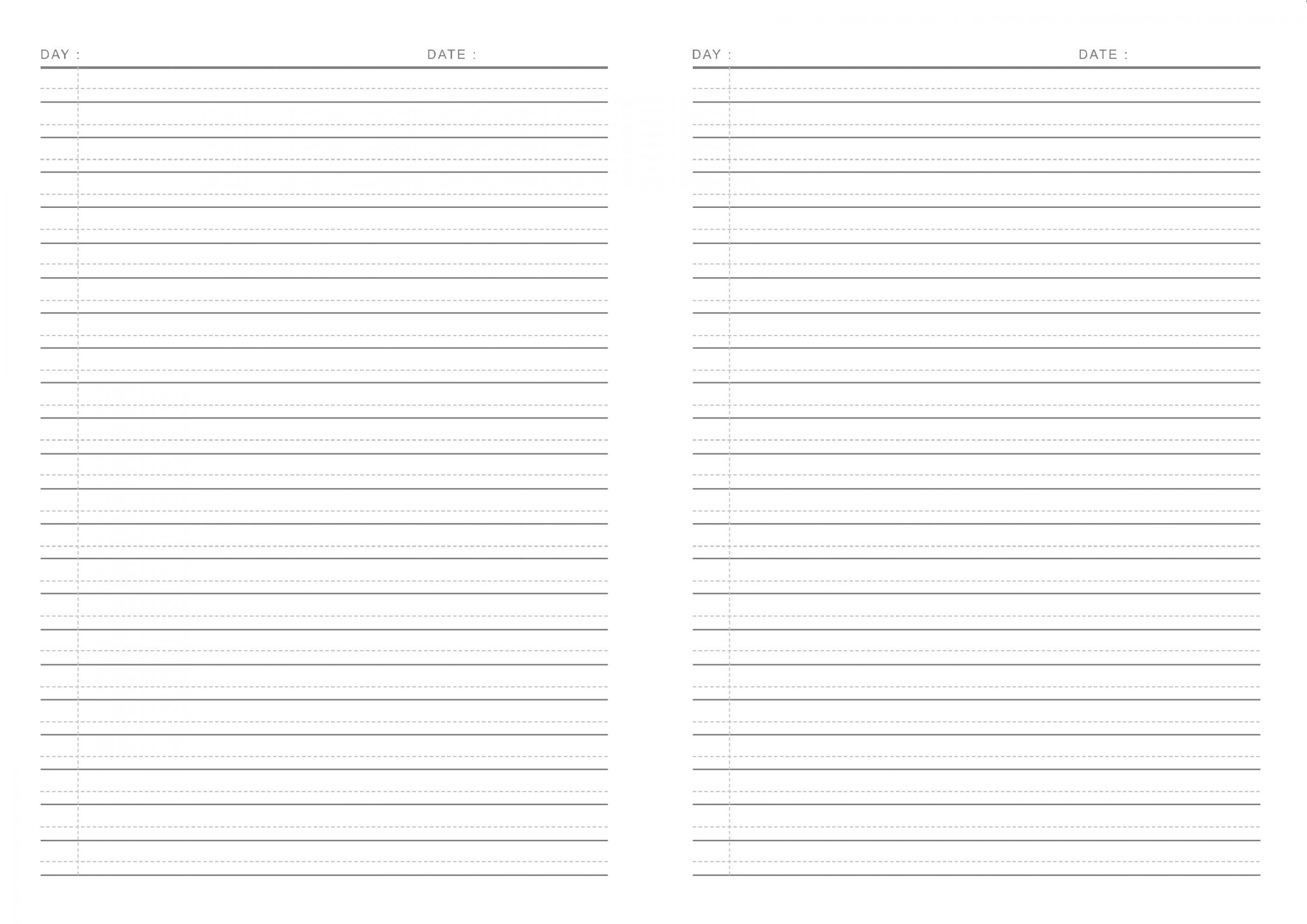
Layout for making a notebook. The line spacing is 8 mm, with additional guide lines for cursive or Latin writing. Suitable for children learning cursive handwriting. You can print it directly on A5 paper or use A4 paper with double-sided printing so it can be bound with staples.

A photo grid layout in 5R size with additional text at the bottom. Perfect for use as a photobooth layout, greeting card, or invitation.
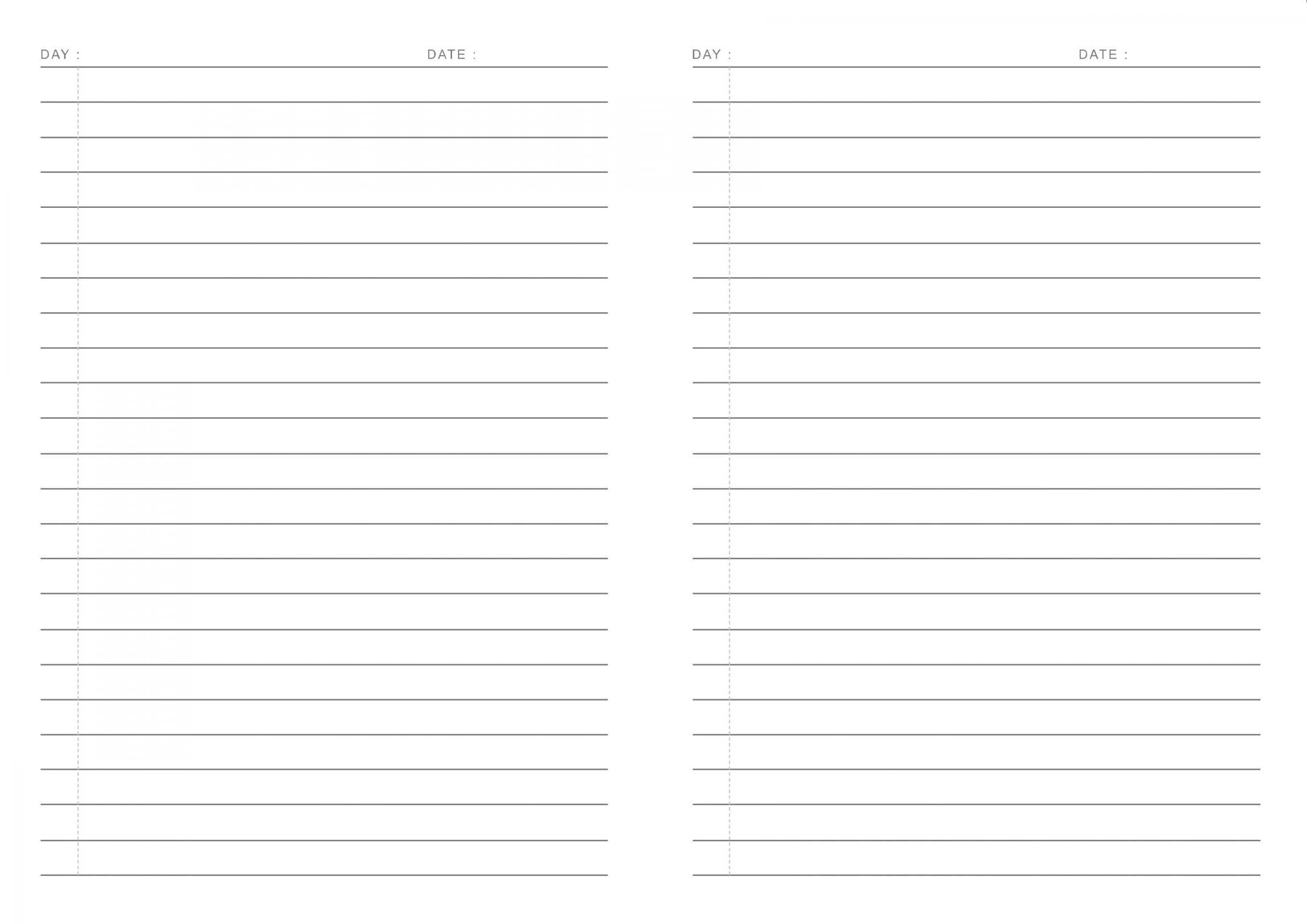
This layout is designed for making notebooks, with 8 mm line spacing that’s ideal for quick note-taking. You can print it directly on A5 paper, or use A4 paper with double-sided printing so it can be stapled into a bound notebook.

With this layout, you can print Instax Wide-sized photos using commonly available photo paper (usually A4). Not only that, but you also have many paper options to choose from. To create an Instax Wide photo, simply select the paper, decide how many Instax Wide photos you want, add your photos, then print and cut them using a cutter.
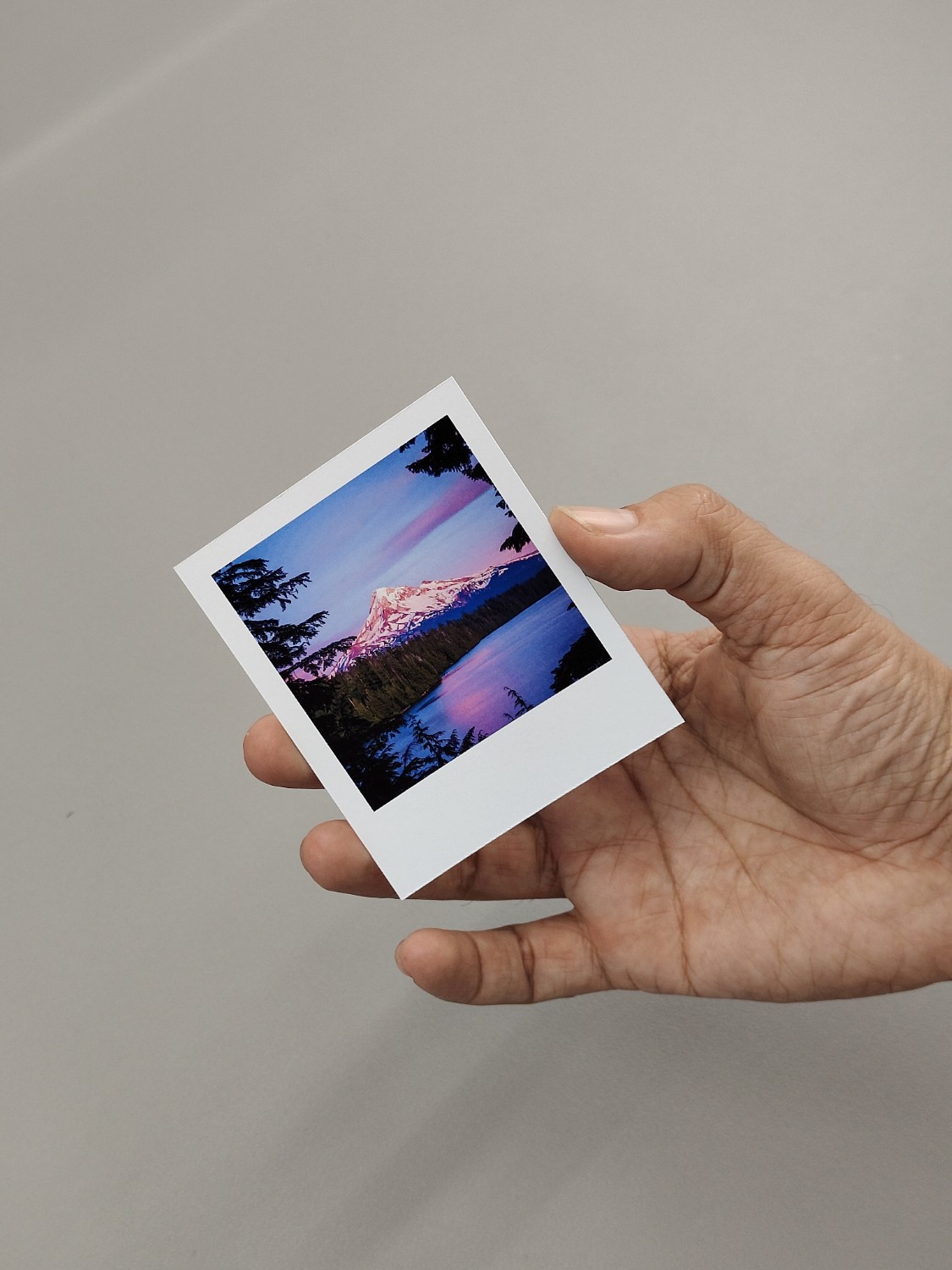
The following layout can be used to create photo prints that are exactly the same size as the Fuji Instax Square.
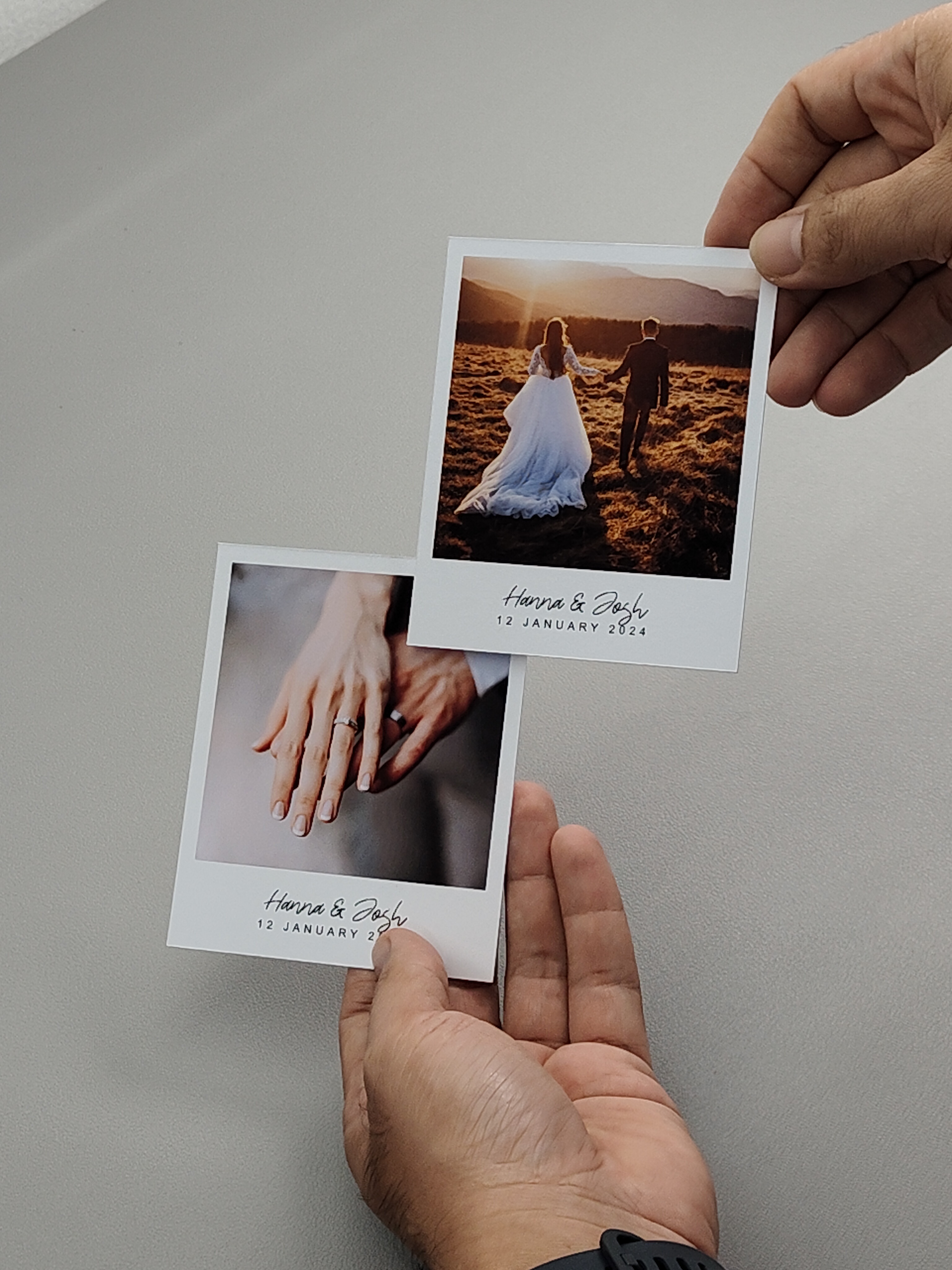
This layout allows you to print Polaroid photos using your home printer. The layout has text on the bottom so you can add your name or something there. You can use any paper size. The system will automatically generate an optimal layout based on the number of photos and the chosen paper size. You can then add your photos, click print to start printing, and finally cut them using a cutter. Regardless of the paper size you choose, the Polaroid photo dimensions will remain accurate.

A calendar with Javanese and Hijri dates at the bottom of each Gregorian date, along with the Hijri month in the top right corner. You can disable the Hijri and Javanese day features.
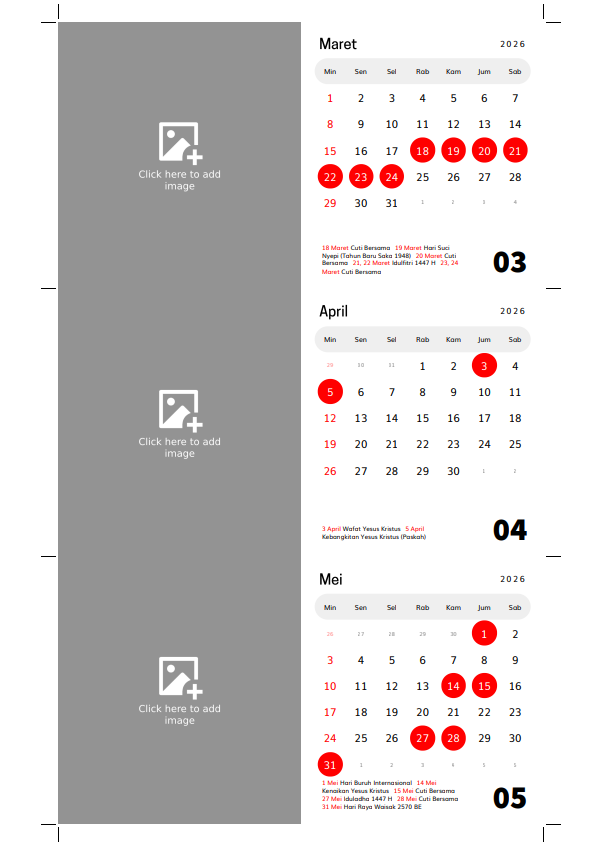
Landscape calendar with a photo on the left and the calendar on the right. To use it, simply print it on thick, sturdy paper (at least 220gsm) and place it on a calendar stand.
