
Explore a variety of calendar layouts designed to help you create your own printable calendar with ease. Optimized for home printing on a standard printer, these layouts ensure a hassle-free experience. Plus, with built-in cutting lines for precise dimensions, you can craft a beautiful, aesthetic calendar using simple tools like a cutter and ruler.

A minimalist desk calendar, perfect for office use. It features a notes section on the right side. Click on the editor mode to change the layout or add components. This calendar requires trimming before use. You can cut it with a cutter or scissors.

This is a layout designed to create a calendar in the size of a credit card or ID card. Despite its small size, the layout still accommodates a dedicated area for holiday descriptions.

A long-shaped calendar that can also function as a bookmark. Includes an area for images and notes.
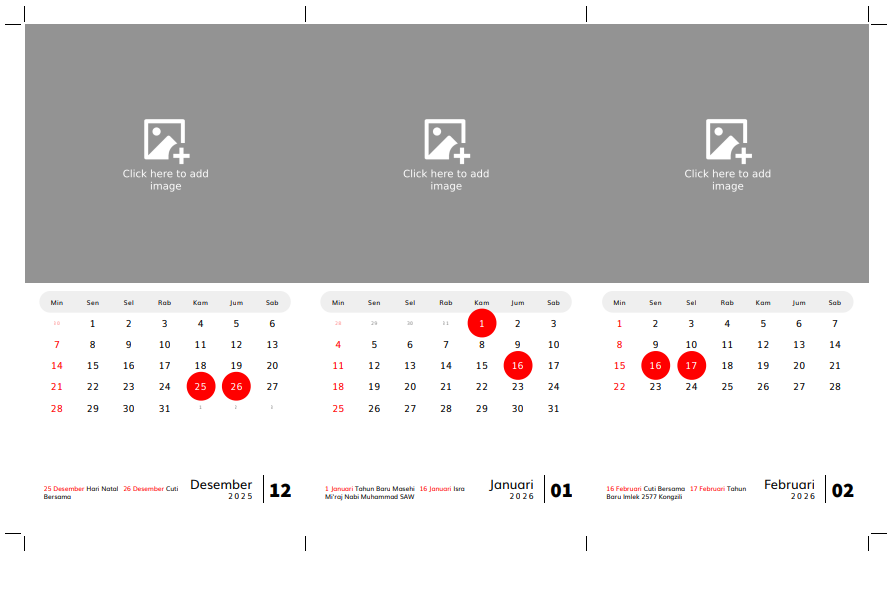
With this printable template, you can create your own desk calendar at home with a custom photo on top and a calendar area below. The calendar section supports holidays from various countries, and you can even add your own custom events. After printing the calendar, you will need to cut it. Cut lines are provided, so you just need to follow the guide for precise and consistent results.

With this layout, you can create a square desk calendar featuring a photo area at the top. You can easily add a photo to this area by clicking it after generating the layout.

With this printable template, you can create a monthly planner featuring a calendar table with accurate holiday listings, a to-do list area, and a notes section. Simply enter the paper size and select the desired month, and the system will automatically generate a print-ready layout.

With this layout, you can easily create a two-month wall calendar per page with a custom photo display at the top. Simply fill in the options below, click the blue button, and the layout will be generated. Just add your photo by clicking the photo area and print! It’s that simple.
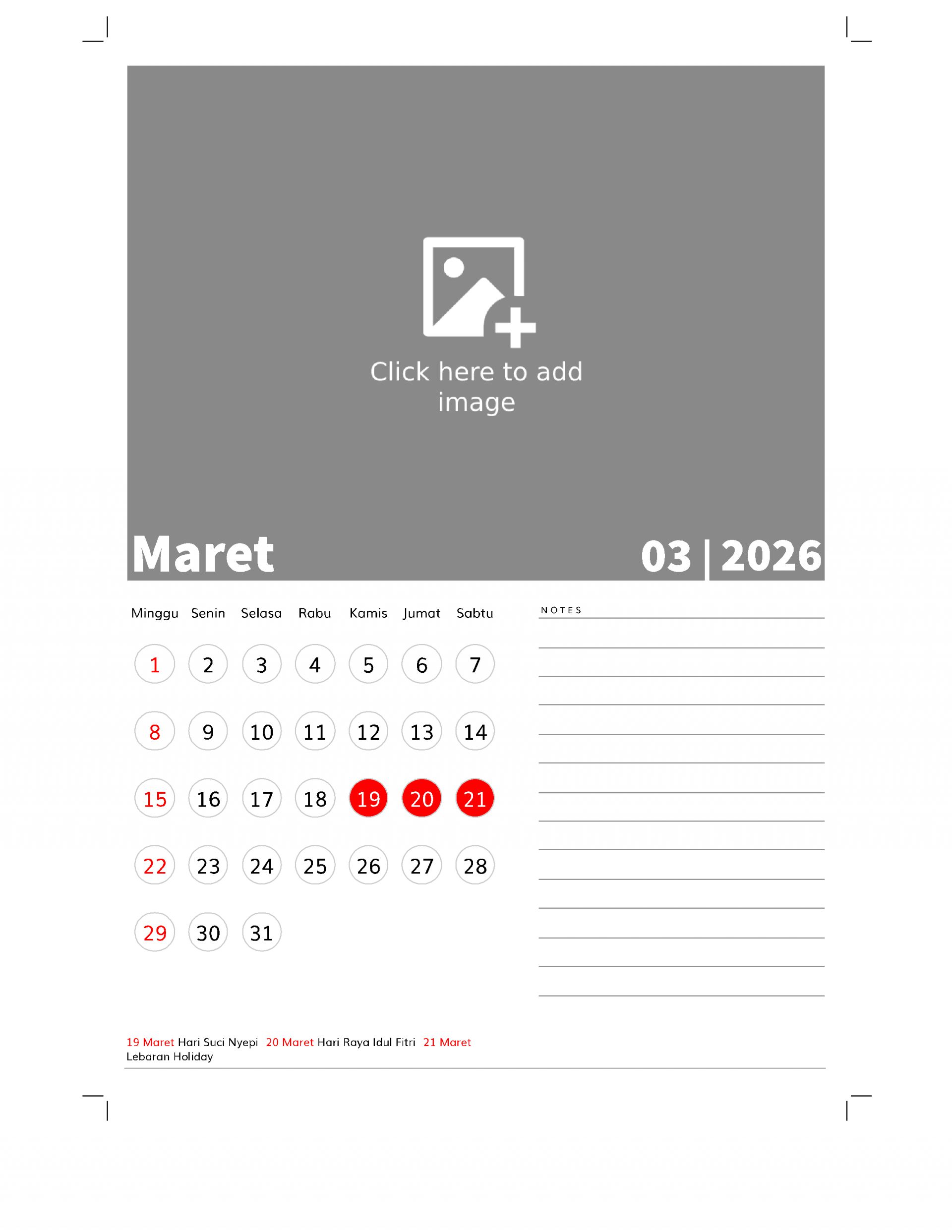
With this printable template, you can easily print a calendar featuring a large photo at the top and a notes area at the bottom. Simply select the settings option, then click the blue button below, and the system will automatically generate the calendar layout. To add a photo, just click on the photo area and upload your image. After that, simply click the print button to print it.
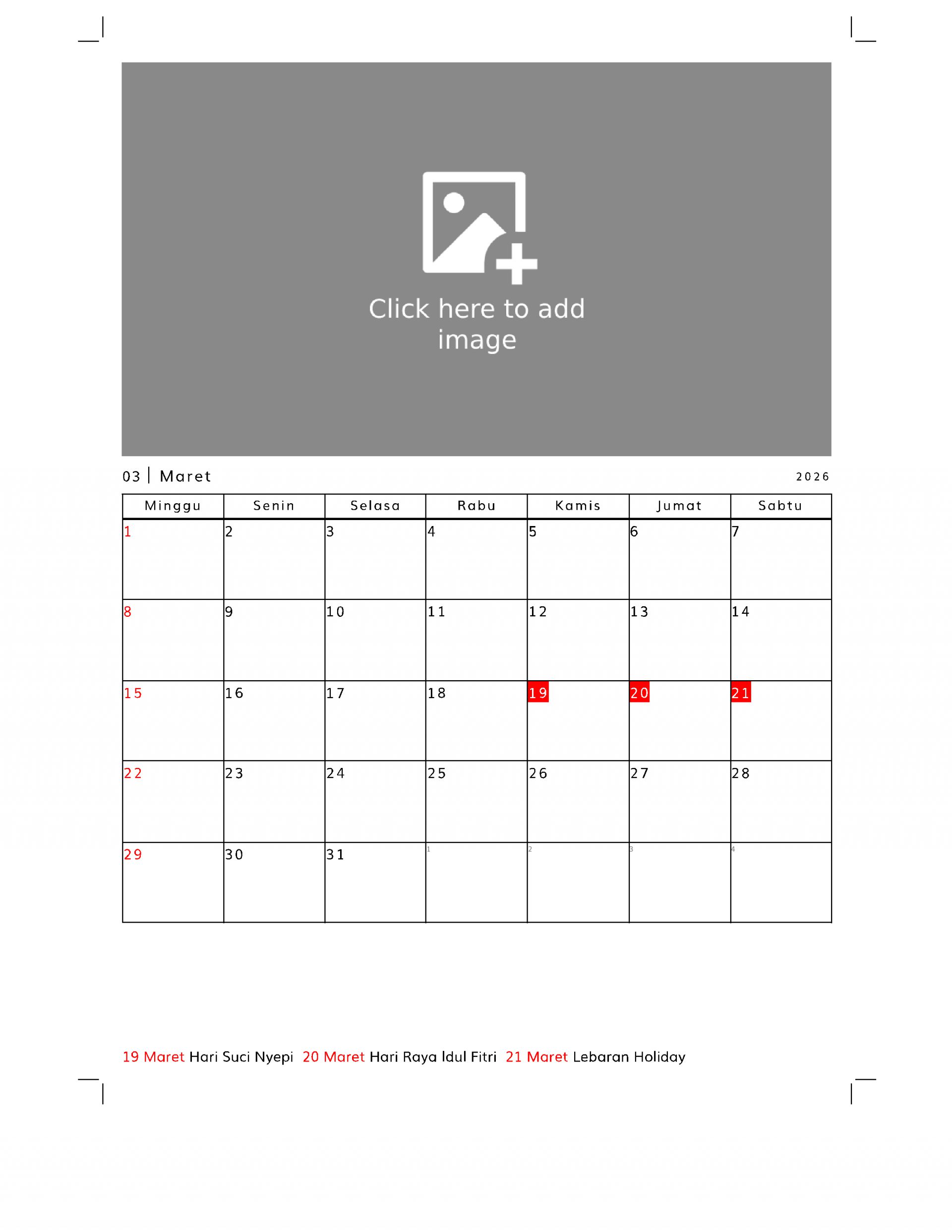
With this template, you can create a planner featuring a calendar table at the bottom and a custom image at the top.
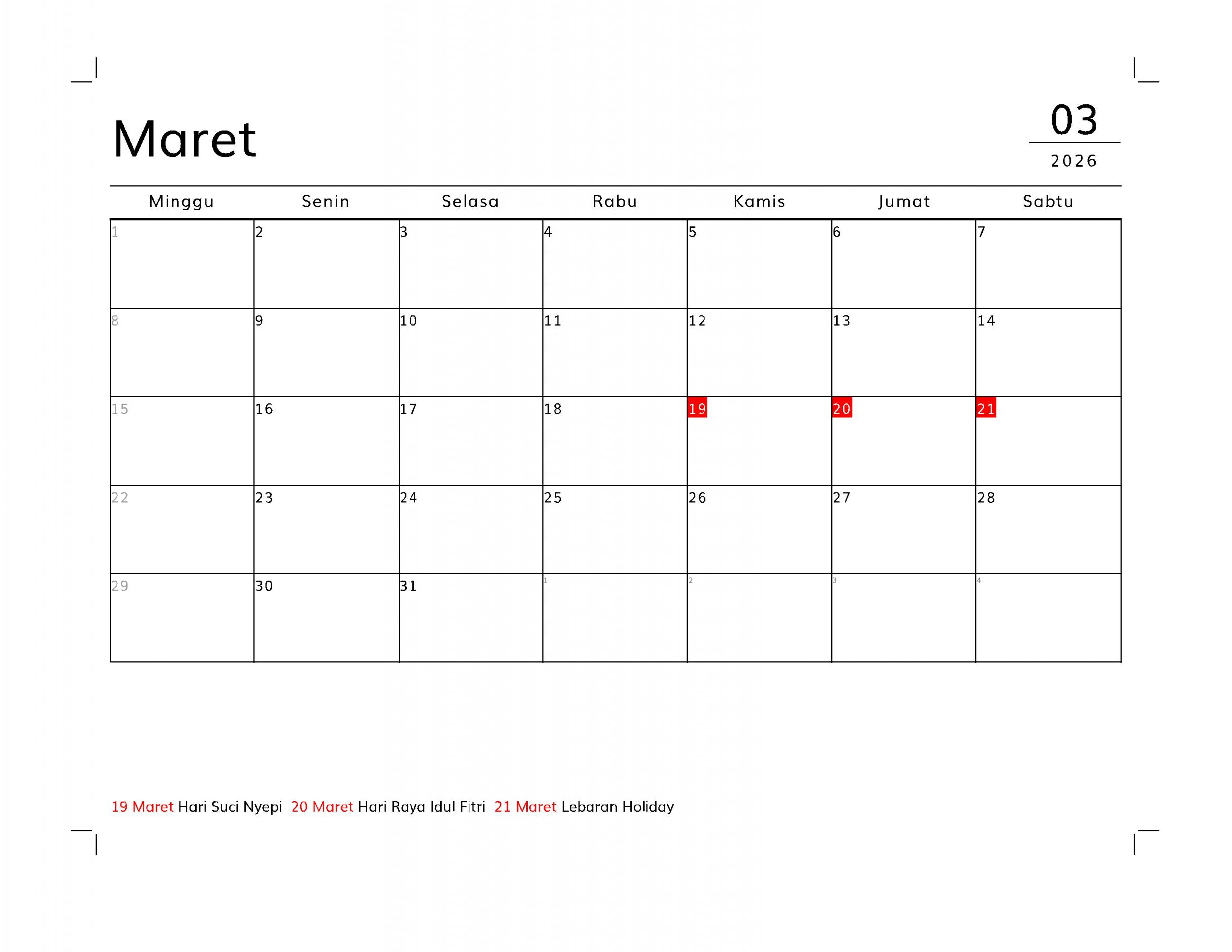
This layout can be used to create a planner with a grid or table calendar display at the top and a grid area below. The calendar table supports national holidays for various countries. Its table format makes it suitable for daily planners. The default paper size is A4. If you want to print it to a different paper size, you can save it as a PDF (print to PDF) first, then print it using a PDF viewer application with the “fit to paper” print option.
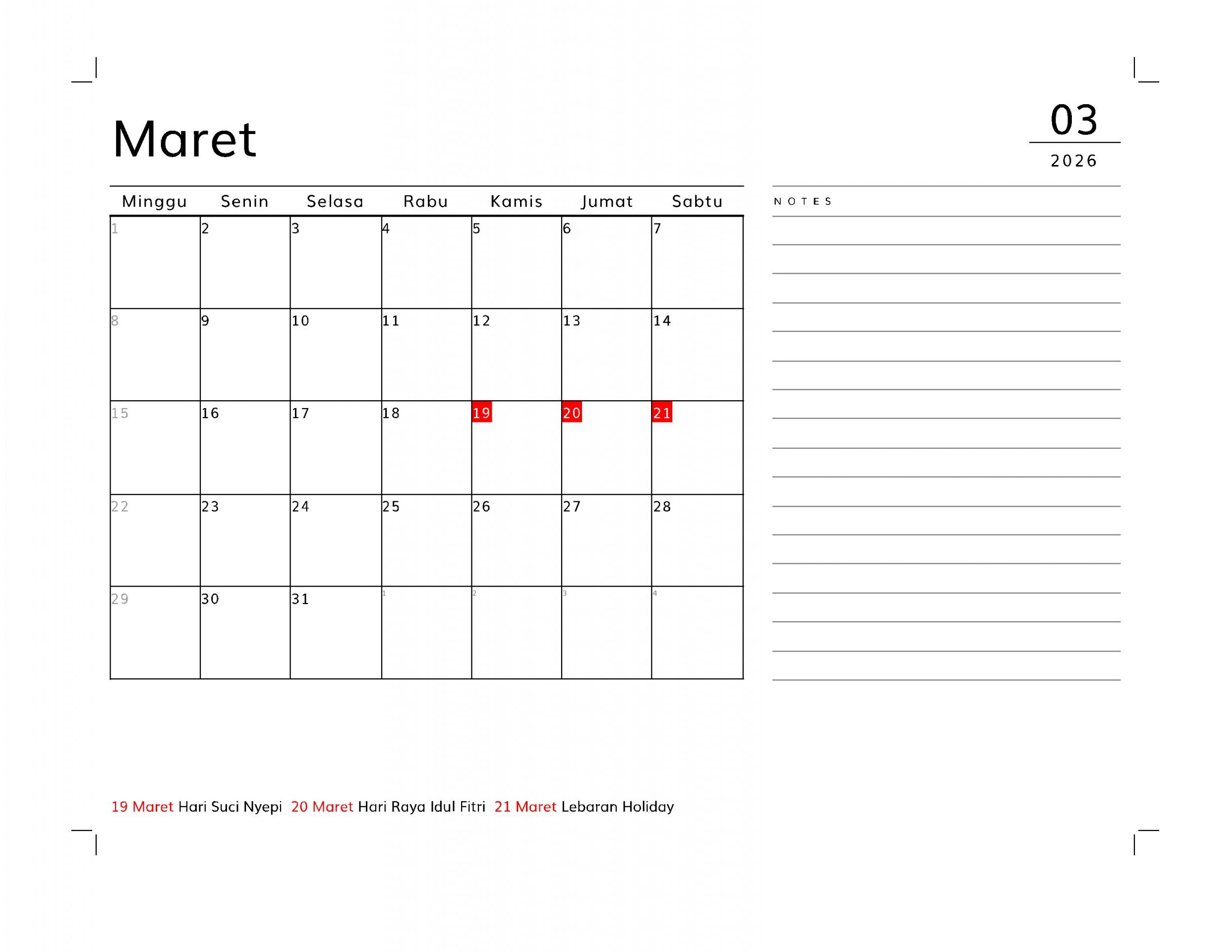
With this layout, you can create a planner featuring a table-style calendar on the left and a notes or memo section on the right. This planner is designed for A4-sized paper, but you can print it in other sizes by first printing it to PDF. Then, open the PDF and select the “fit to paper” print option to print on any paper size.
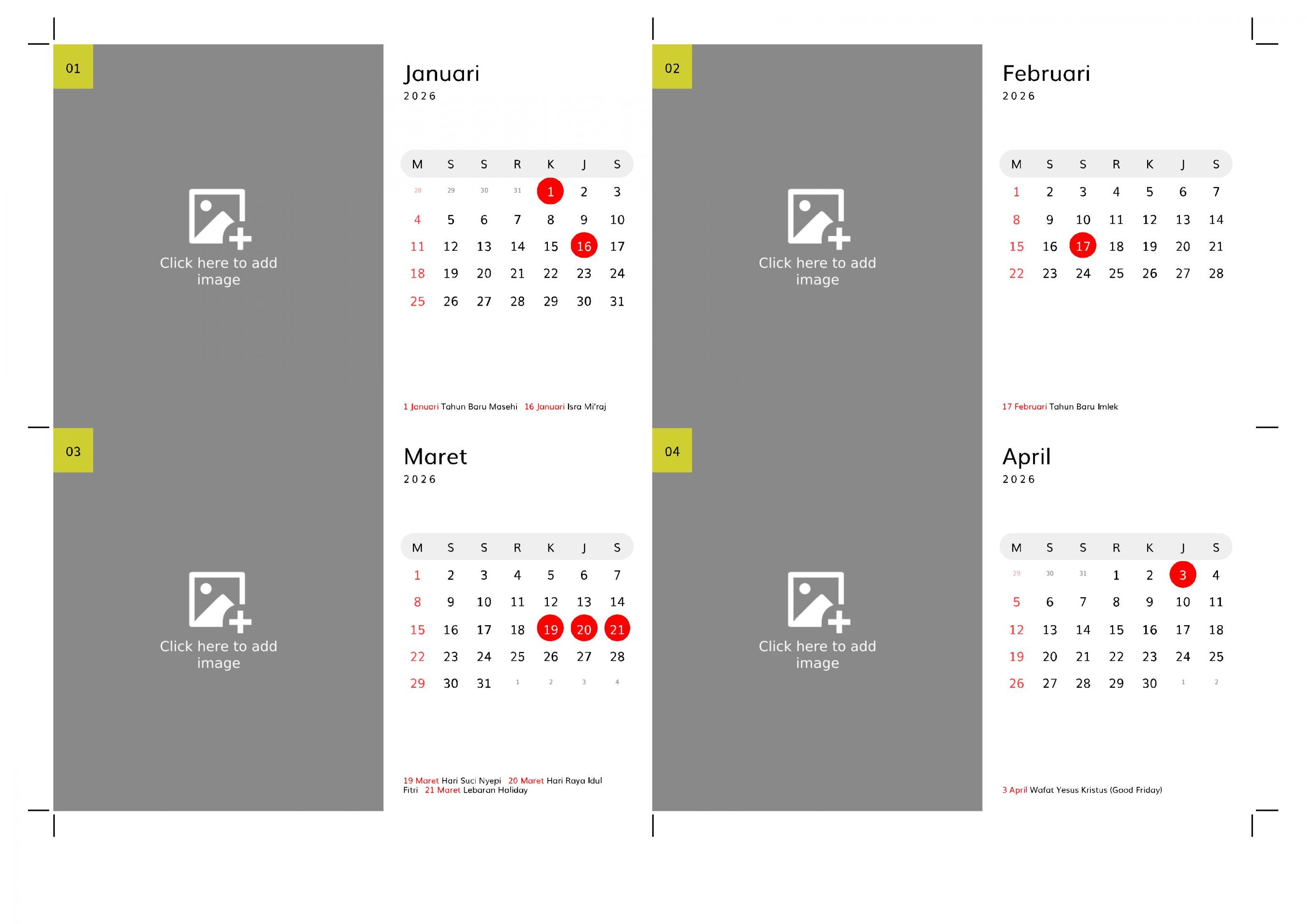
a landscape desk calendar with a stand. This calendar has a wide area for image. Perfect for decoration